01
Pick the garment
Start from a render in CotonAI or a photo of the garment. The silhouette and construction are kept.
See every colour direction (colorway) on the same garment in seconds. Generate colourways in bulk, compare them side by side, and approve the ones worth making.
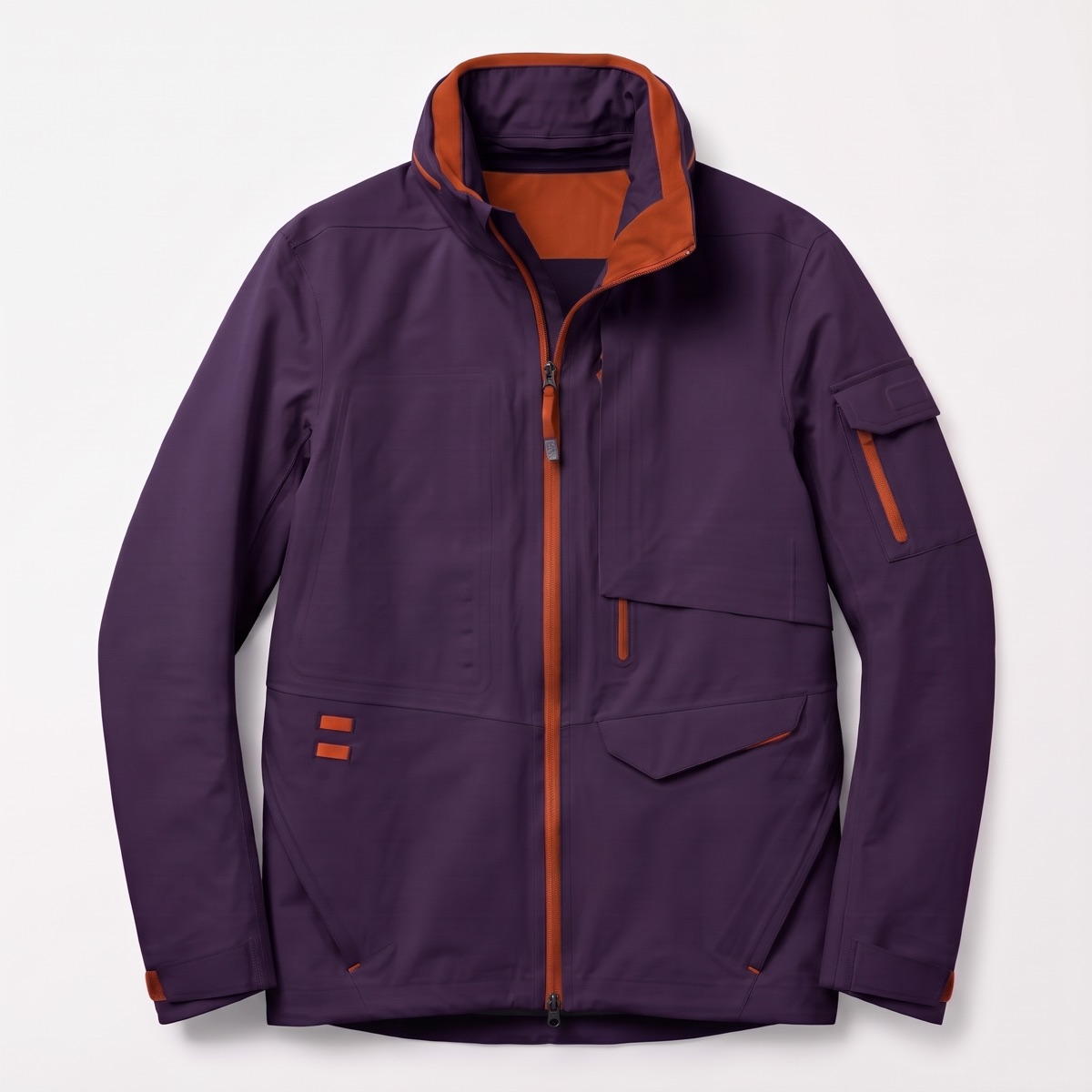
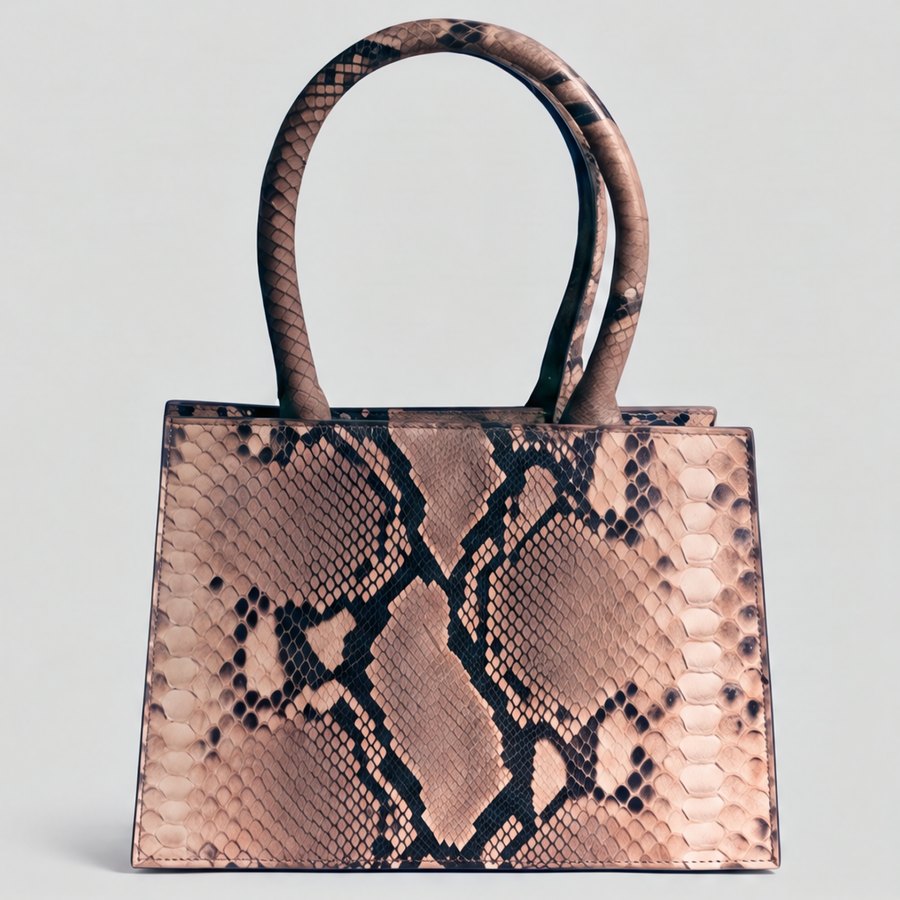
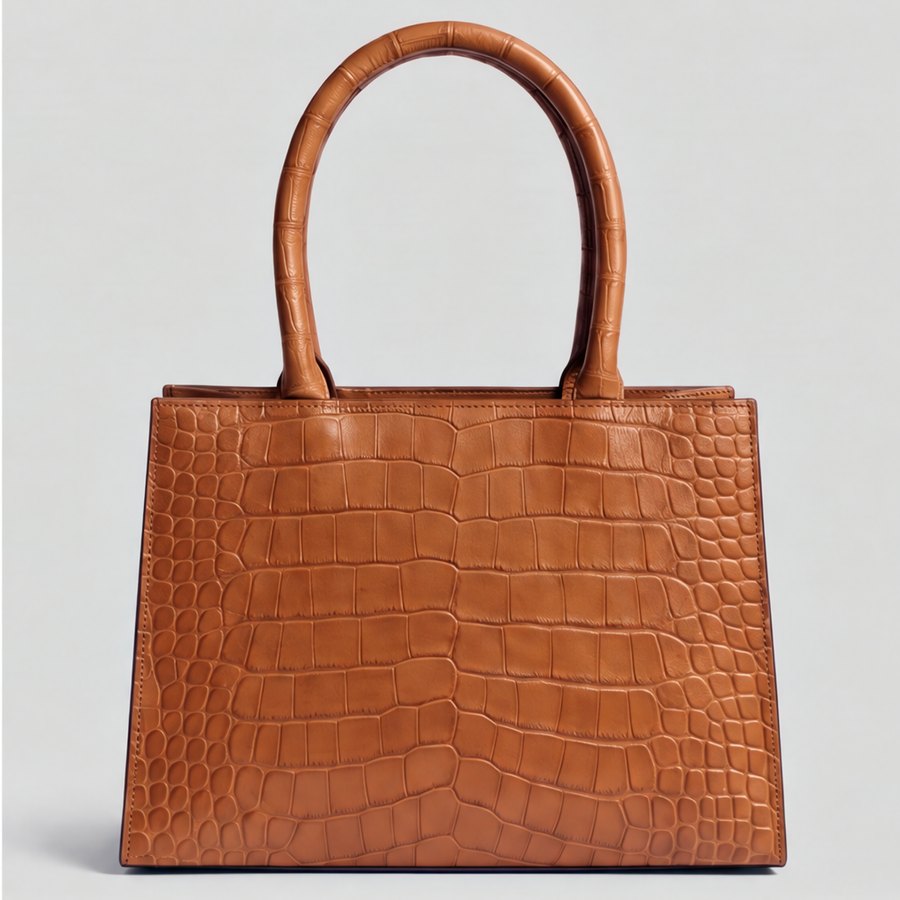
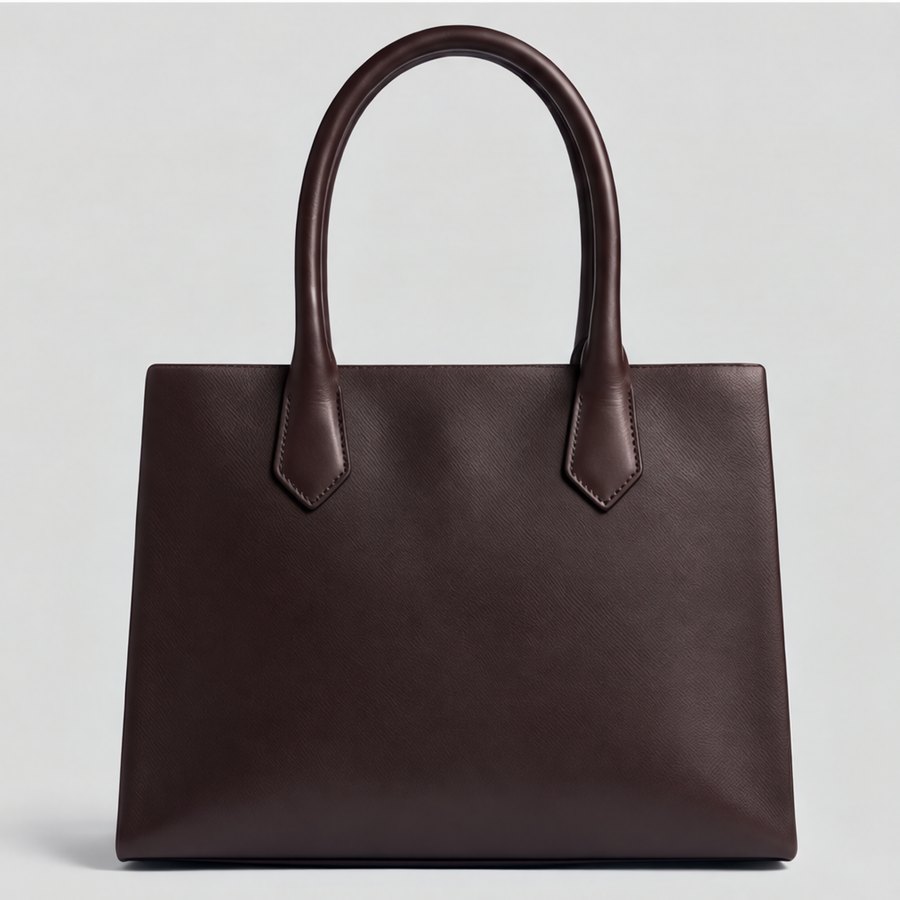
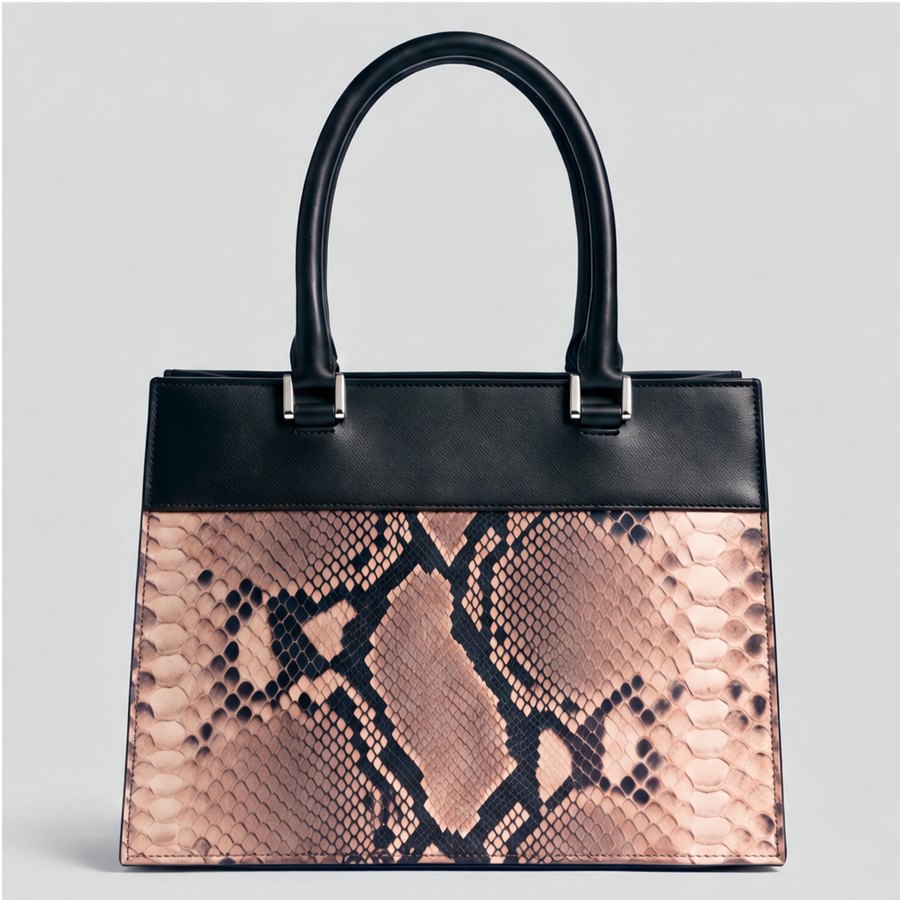
Most teams decide colourways from swatches, mood boards and imagination, then find out how they look when the sample arrives. A colour that read well on a swatch can look flat on the garment, and a palette that worked on a top can clash with the bottom it ships with.
AI colourways in CotonAI put the colour on the garment first. Start from an approved style and generate colour directions on that exact silhouette. The construction, seams and trims stay the same, only the colour changes, so the team compares like with like.
From one approved style to a set of colourways your team can choose from.
01
Start from a render in CotonAI or a photo of the garment. The silhouette and construction are kept.
02
Create colourways in bulk, for example 6, 12 or 20 at once, from a palette, a reference image or a few words.
03
Put the directions side by side, comment on the ones you like, and approve the colourways worth making.
Time, cost and content results with CotonAI.
45%
saved on sample cost
12%
higher sell-through and revenue
2–4months
saved per year in production time
Approved colourways flow into product photography for every listing, into on-model imagery, and into the line sheet with the right colours on every page, so a colour approved in design is the colour buyers see.
A worked example: a design team has one approved hoodie. They generate twelve colourways in one run, mark the five worth keeping, and compare those side by side on the same garment. Merchandising comments directly on two of them, the three approved colours are carried into product photography, and the other nine stay on the board with the style in case a re-order needs them.
The fastest way to judge AI colourways is on your own product, not a demo file. Book a session and bring an approved style and the palette or colour directions you are considering. We will run it in CotonAI with you, show you where it fits in your workflow, and recommend where to start.
Teams that want help setting up can add the Growth Team, who set up workflows and train your people, or the Creative Team, designers who do the work in CotonAI for you. Larger teams can see Enterprise for single sign-on, integrations and custom deployment.
AI colourways are colour variations of a garment generated by AI. In CotonAI they are made on the same silhouette and construction, so you can compare colour directions side by side before anything is made.
You can generate colourways in bulk, for example 6, 12 or 20 at once, and compare them together.
Yes. Recolour a seamless print for each colourway and place it on the garment.
No. The silhouette and construction stay the same, only the colour changes. Edit details separately in the AI fashion editor.
They stay tied to the style and carry into product imagery, line sheets, catalogues and tech-pack drafts.
We'll show you the workflow end to end and recommend where to start.