01
Read the brief
Start from the buyer's references, sketches or photos. CotonAI renders realistic options on the silhouettes and materials requested.
Win buyers with realistic options, not sketches. Turn a buyer's brief into visuals in days, and keep every revision tied to the right style.


 Creatnet Services Pvt Ltd
A buyer sends a brief on Monday and wants to see options by the end of the week. The design work, the sampling and the costing all take longer than that, so the first thing the buyer sees is often a sketch or a photo of something similar, and the real decision waits for samples.
Every extra sample round adds a fee, freight and weeks. Feedback comes by email, against files nobody can tell apart, and the factory later builds from whichever one was forwarded last.
Export houses live between the buyer and the factory. CotonAI turns a brief into options the buyer can react to, and then into specs the factory can build from.

Three steps with CotonAI.
01
Start from the buyer's references, sketches or photos. CotonAI renders realistic options on the silhouettes and materials requested.
02
Share options, collect comments tied to each revision, and compare versions side by side until the buyer chooses.
03
The approved version goes to the factory with its materials and BOM lines, and a tech-pack draft that flags open questions.
Time, cost and content results with CotonAI.
7.5–10hours
saved per SKU
45%
saved on sample cost
95%
faster campaign turnaround
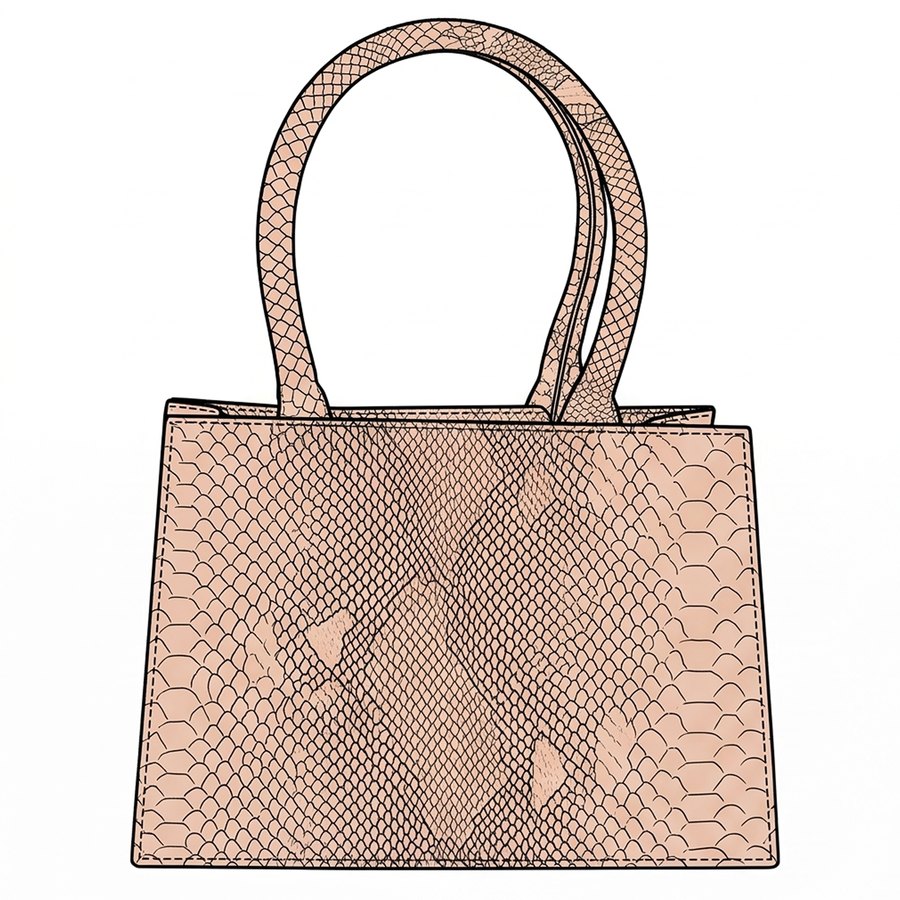
Show the buyer real options in different leathers, not sketches.



Turn a rough sketch or flat into a photoreal product that keeps the construction.
See sketch to renderSee every colour direction on the same garment, in bulk, before anything is made.
See colourwaysComing soon
Tech-pack drafts from drawings, specs and BOM data.
See tech packsLine sheets, buyer decks and order forms from your approved styles.
See wholesaleAn export house receives a brief for three tote shapes in leather. It renders each in python, croc and smooth leather within two days, sends the nine options to the buyer, and receives comments against each. The buyer picks two, the house edits the handles, and the approved versions go to the factory as tech-pack drafts.
Nobody pieces together the final spec from email. It is on the style, with the comments that shaped it.
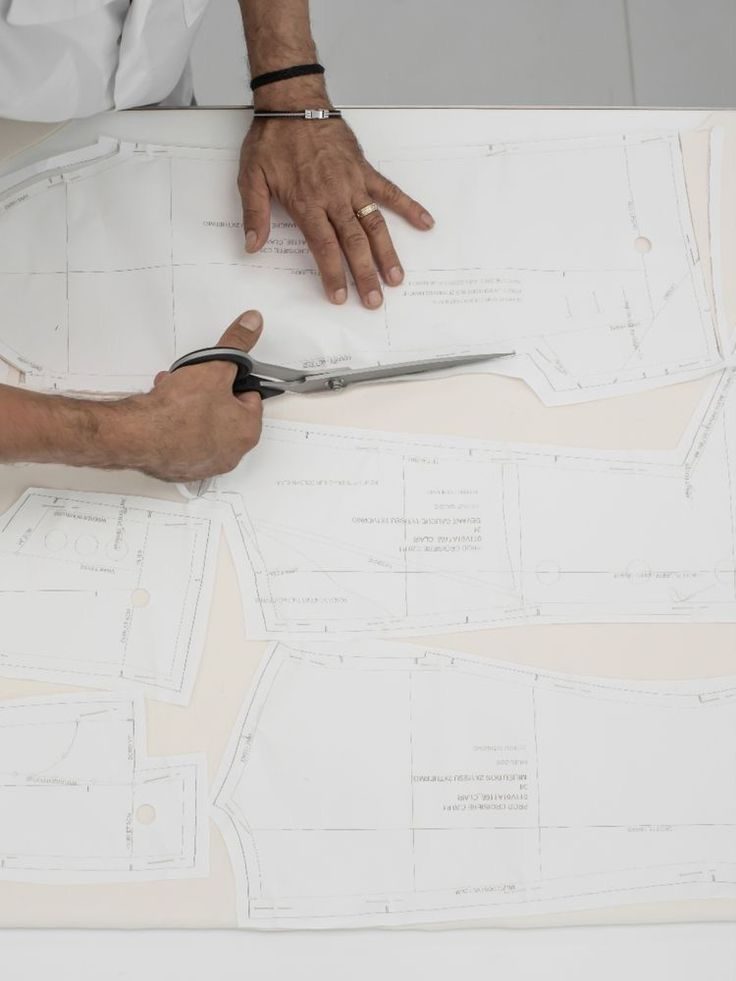
The fastest way to judge CotonAI for export houses is on your own product, not a demo file. Book a session and bring a recent buyer brief and the references that came with it. We will run it in CotonAI with you, show you where it fits in your workflow, and recommend where to start.
Teams that want help setting up can add the Growth Team, who set up workflows and train your people, or the Creative Team, designers who do the work in CotonAI for you. Larger teams can see Enterprise for single sign-on, integrations and custom deployment.
Export houses use AI to turn buyer briefs into realistic options quickly, keep revisions organised, and hand clean specifications to factories. CotonAI does all three on one record per style.
No. It helps buyers decide earlier and with more information, so fewer samples are made for options that would not have been chosen.
Yes. Comments and approvals are tied to the right revision of the right style.
Yes. CotonAI drafts tech packs and BOMs from the approved design and flags open questions; fully editable tech packs are coming next.
We'll show you the workflow end to end and recommend where to start.