01
Bring in supplier content
Import the supplier photos and product facts, and match each asset to the right style and colourway.
Consistent product content at scale. Match supplier images and facts to the right style and colourway, then produce on-brand content across the catalogue.
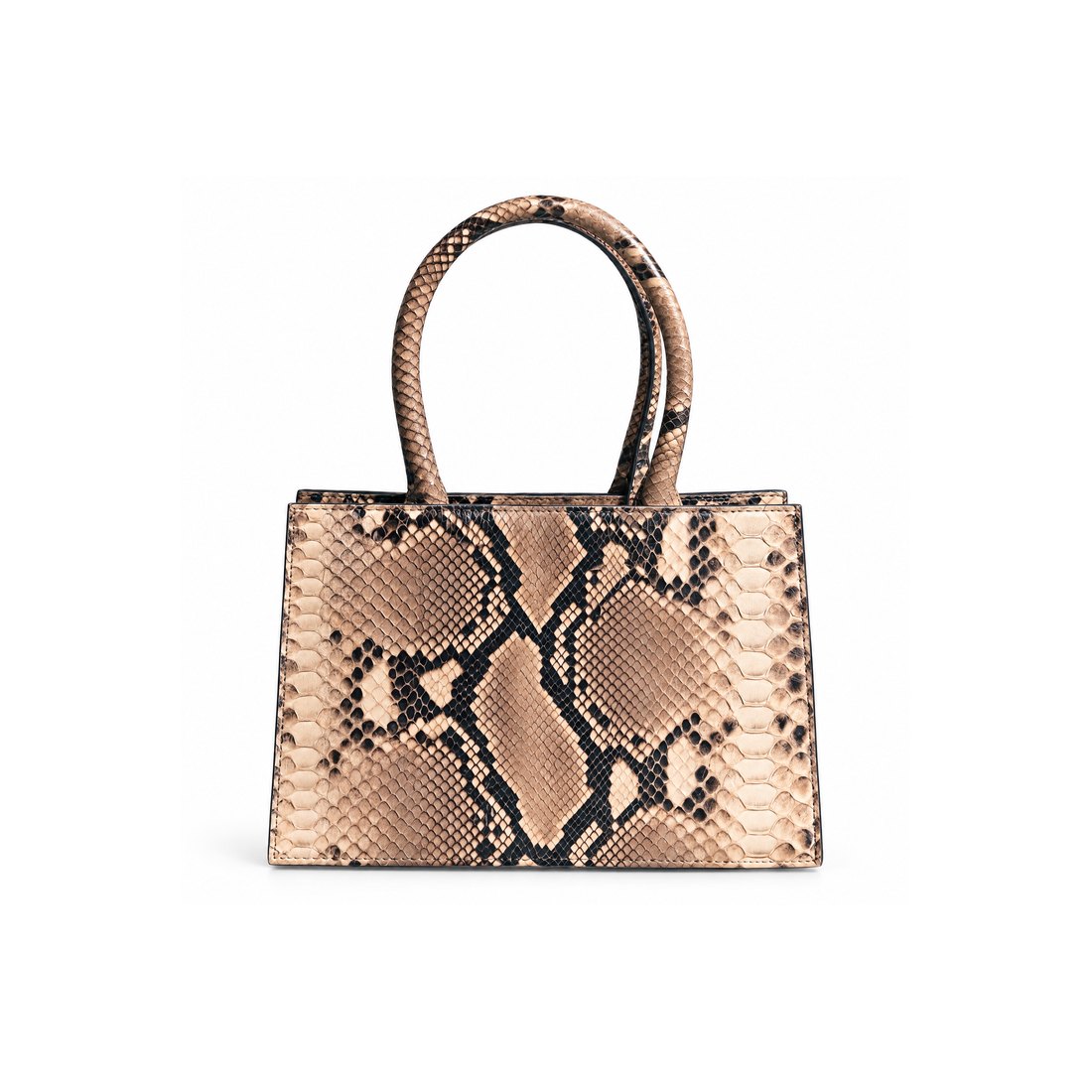
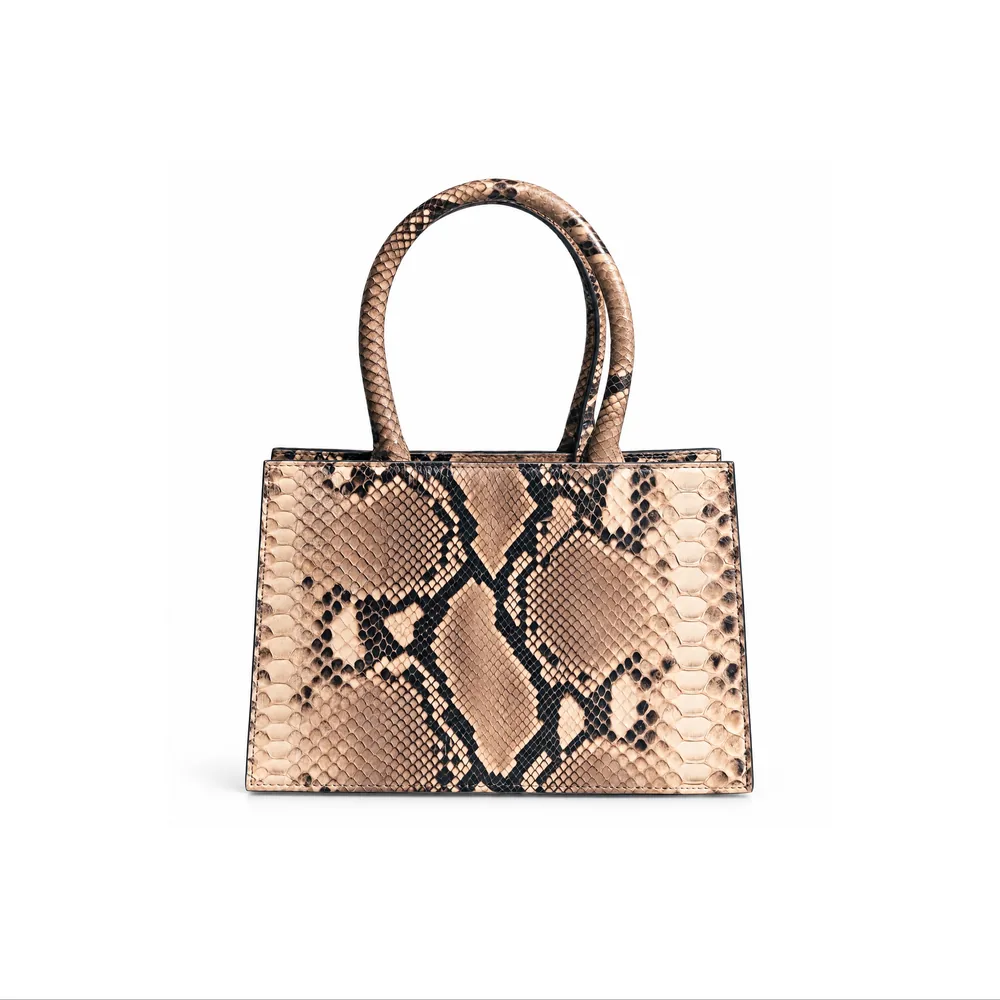


 Be You Be One
Supplier images arrive in every size, background and style. Some are too dark, some have watermarks, some do not match the colour in the data. Re-shooting is slow and expensive, and leaving them as they are gives the site an uneven look and invites returns.
Matching the right image to the right colourway across thousands of SKUs is the quiet cost that never shows up in a plan.
Retailers carry thousands of products from many suppliers, each with images and data in a different shape. CotonAI makes that content consistent without a reshoot per SKU.
Three steps with CotonAI.
01
Import the supplier photos and product facts, and match each asset to the right style and colourway.
02
Produce a consistent set for every product with batch creation: the same angles, backgrounds and lifestyle scenes.
03
Review and approve the set, then export it to your storefront and channels.
Time, cost and content results with CotonAI.
3×
content output, no added headcount
95%
fewer photoshoot resources
96.8%
lower production costs
Front, back and side views that match, whichever supplier the photo came from.
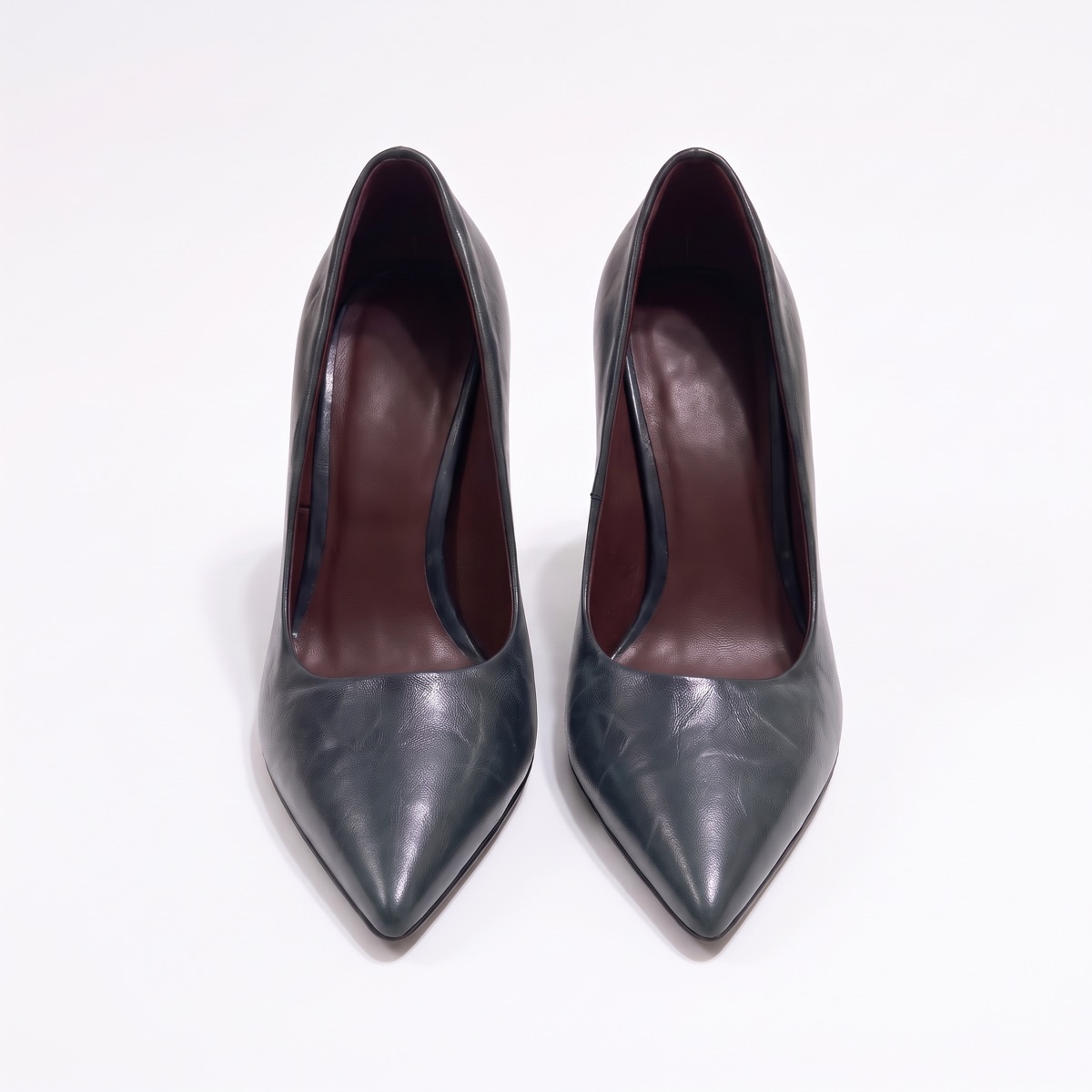
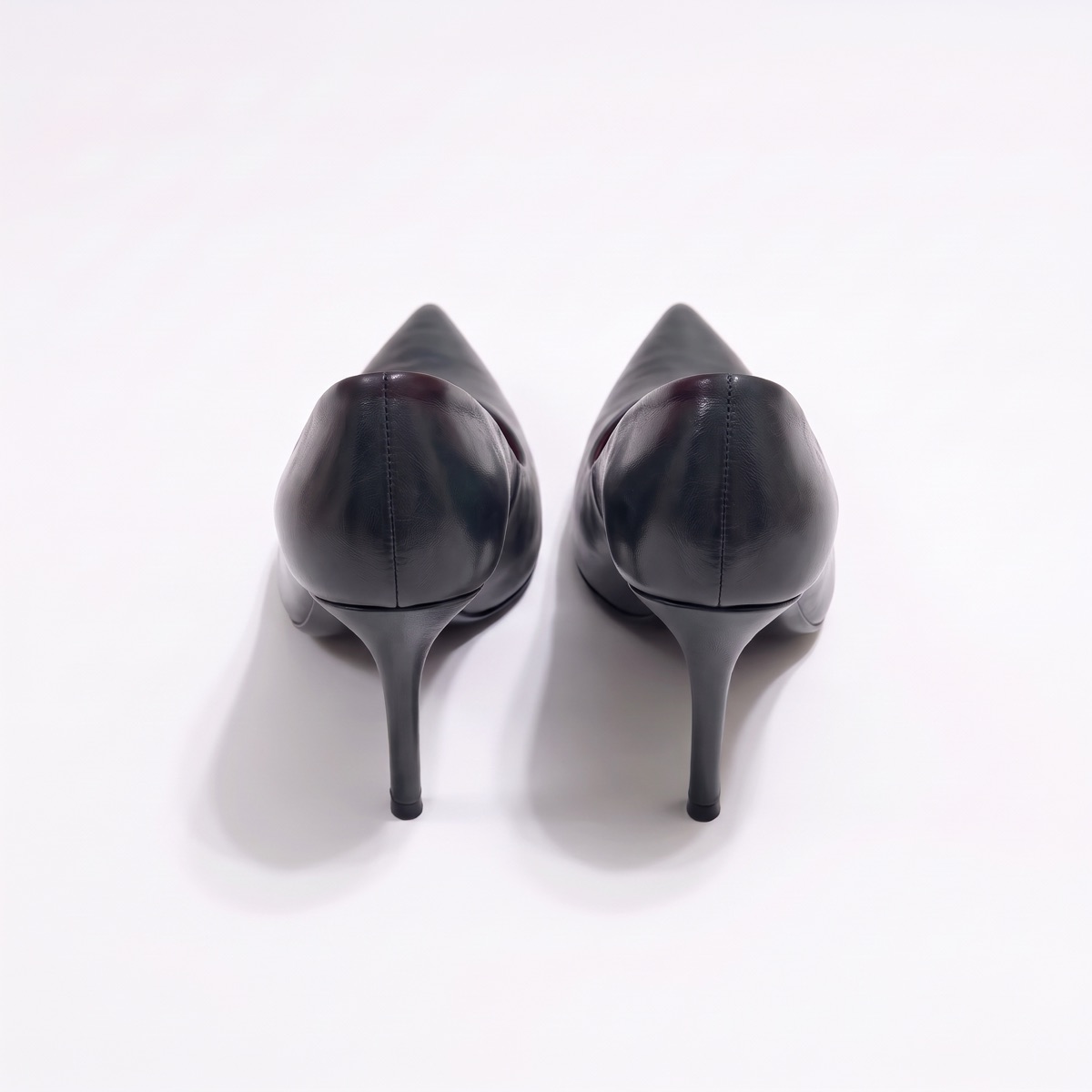
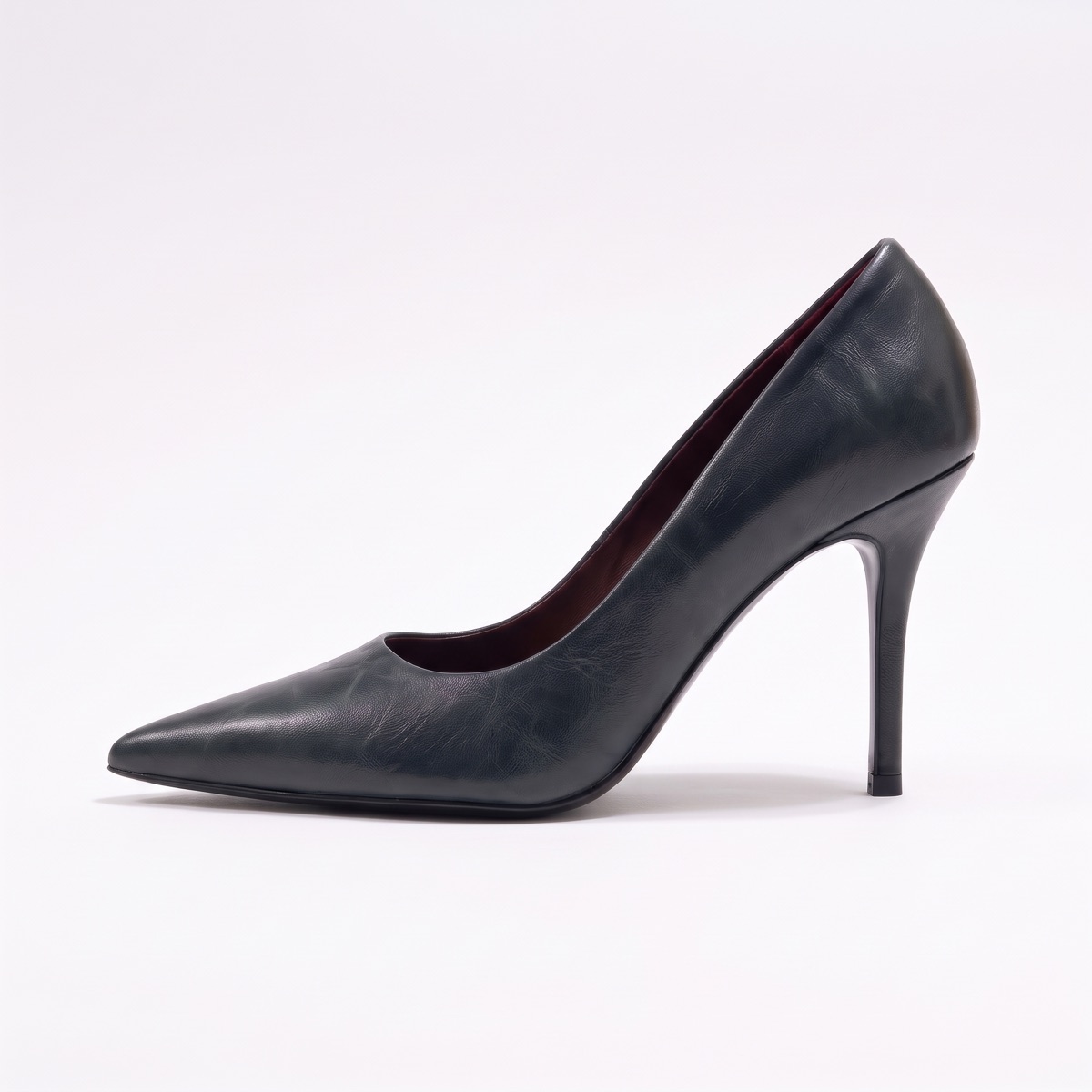
Every angle, view and backdrop your listings need, true to the product.
See product photographyLifestyle and campaign scenes for your store, email and social, without a shoot.
See lifestyle photographyOn-model imagery and virtual try-on, with a consistent cast across every shoot.
See AI fashion modelsComing soon
Catalogues with prices, MOQs and delivery windows, built from the approved line.
See cataloguesA retailer receives product photos for a new range of bags from three suppliers. It matches each photo to its style and colourway, runs one saved set of shots across all forty SKUs, reviews the results in one session, and exports them to its store.
When a supplier adds a colourway later, the same saved set produces matching images, and the listing looks like the rest.
The fastest way to judge CotonAI for retailers is on your own product, not a demo file. Book a session and bring product photos from a few suppliers and the image set your site uses today. We will run it in CotonAI with you, show you where it fits in your workflow, and recommend where to start.
Teams that want help setting up can add the Growth Team, who set up workflows and train your people, or the Creative Team, designers who do the work in CotonAI for you. Larger teams can see Enterprise for single sign-on, integrations and custom deployment.
Retailers use AI to turn supplier photos into consistent listing images, match assets to the right variant, and produce on-brand lifestyle content across the catalogue.
CotonAI is built to keep shape, texture, labels and colour true to the original. Every image can be reviewed before it is published.
Yes. Save your settings once and apply them across the catalogue in batches.
Finished images export to your storefront, including Shopify. See the Integrations page for the list of connections.
We'll show you the workflow end to end and recommend where to start.