01
Set up each client
Create a separate workspace for each client with its brand rules, past work and approvers.
Run every client from one place. Keep each client's brand, history and approvals separate, and deliver campaigns without re-briefing from scratch.

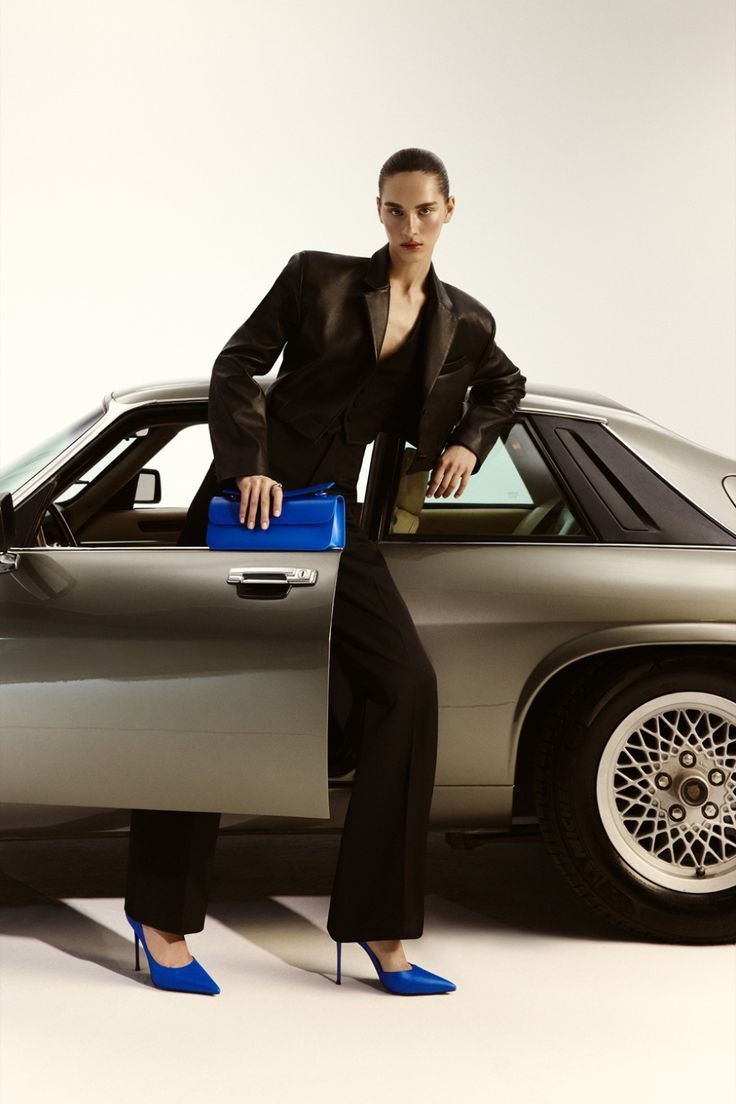


Each client brings a brand book, a tone, a set of approvals and a history of what has been tried. Doing the work in a shared set of folders makes it easy to use the wrong logo, the wrong palette or an old version, and the new brief starts by re-learning the client.
Clients also want to see work in progress, but a link to a shared drive is not a review process.
Agencies and consultants live and die by turnaround and trust. CotonAI gives each client a separate space with its own brand context and approvals.

Three steps with CotonAI.
01
Create a separate workspace for each client with its brand rules, past work and approvers.
02
Brief the agent or your designers, who work from the client's context to make images, video and concepts.
03
Clients review and sign off inside CotonAI, and approved work is delivered from the same record.
Time, cost and content results with CotonAI.
3×
content output, no added headcount
95%
faster campaign turnaround
95%
fewer photoshoot resources
Each client's space keeps its own brand, so the work never looks borrowed.



An agent that does delegated work with the right context and brings it back for approval.
See the agentLifestyle and campaign scenes for your store, email and social, without a shoot.
See lifestyle photographyTurn a single product shot into editorial, product page and campaign video.
See fashion videoOn-model imagery and virtual try-on, with a consistent cast across every shoot.
See AI fashion modelsA consultancy serves a knitwear label, a footwear start-up and a streetwear brand. Each client has its own space and brand rules. A new brief for the footwear client begins with its approved looks and palette already loaded, the agent drafts three campaign scenes, and the client signs off in the workspace.
Nothing from one client is visible in another, and each client's work stays with that client.
The fastest way to judge CotonAI for agencies and consultants is on your own product, not a demo file. Book a session and bring a recent client brief and that client's brand guidelines. We will run it in CotonAI with you, show you where it fits in your workflow, and recommend where to start.
Teams that want help setting up can add the Growth Team, who set up workflows and train your people, or the Creative Team, designers who do the work in CotonAI for you. Larger teams can see Enterprise for single sign-on, integrations and custom deployment.
Agencies use AI to make campaign images and video, explore concepts and speed up turnaround, with each client's brand and approvals in a separate space.
Yes. Each client has its own space for brand, history and approvals, and your data is never used to train AI models.
Yes. Client review and sign-off is built in.
Yes. The Creative Team provides designers who work in CotonAI, and the Growth Team sets up workflows and trains your people.
We'll show you the workflow end to end and recommend where to start.