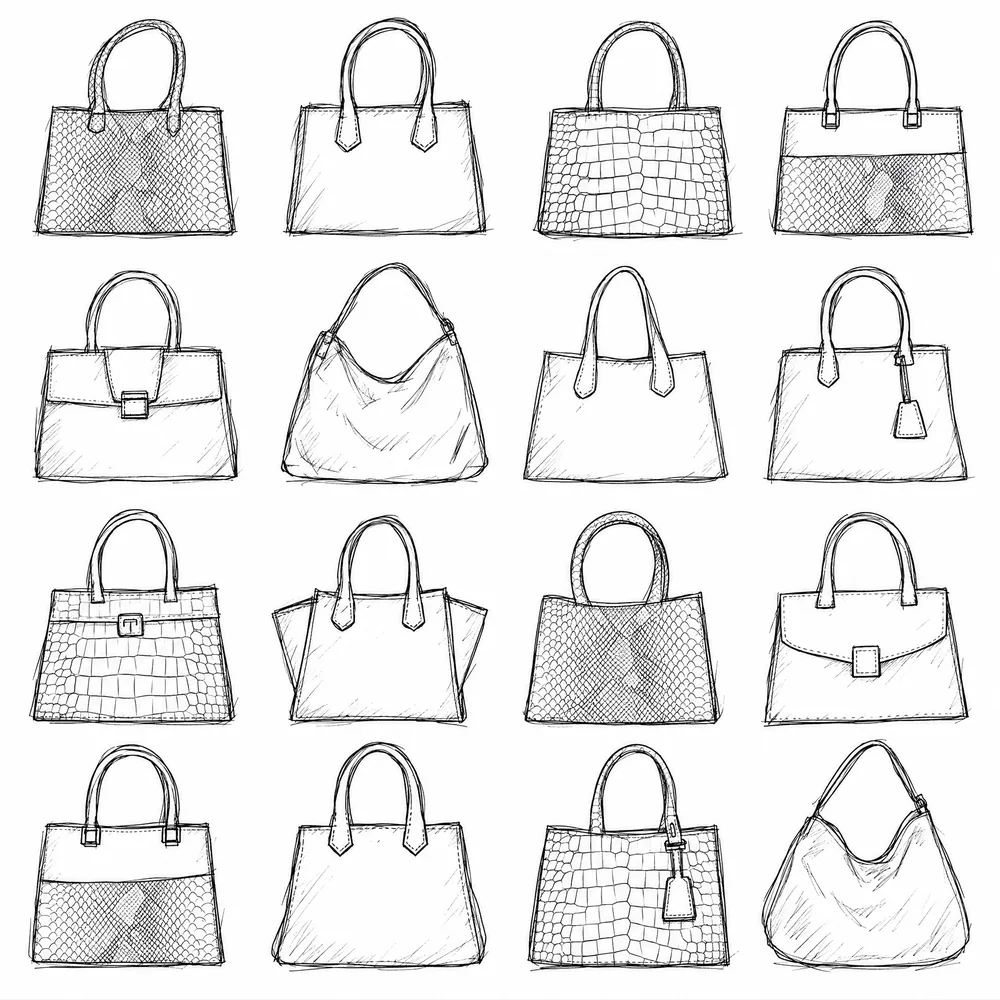
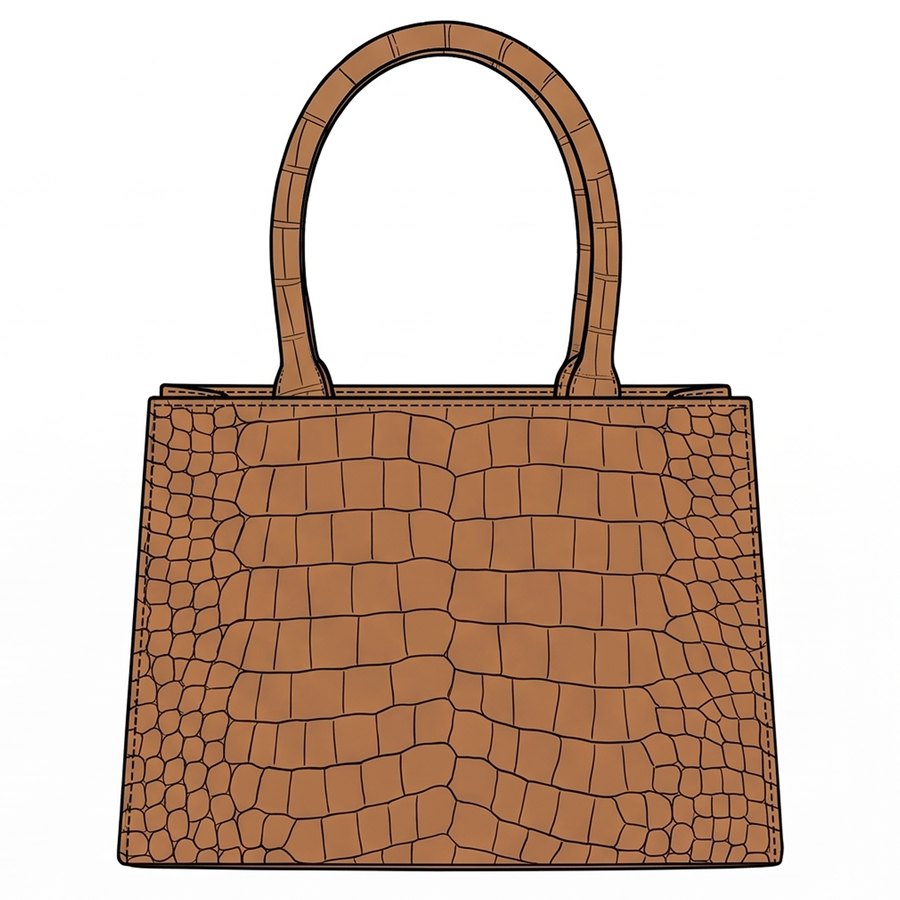
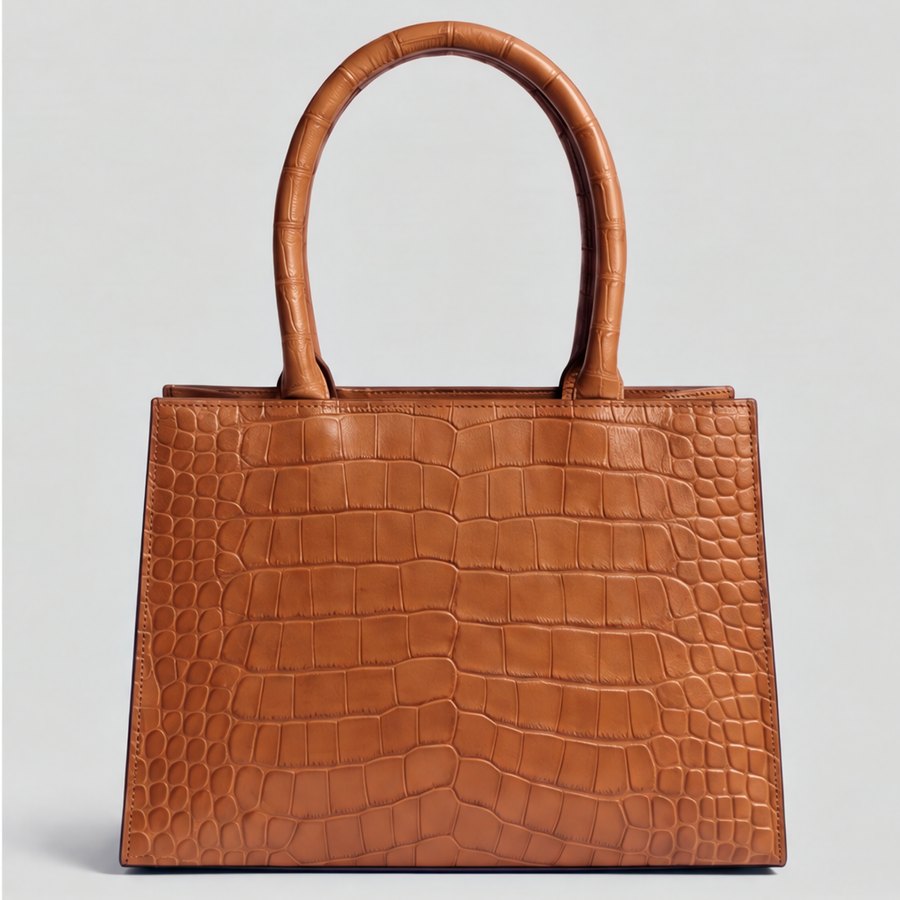
From brief to approved style, with every revision kept. Moodboards, CADs and colourways, reviewed by your team on one canvas.
01
The problem.
A designer's week is spent between making and explaining. Sketching a direction takes an hour, explaining it takes a meeting, and the feedback arrives as a list of changes that turn into more redrawing.
Meanwhile the files multiply: v3_final, v3_final2, the one with the right colour. Nobody can tell which is current.
02
From brief to approved style.
Designers want more options, faster reactions and fewer redraws, without losing the hand that makes the work theirs. CotonAI generates and renders; the designer chooses.
Moodboards and references in the same place as the sketches they inspire.
CADs and flats that keep their construction when rendered or edited.
Colourways compared side by side on the same garment.
Every revision kept, with comments and approvals beside it.
How it works.
Three steps with CotonAI.
01
Start from your taste
Start from sketches, flats, photos or fabrics, and let CotonAI generate options in your silhouettes.
02
Render and explore
Render the flats you pick, and explore colourways, prints and garment edits on the same canvas.
03
Review and approve
Your team comments in place. You make the edits, compare the versions, and the approved version is clearly marked.
A designer starts a capsule from three sketches and a fabric photo, generates a sheet of options, renders six flats, and edits two after a review: a different collar and a darker lining. The colourways are compared on the board, the approved ones are marked, and merchandising sees them without a single file being sent.
The style keeps the whole history, so when someone asks why the collar changed, the comment is there.
02
Getting started.
The fastest way to judge CotonAI for designers is on your own product, not a demo file. Book a session and bring two or three sketches and a note of the materials you plan to use. We will run it in CotonAI with you, show you where it fits in your workflow, and recommend where to start.
Teams that want help setting up can add the Growth Team, who set up workflows and train your people, or the Creative Team, designers who do the work in CotonAI for you. Larger teams can see Enterprise for single sign-on, integrations and custom deployment.
Common questions.
How can fashion designers use AI?
Designers use AI to generate options, render sketches into realistic products, explore colourways and prints, and edit details, while keeping the silhouette and construction.
Will it replace my design process?
No. CotonAI is a tool for exploring and rendering. The designer chooses, edits and approves.
Can I use my own sketches?
Yes. Start from rough sketches, CAD flats, photos, fabrics or references.
Where do my designs go?
They stay in your workspace, and are never used to train AI models.