01
Upload one product photo
A packshot, a ghost-mannequin shot, a flat lay or a render from CotonAI.
One product photo becomes every angle and scene your listings need, accurate in shape, texture, labels and colour, and consistent across the whole catalogue.
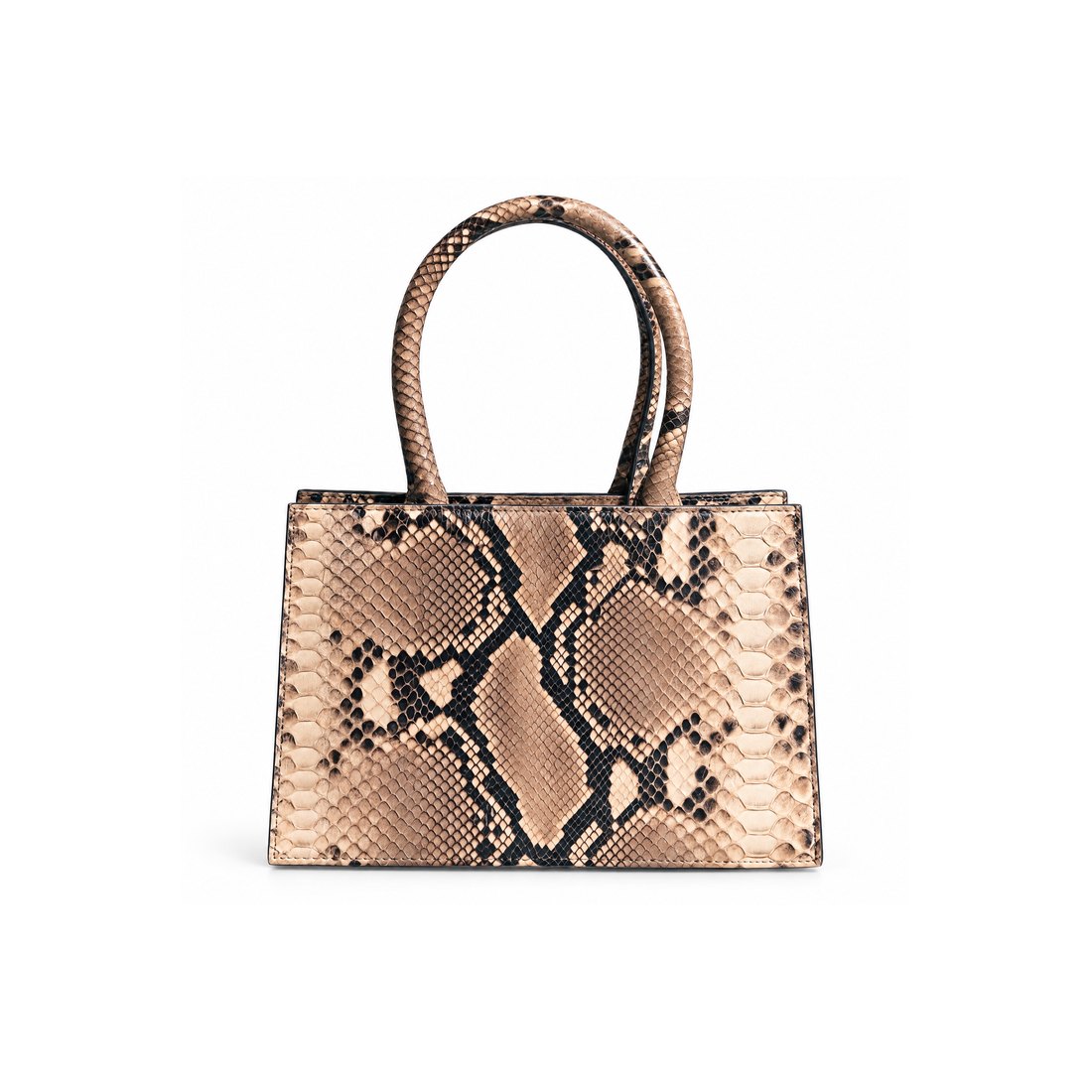
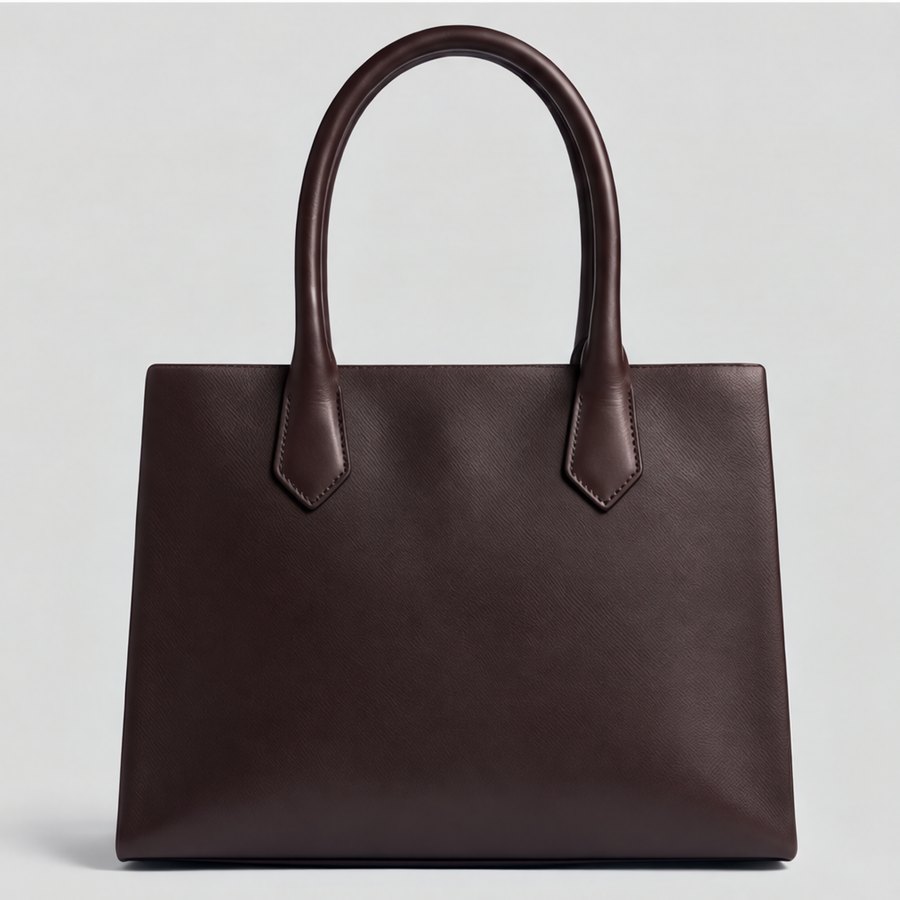
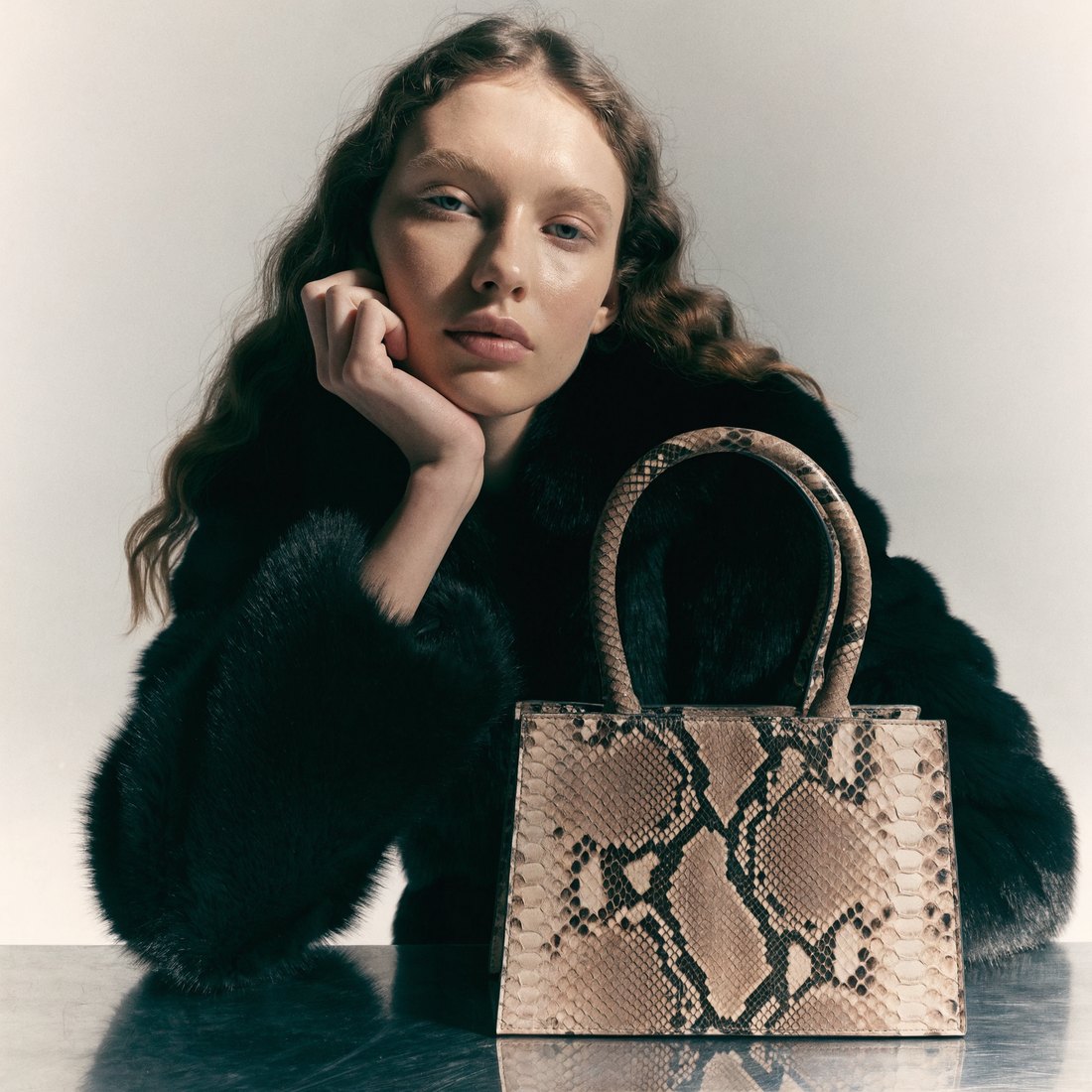
Generic AI photo tools are good at making a nice picture. Fashion product photography has a harder brief: the image has to be the product. A changed logo, a softened texture or a slightly different colour means returns, complaints and a listing you have to pull.
AI product photography in CotonAI starts from your real product and keeps it intact. Shape, texture, labels, hardware and colour stay true to the original, in every angle and every scene.
From one photo to a full set of listing images.
01
A packshot, a ghost-mannequin shot, a flat lay or a render from CotonAI.
02
Angles, backgrounds, on-model, lifestyle and campaign scenes, saved as a set you can reuse.
03
Apply the same settings to every SKU in one batch, review the results and export them to your storefront.
Time, cost and content results with CotonAI.
95%
fewer photoshoot resources
3×
content output, no added headcount
96.8%
lower production costs
A product page looks professional when every listing matches: same light, same angles, same backgrounds. CotonAI ties every image to the right style and colourway, so the set you approve for one product is applied to the rest without drift.
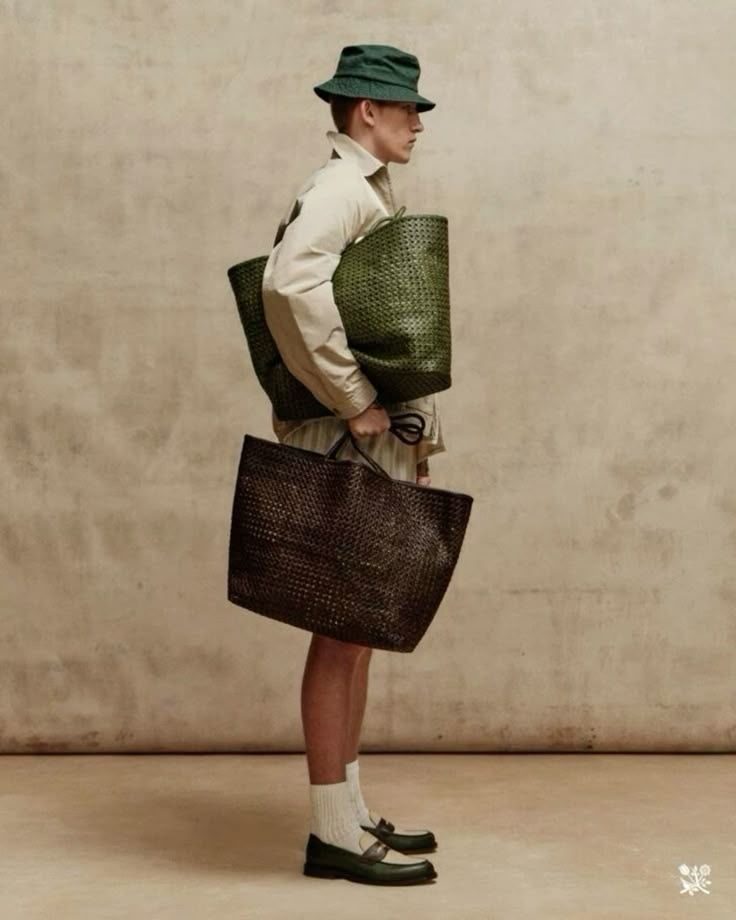
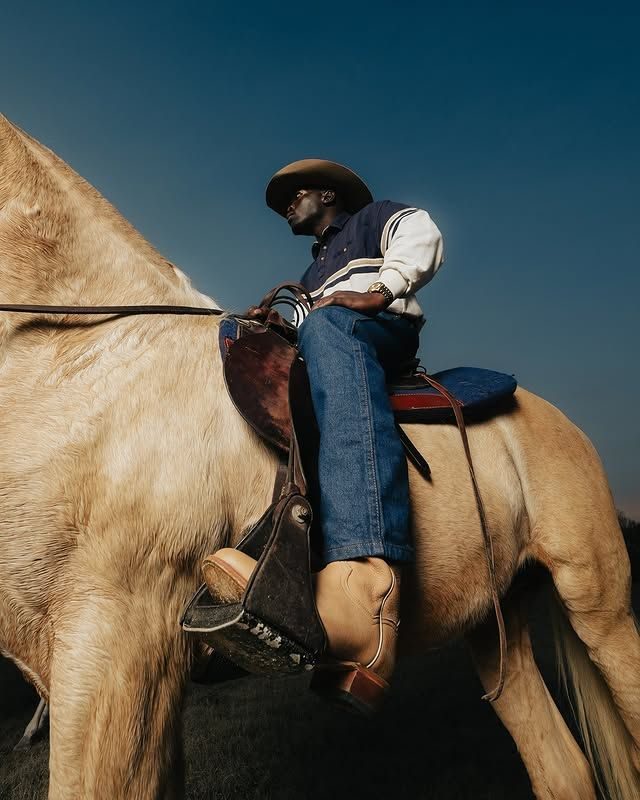
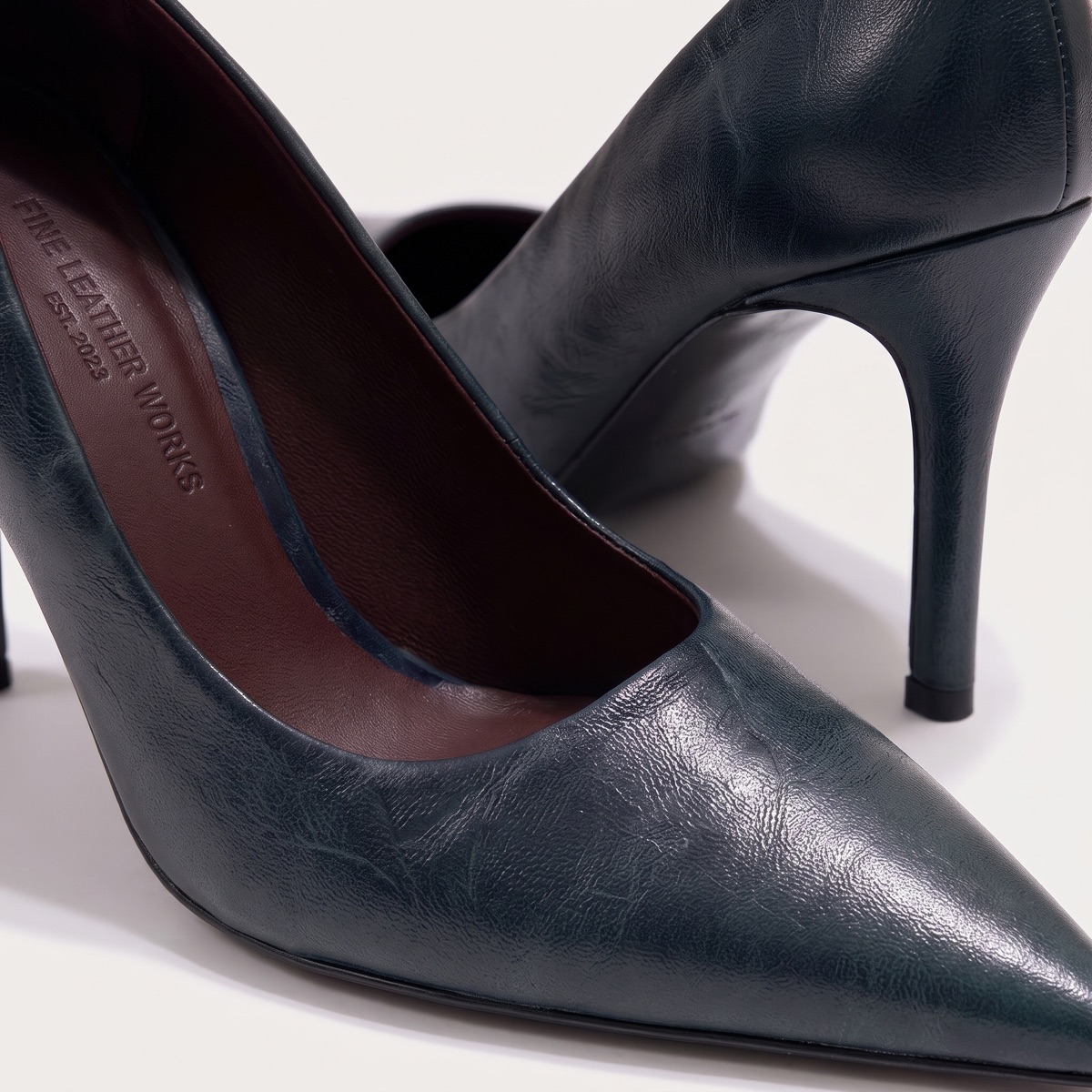
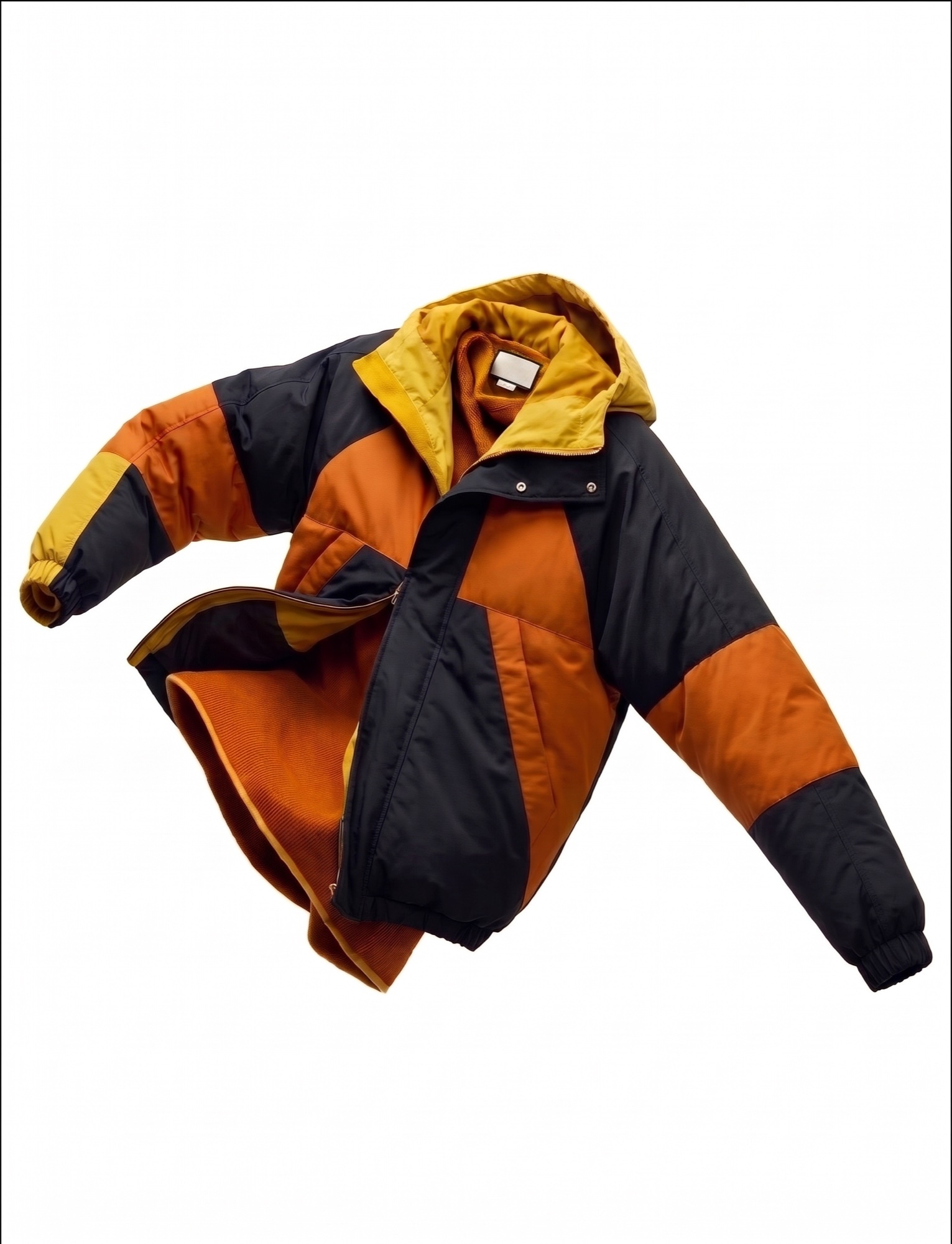
The same product carries into on-model imagery with a consistent cast, into campaign and social content, and into catalogues and line sheets for buyers. One product record, every image it needs.
A worked example: a leather goods brand has one studio photo of each of its totes. It saves a set of five shots, a front packshot, a three-quarter angle, a detail, an on-model and a lifestyle scene, and runs it across all four colourways in one batch. The team reviews the results on one board, approves them, and exports the set to its Shopify store.
When a new colourway is added later, the same saved set produces matching images, so the catalogue stays consistent without a reshoot.
The fastest way to judge AI product photography is on your own product, not a demo file. Book a session and bring packshots of a few products and the image set your product pages use today. We will run it in CotonAI with you, show you where it fits in your workflow, and recommend where to start.
Teams that want help setting up can add the Growth Team, who set up workflows and train your people, or the Creative Team, designers who do the work in CotonAI for you. Larger teams can see Enterprise for single sign-on, integrations and custom deployment.
AI product photography generates product images, angles, backgrounds and scenes from a photo of your real product. CotonAI keeps the product accurate in shape, texture, labels and colour.
CotonAI is built to keep the product true to the original. Every image can be reviewed and approved before it is published.
Yes. Multi-view gives you consistent front, back, side and three-quarter views of the same product from one photo.
Yes. Swap the backdrop on an existing shot, or generate a new one to match the campaign, and the product stays as it is.
Yes. Save your settings once and apply them across the catalogue in a single batch run.
Yes. Finished images export to your storefront, including Shopify, and the other channels on the Integrations page.
We'll show you the workflow end to end and recommend where to start.