Campaign
Launch-ready visuals, without the shoot.
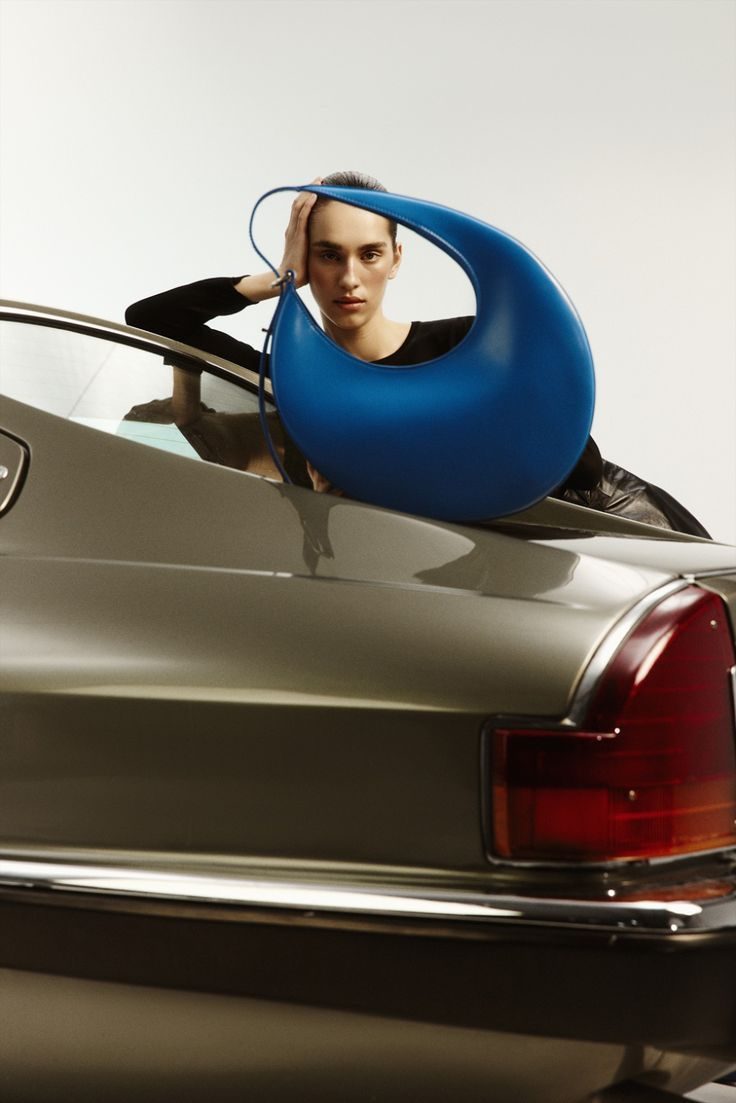
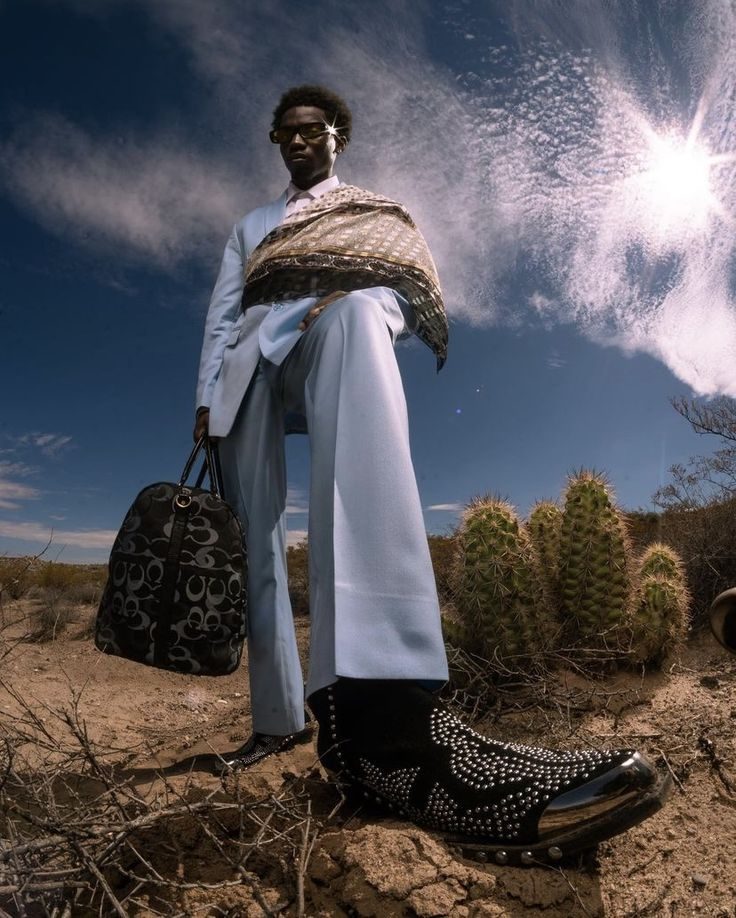
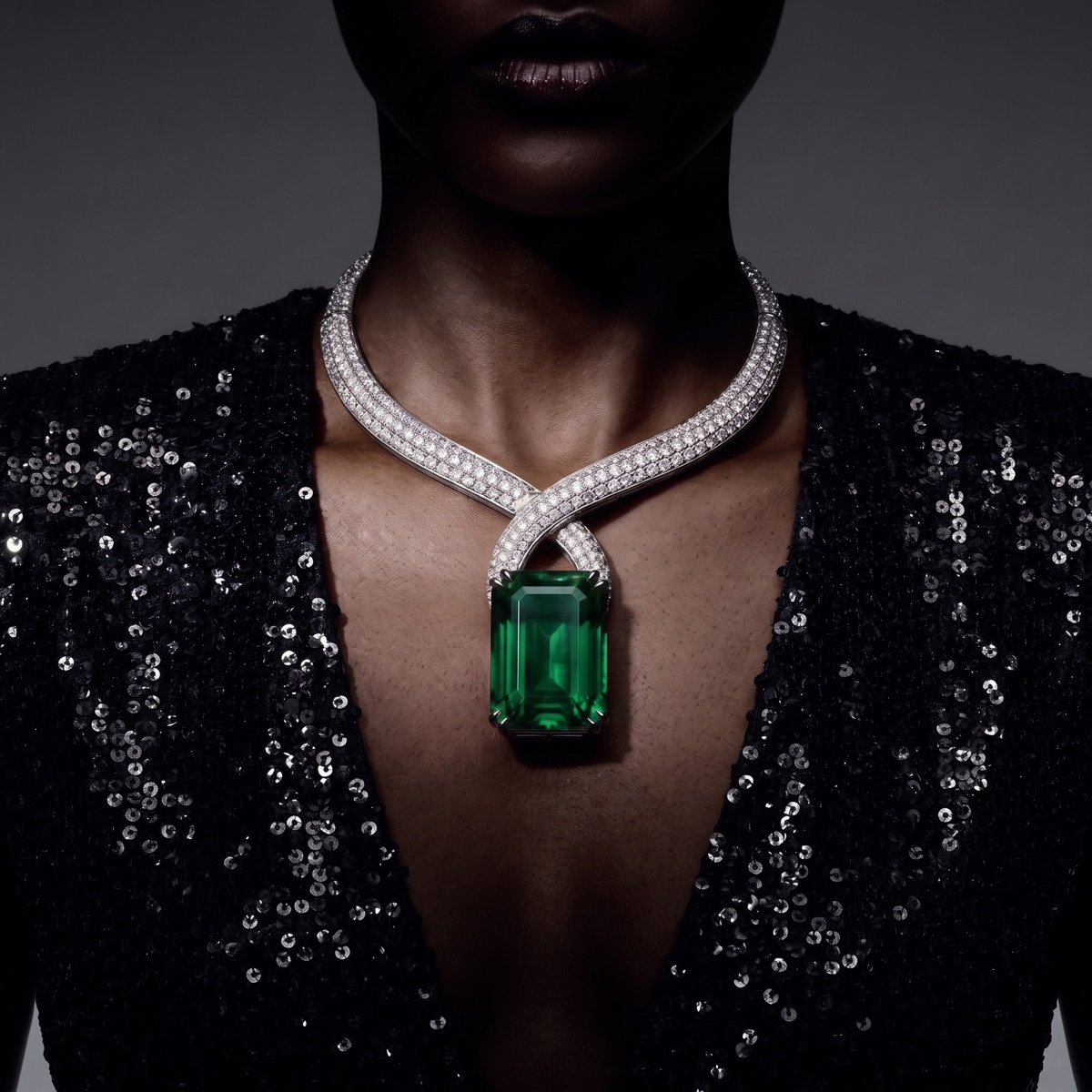
Brief the agent, pick a camera and a cast, and get hero images and film in your brand's look.
Powered by
- Cinema mode
- Character models
Make campaign, product-page and D2C imagery and film with CotonAI Studio. From a single product photo, get studio, lifestyle and on-model shots that stay true to the original: no studio, photographer or shoot needed.
Sample brief A python-leather tote on marble in studio light, then on a model, then in a campaign.




 PREVAIL STUDIOS
Campaigns, product pages and storefronts, made in one place: product photography and fashion models that stay true to the product.
Brief the agent, pick a camera and a cast, and get hero images and film in your brand's look.
Powered by
One product photo becomes every angle and scene your listings need, true to the original, across the whole catalogue.
Powered by
Keep your storefront, email and social supplied with lifestyle visuals and short video, without booking a shoot for every drop.
Powered by
Time, cost and content results with CotonAI Studio.
96.8%
lower production costs
95%
faster campaign turnaround
3×
content output, no added headcount
95%
fewer photoshoot resources
Without booking one.
Your product stays true to the original: shape, texture, labels and colour, down to the last detail.
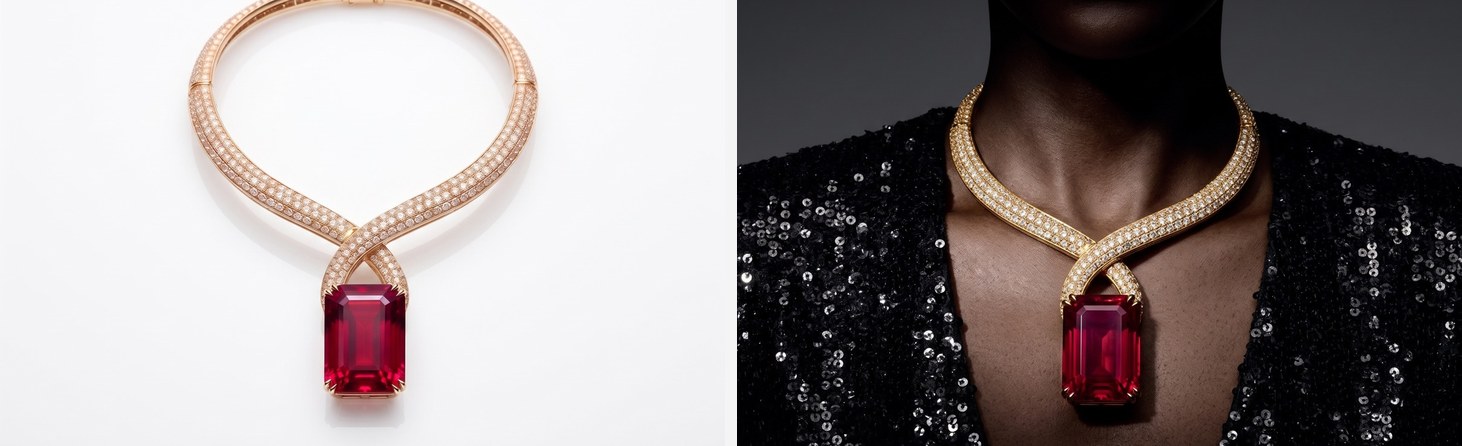
Turn a single product shot into video for editorials, product pages, campaigns and more.
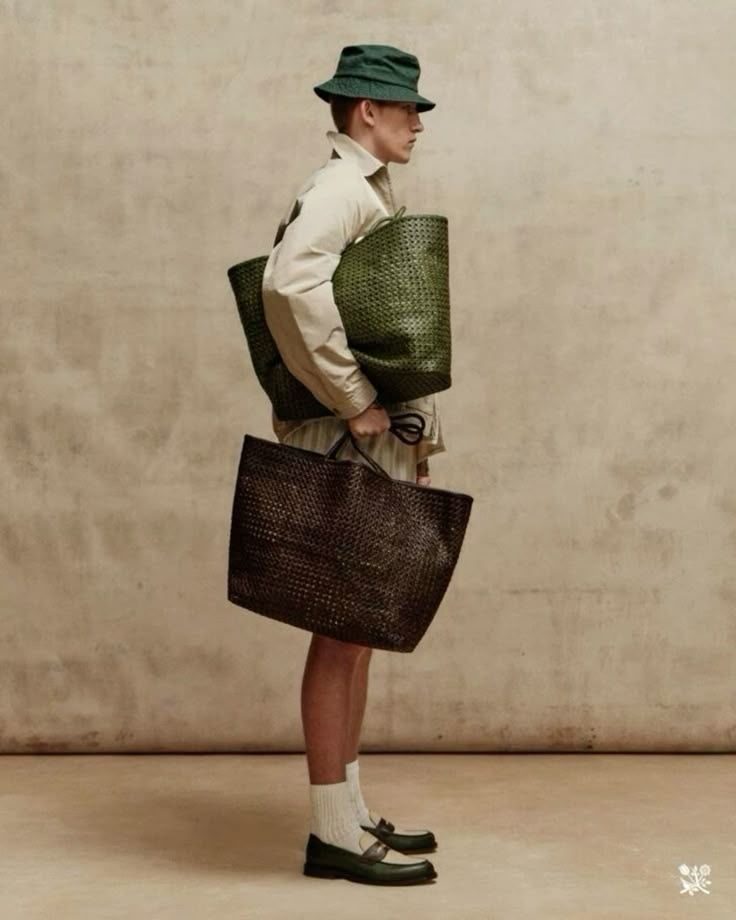
Bring several products into one scene for bundles, sets and collections.
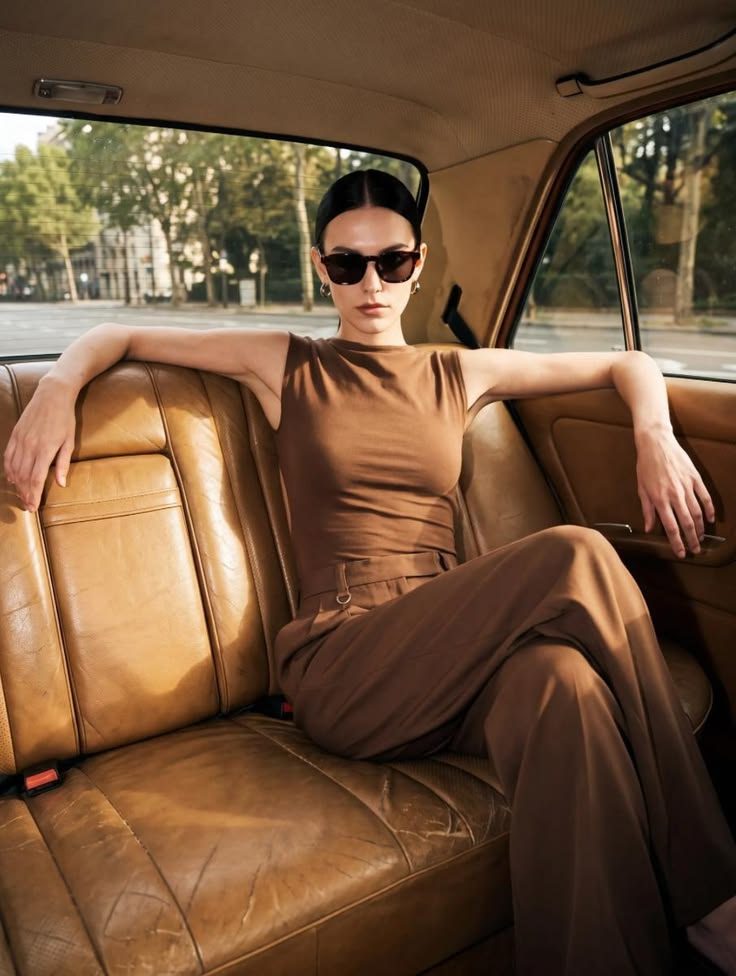
Pick from hundreds of top cameras, then ask the agent to light, frame and grade like a cinematographer.
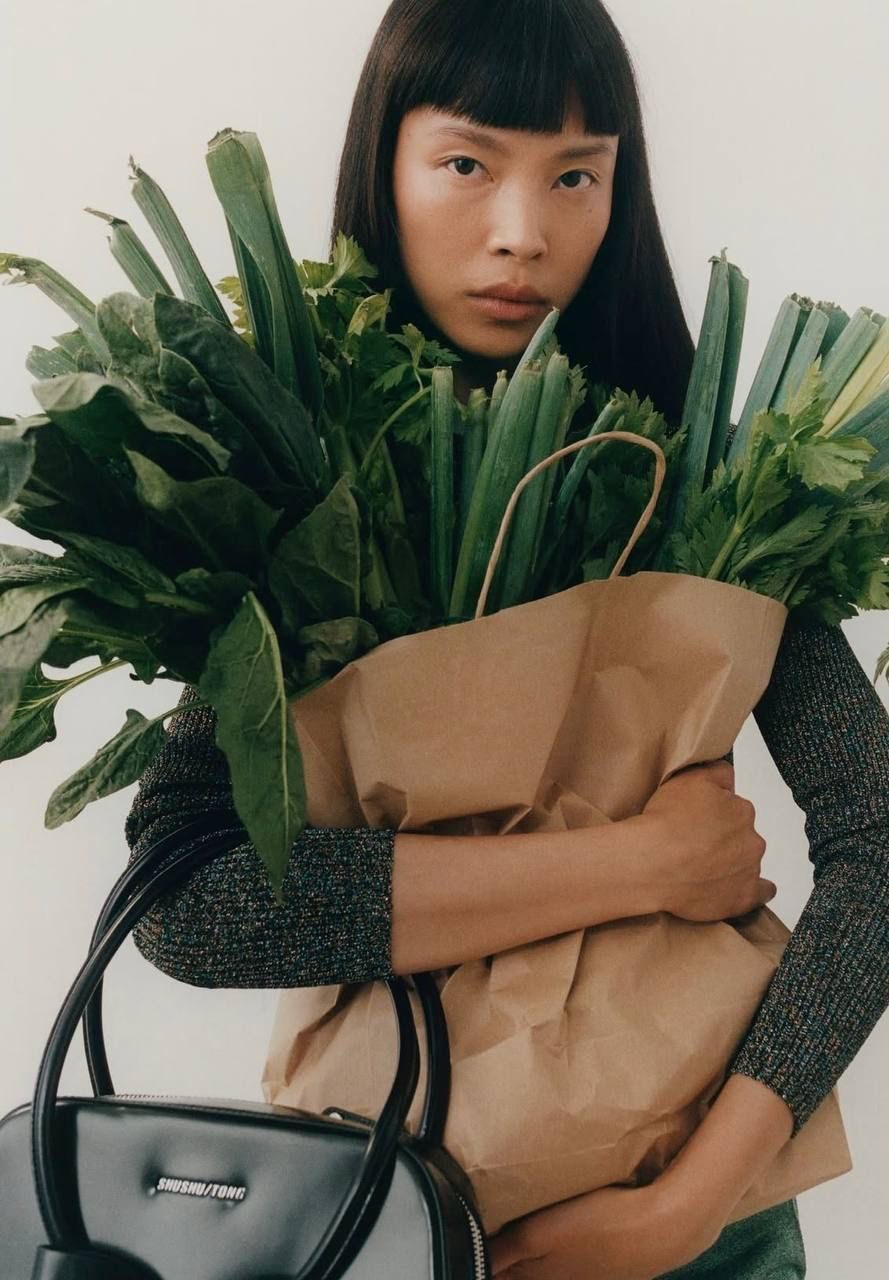
Train on a specific face or look, so your talent stays consistent across every shoot.
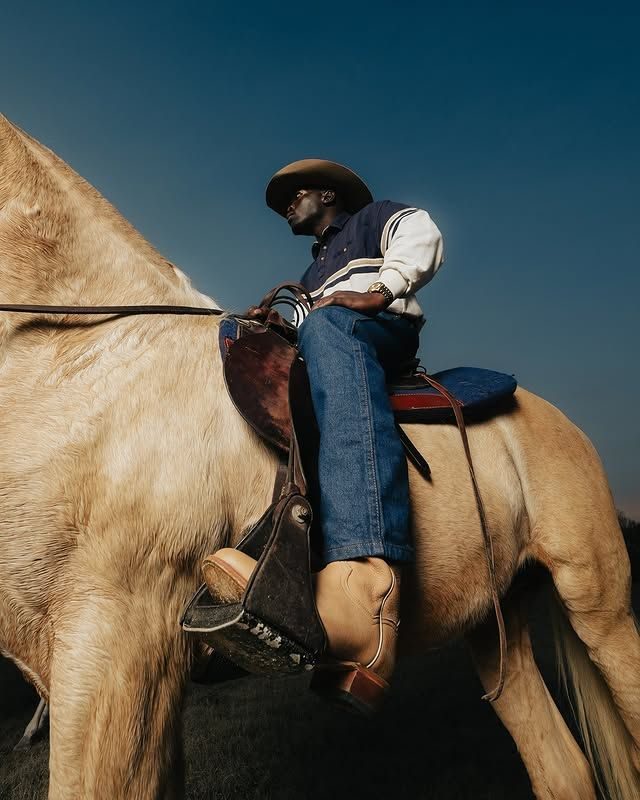
Save your settings once and apply them across your whole catalogue in a single run.

An AI fashion studio makes the images and film a fashion brand needs to sell, from the product itself, without booking a shoot. CotonAI Studio is that studio inside the CotonAI workspace: you bring one product photo, and it returns campaign visuals, product-page and e-commerce imagery, D2C content and short video.
What sets it apart from a general AI image generator is accuracy. The product stays true to the original in shape, texture, labels and colour, so what you publish is what you sell.
A packshot, a flat lay, a ghost mannequin or a render is enough.
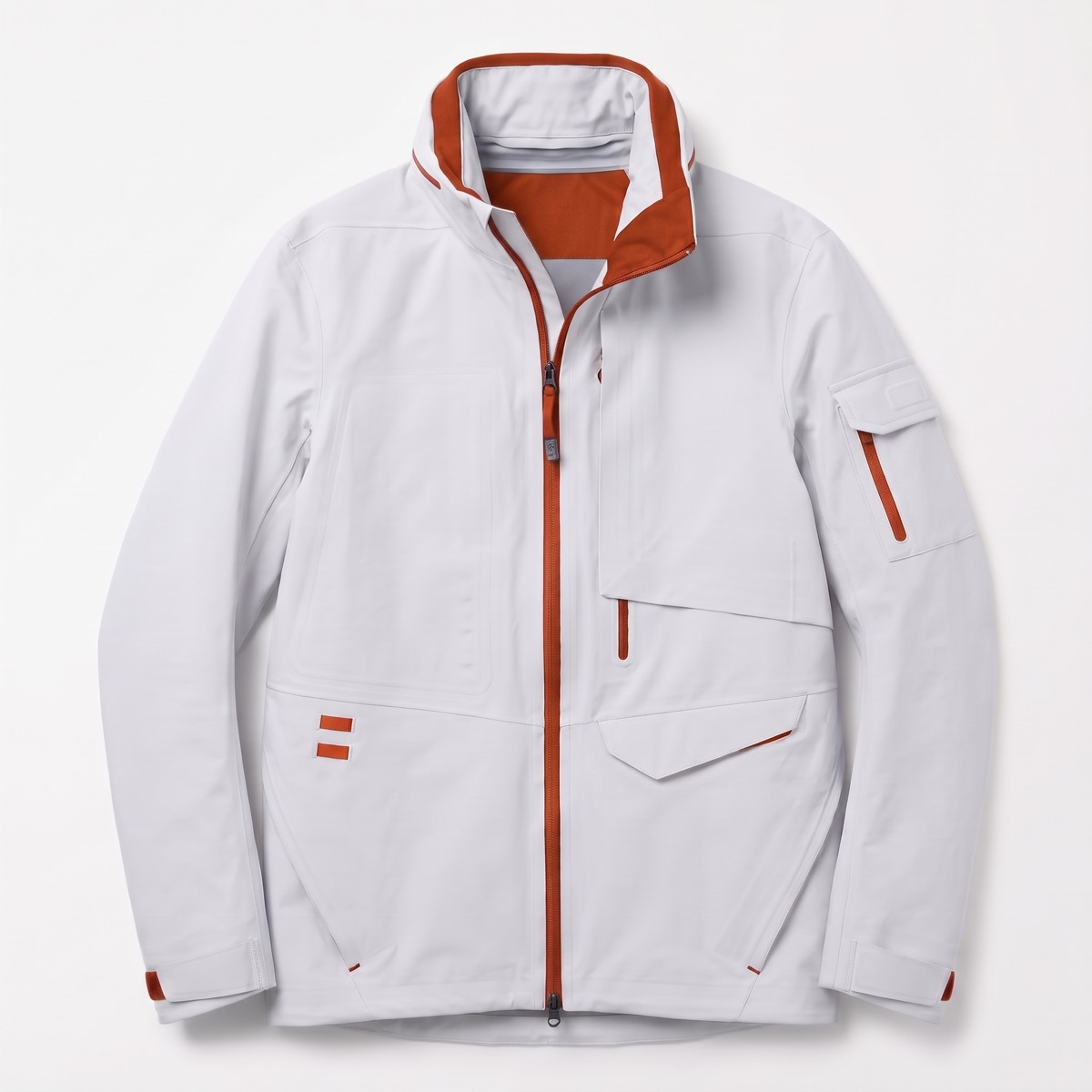
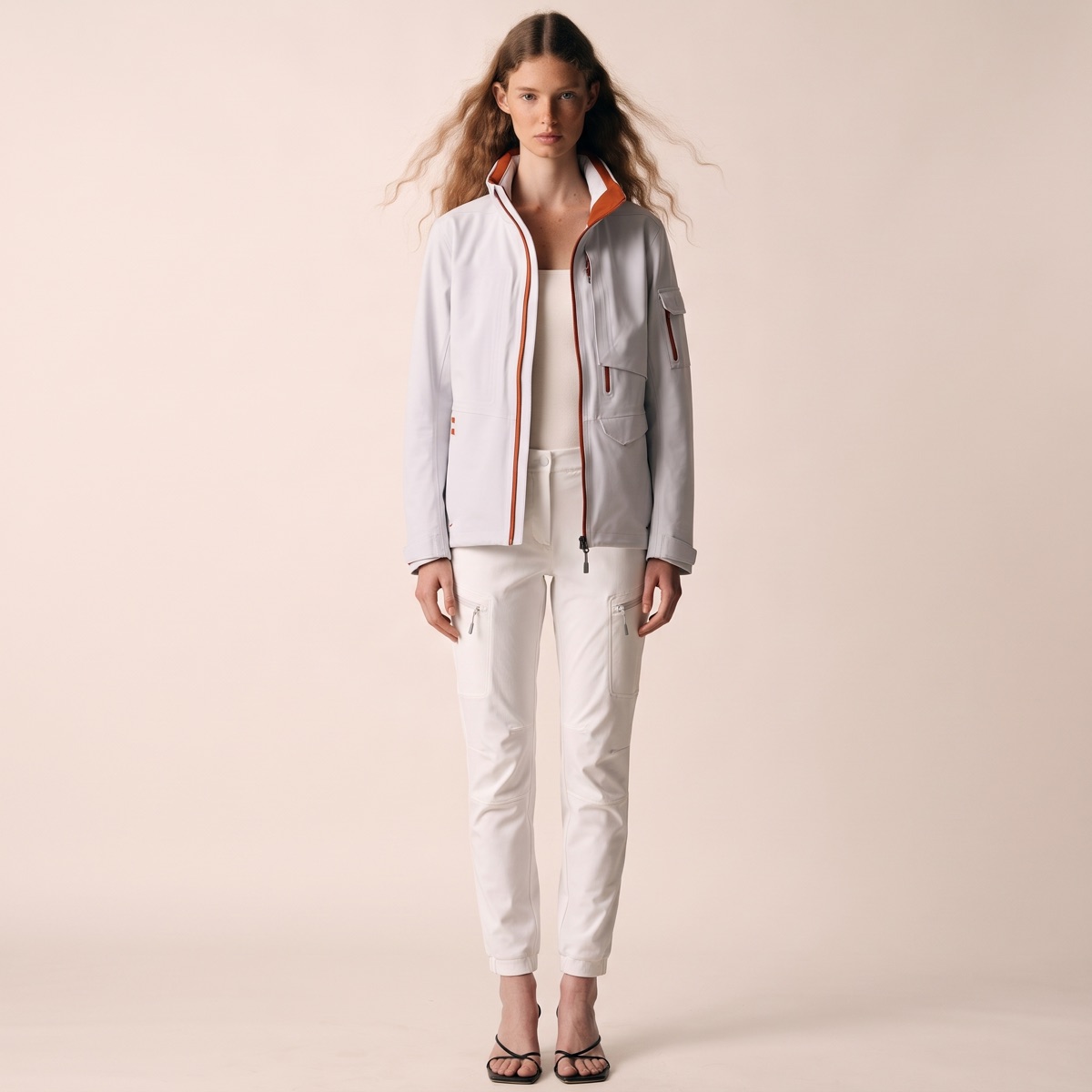
Put your real product on a model in minutes. The model, camera and setting are yours to direct.
See AI fashion models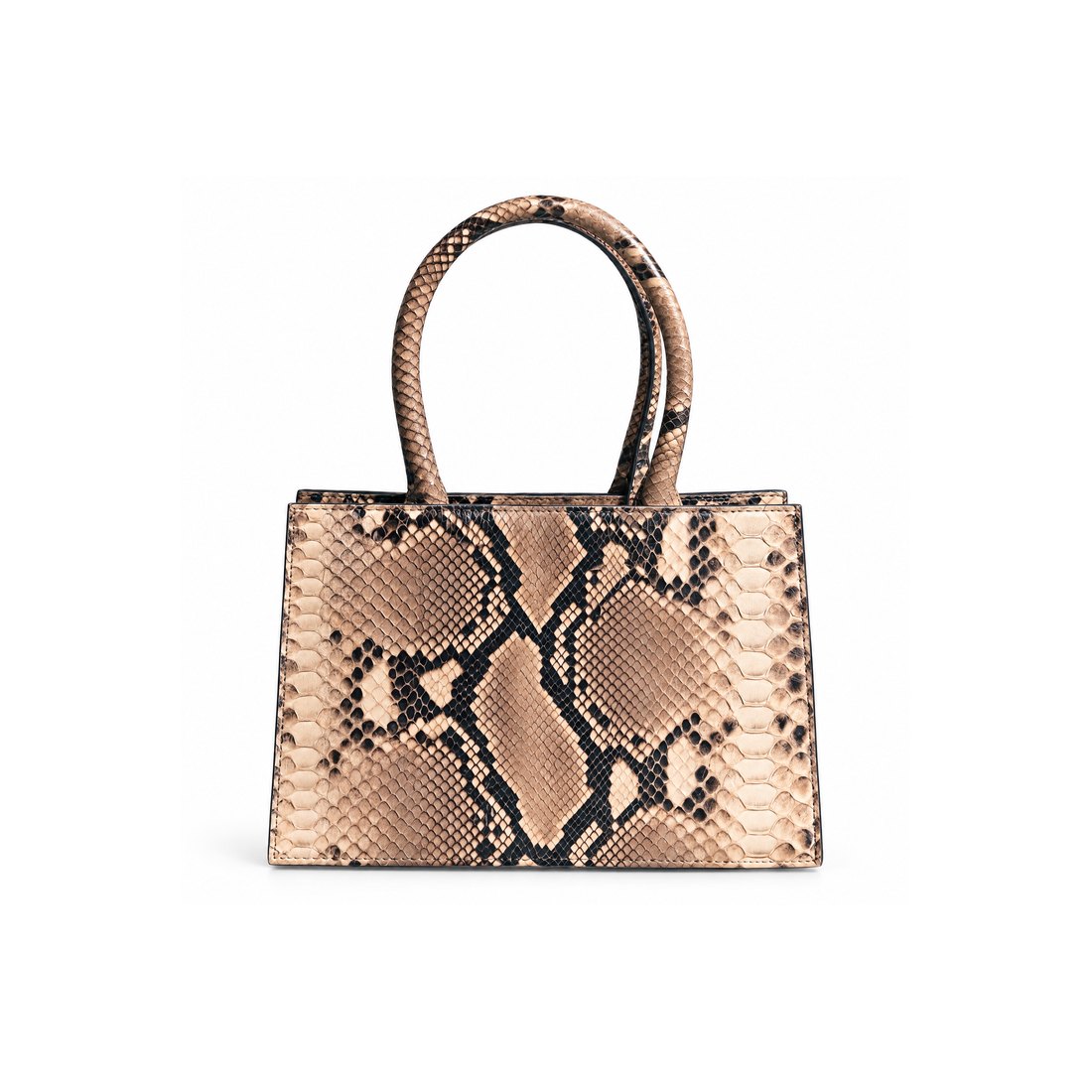
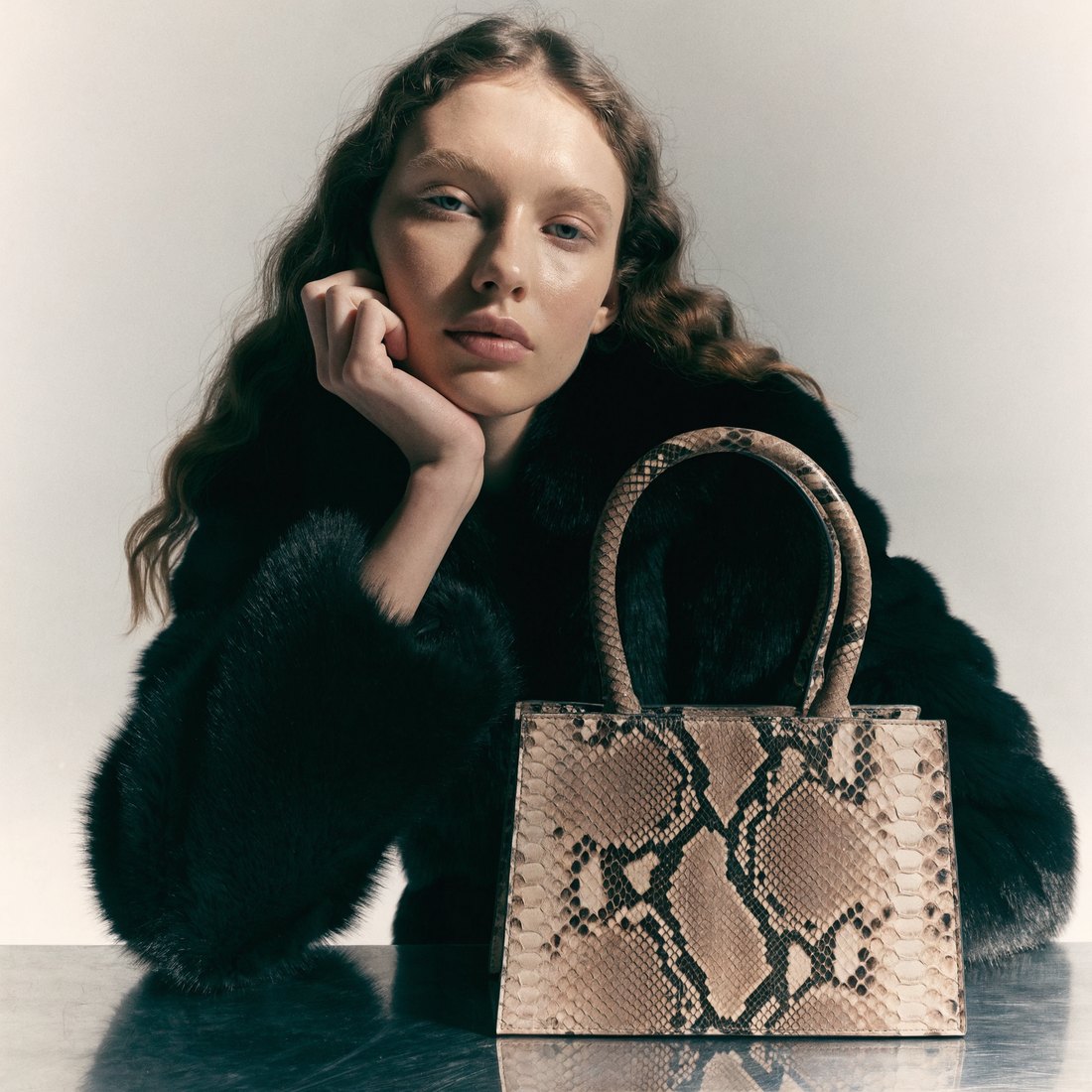
Take one listing photo into an editorial scene with a cast and light that match the brand.
See lifestyle photography
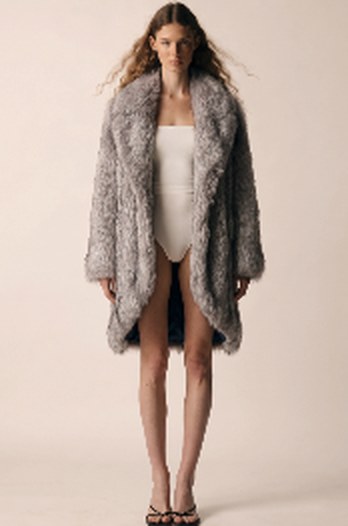
Give a render or a ghost-mannequin shot a second life as the on-model views your listings need.
See on-model imagery 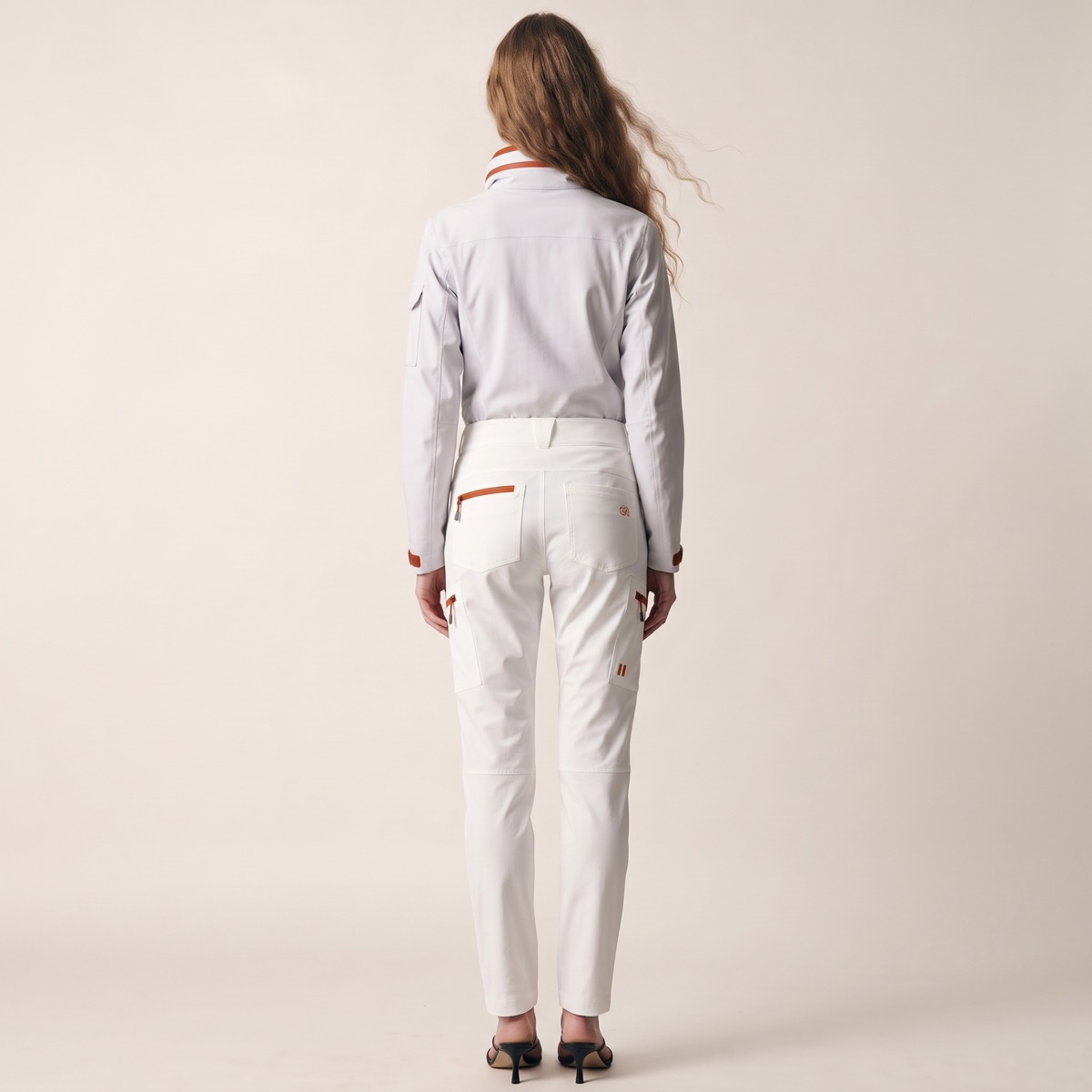
Consistent front, back, side and three-quarter views from a single photo.
See product photography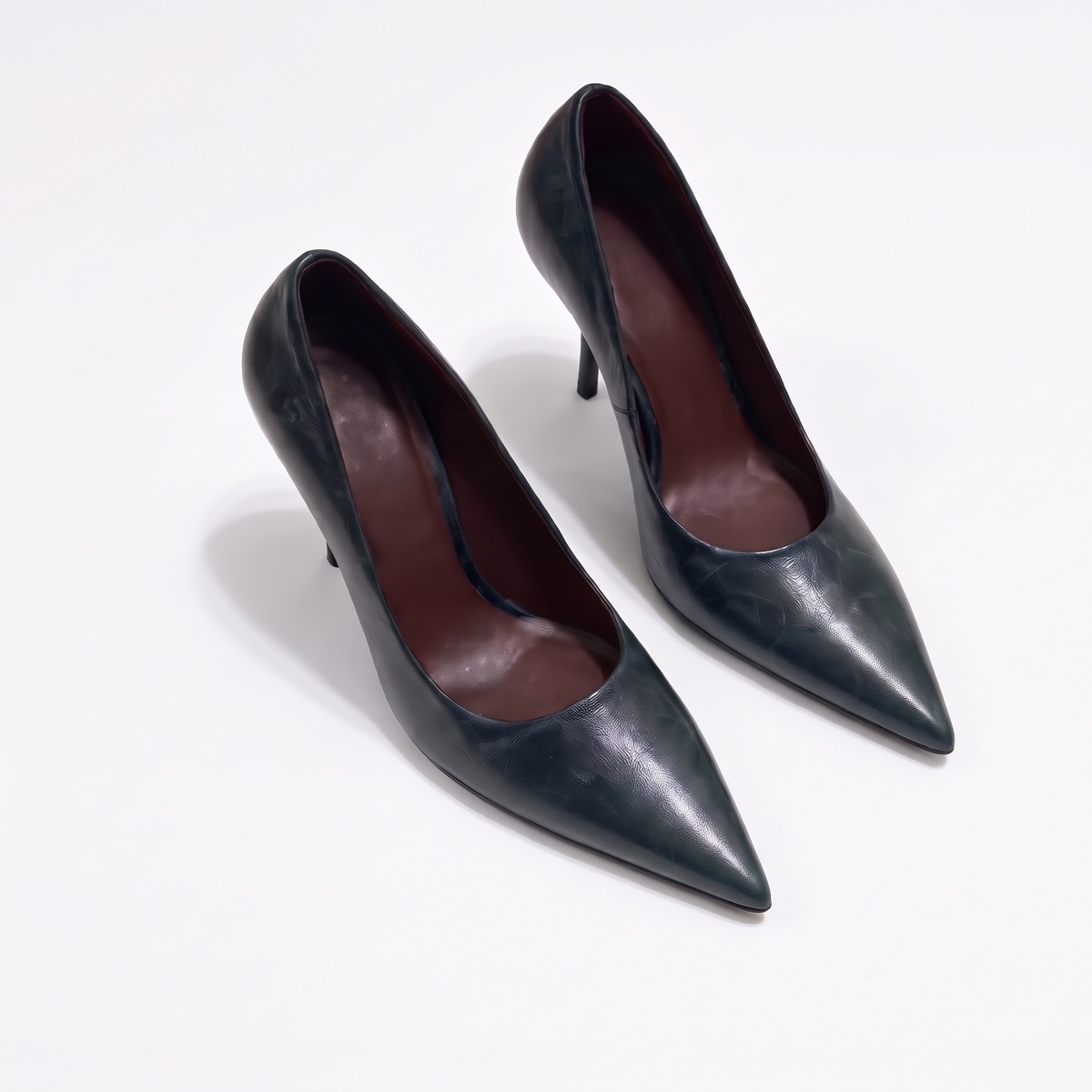
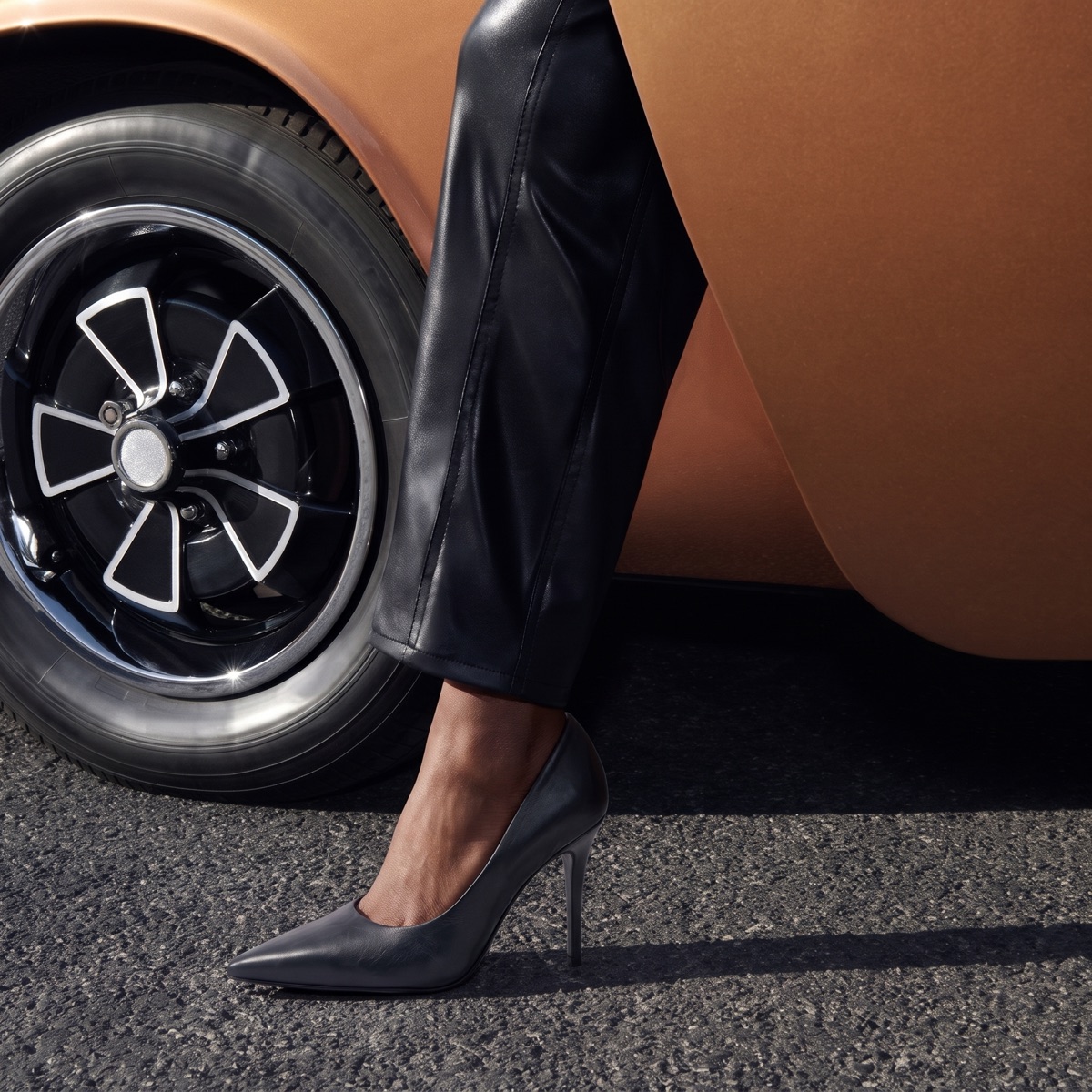
Swap the scene around a shot you already have, and the product stays exactly as it is.
See product photography 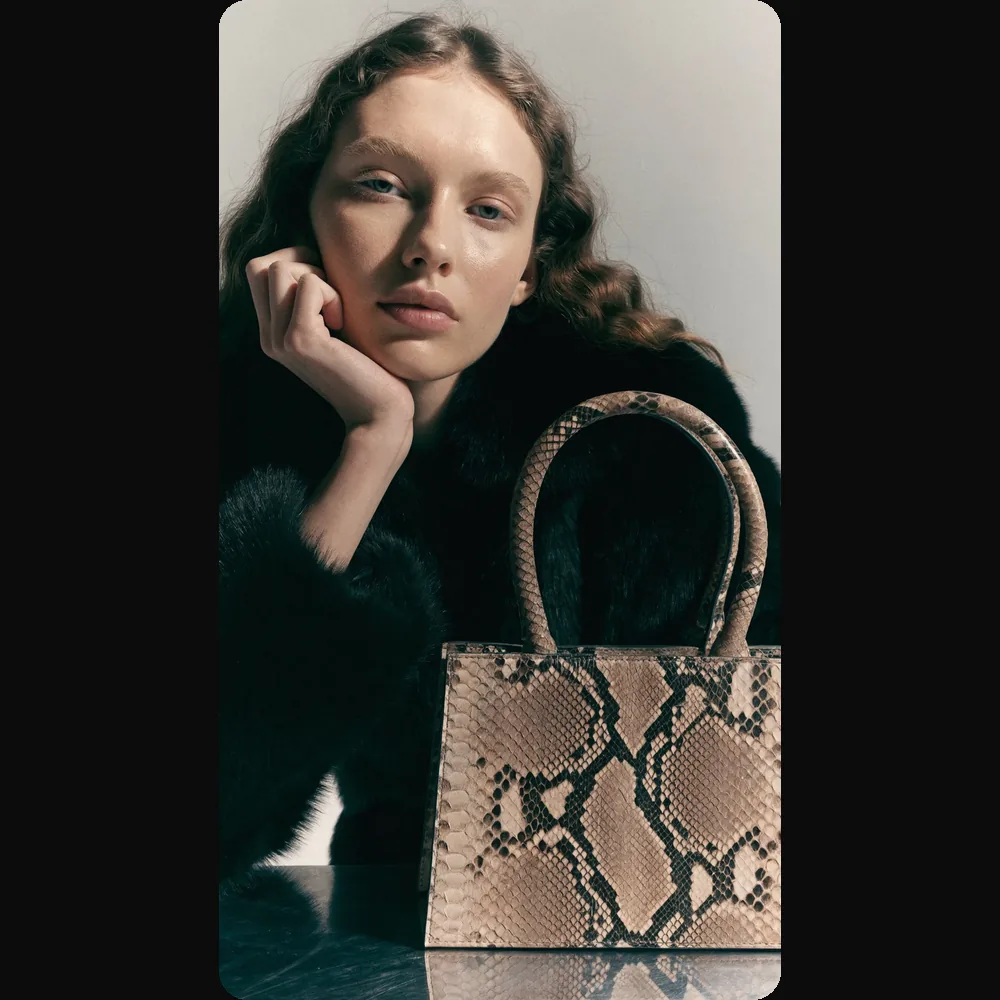
Turn a single product shot into editorial, product-page and campaign video, with the camera and cast you choose.
See fashion videoGarments, shoes and accessories on a clean backdrop, from one photo.
01
Photoreal product images for lookbooks, product pages, campaigns and digital catalogues, with no camera, set or photographer to book.
02
Catalogue-ready images in minutes rather than a shoot cycle, so a new collection goes live sooner and the budget stays with design.
03
Try angles and styles while the idea is still open, and iterate until the team is sure, before a physical sample is made.
Front, side, three-quarter and back views from a single input, so a listing has every angle without another shoot.
Turn a shot you already have to a new angle and keep the product exactly as it is.
Adjust a detail with a follow-up prompt, generate again, and upscale to 4K for the storefront.
A physical shoot means hiring models, finding a location and booking a crew for every drop. CotonAI Studio moves that work into one workspace, starting from the product you already have.
| Compared on | Traditional photoshoot | CotonAI Studio |
|---|---|---|
| Time | Brief, book, shoot and retouch, one step after another. | From a product photo to on-model imagery in minutes. |
| Logistics | Photographer, assistants, lighting, hair and make-up, studio or location. | No crew or location to book. You direct the model, camera and setting. |
| Finding models | Cast and book a model each time. | Choose a cast, or train a character model on a specific face or look. |
| Changes | A reshoot. | Change the model, camera or setting and generate again. |
| Consistency | Depends on who is on set that day. | The same faces and the same product accuracy across the season. |
| Cost | Per-shoot fees for crew, studio and talent. | No shoot to book. Book a demo for a proposal scoped to your team. |
From one product photo to everything you publish.
01
Upload one photo of the real product, or bring in a render made in CotonAI.
02
Campaign, product page, storefront or social: pick the scenes, cast and camera, or brief the agent.
03
Approve what you like, run the same settings across the catalogue, and export to your storefront.
Results from CotonAI customers, as published on our customer stories:
Software that creates campaign, product-page and lifestyle imagery and video from a photo of your product, with no physical shoot.
Yes. Start from a flat lay, a ghost-mannequin shot, a packshot or a render from CotonAI, choose the model, camera and setting, and the garment stays accurate in shape, texture, labels and colour.
There is no crew, studio or location to book. You work from your product photo, change the model, camera or setting and generate again, and the same cast stays consistent across the season.
Campaign hero images and film, product-page and e-commerce imagery, D2C lifestyle content, on-model shots, multi-product scenes for bundles and collections, and short video for editorials, product pages and campaigns.
CotonAI Studio is built to keep your product true to the original: shape, texture, labels and colour. Every image can be reviewed and approved before it is published.
Yes. Character models let you train on a specific face or look, so your talent stays consistent across every shoot.
Yes. Batch creation applies the same settings across your catalogue in one run, and finished images export to your storefront, including Shopify.
Yes. Multi-view gives you consistent front, back, side and three-quarter views of the same product from one photo, and you can swap the backdrop without reshooting.
Yes. Fix a detail with a follow-up prompt, generate the shot again, or upscale it to 4K before you export. Nothing is published until your team approves it.
No. Work visually from a product photo, or brief the agent in plain language and approve what comes back. You can switch to manual control whenever you want it.
Pricing depends on your team and the work you want to cover. Book a demo and we will recommend a setup and send a proposal.
Upload a product photo and get campaign, product-page and on-model imagery and video, ready for you to review and approve.