01
Start from your product
A product photo, a ghost-mannequin shot, a flat lay or a render from CotonAI.
Show every style on a model without booking a shoot. Choose a cast, keep the same faces across the season, and get on-model imagery that stays true to the garment.
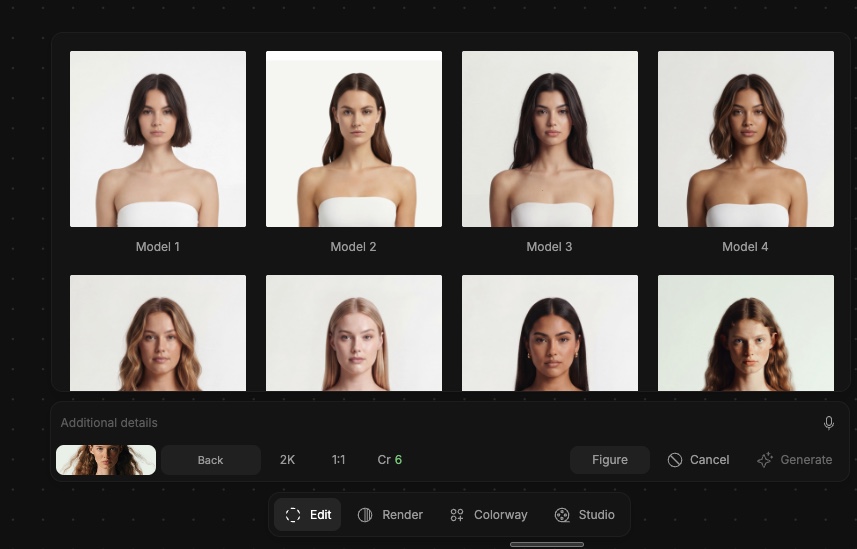
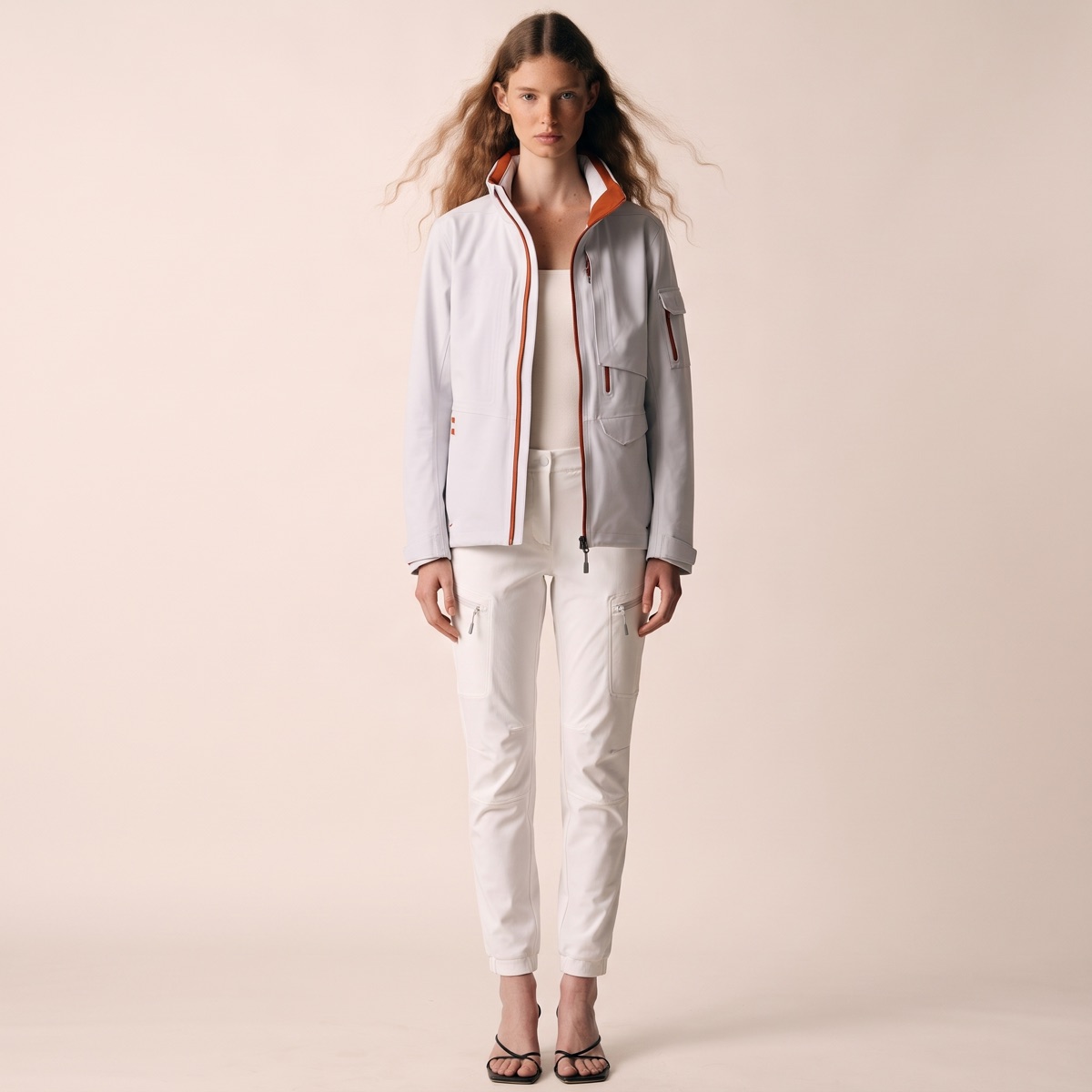
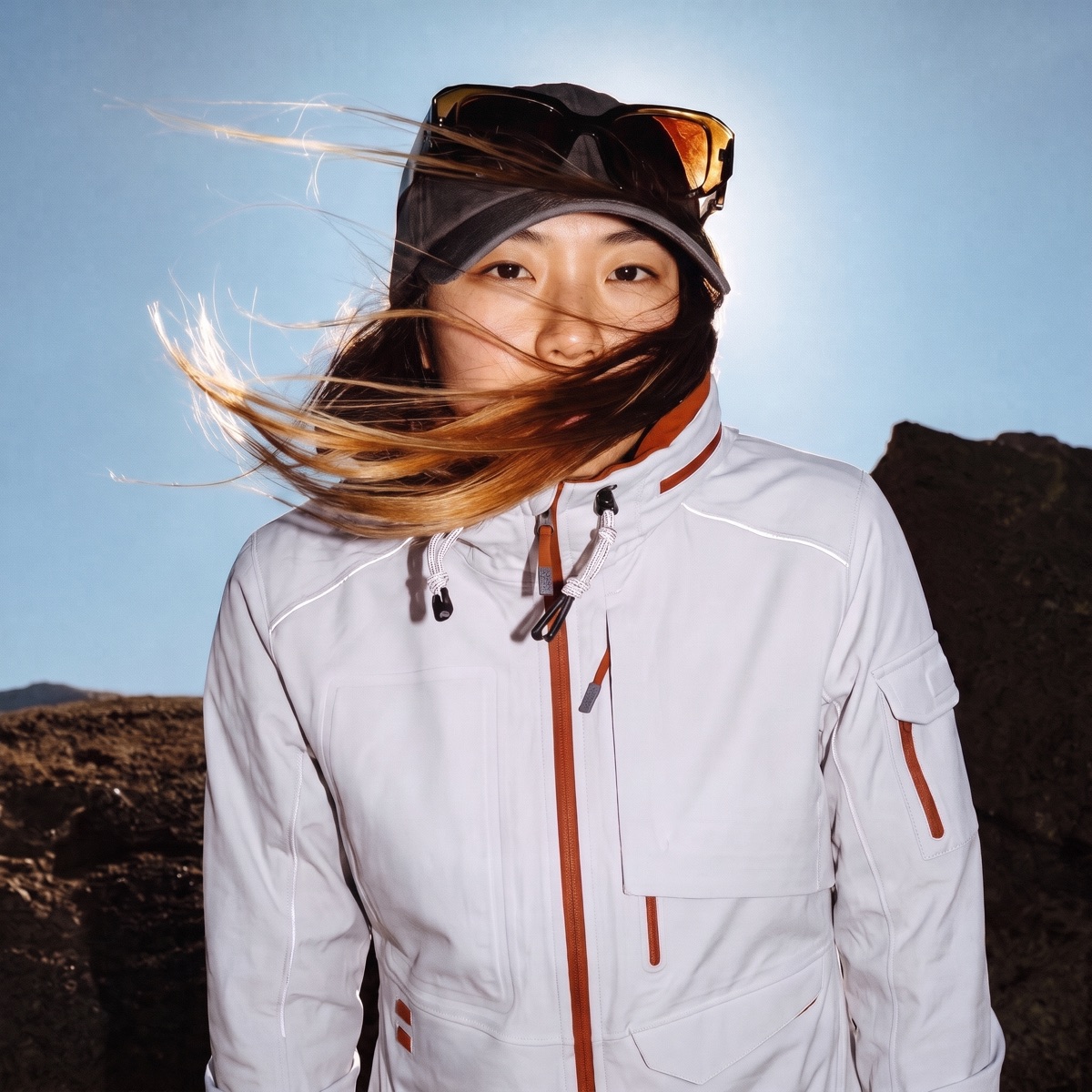
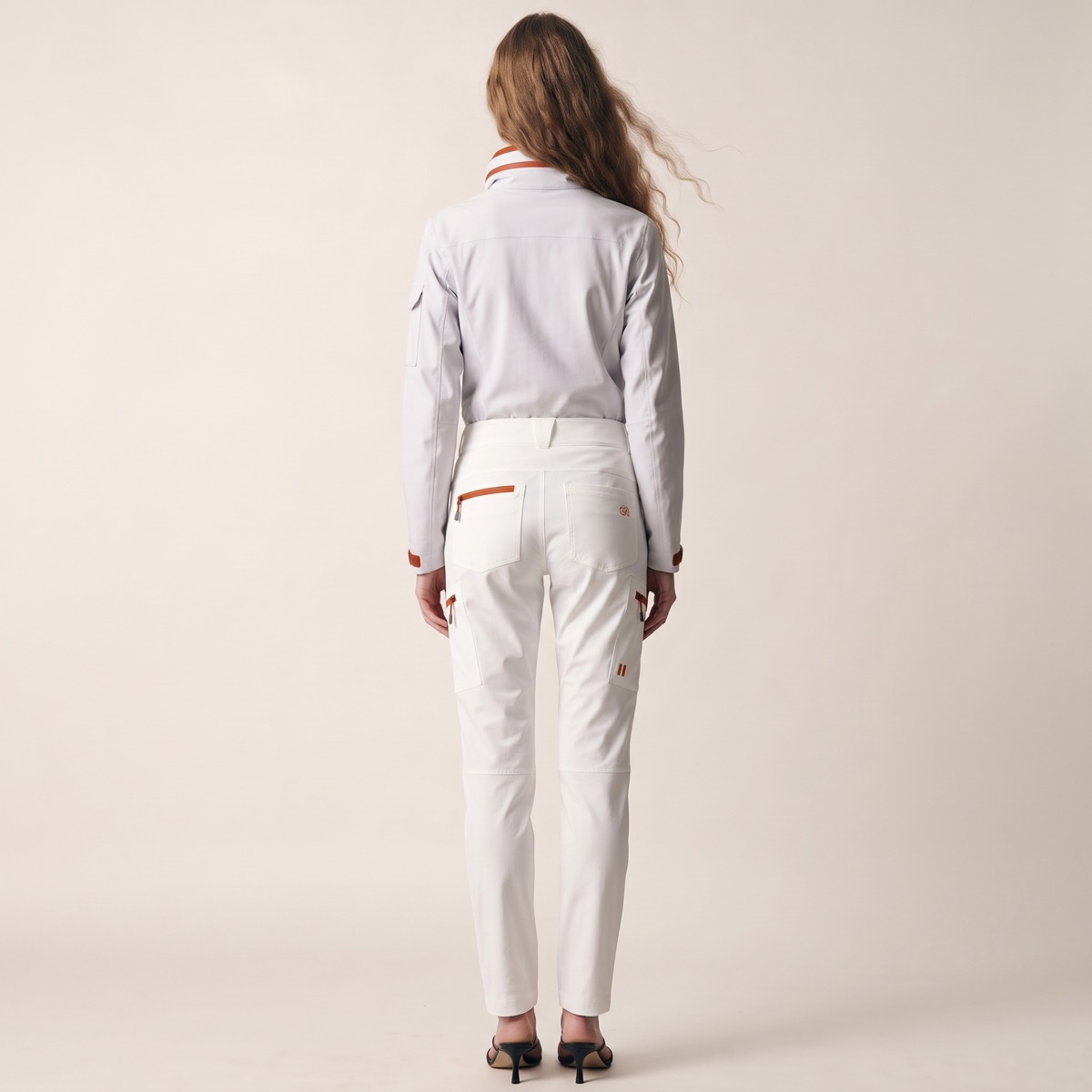
On-model imagery sells. Shoppers want to see fit, drape and proportion on a body, and buyers want to see a look styled. But booking models, studios and stylists for every style, colourway and drop is slow and expensive, and reshoots are worse.
AI fashion models in CotonAI put your real products on a model in minutes. The garment stays accurate in shape, texture, labels and colour, and the model, camera and setting are yours to direct.
From a product shot to on-model imagery.
01
A product photo, a ghost-mannequin shot, a flat lay or a render from CotonAI.
02
Pick a model, a camera and a setting, or train a character on a specific face or look so your talent stays consistent.
03
Get on-model images for the product page, the campaign and social, and approve them before anything ships.
Time, cost and content results with CotonAI.
95%
fewer photoshoot resources
95%
faster campaign turnaround
3×
content output, no added headcount
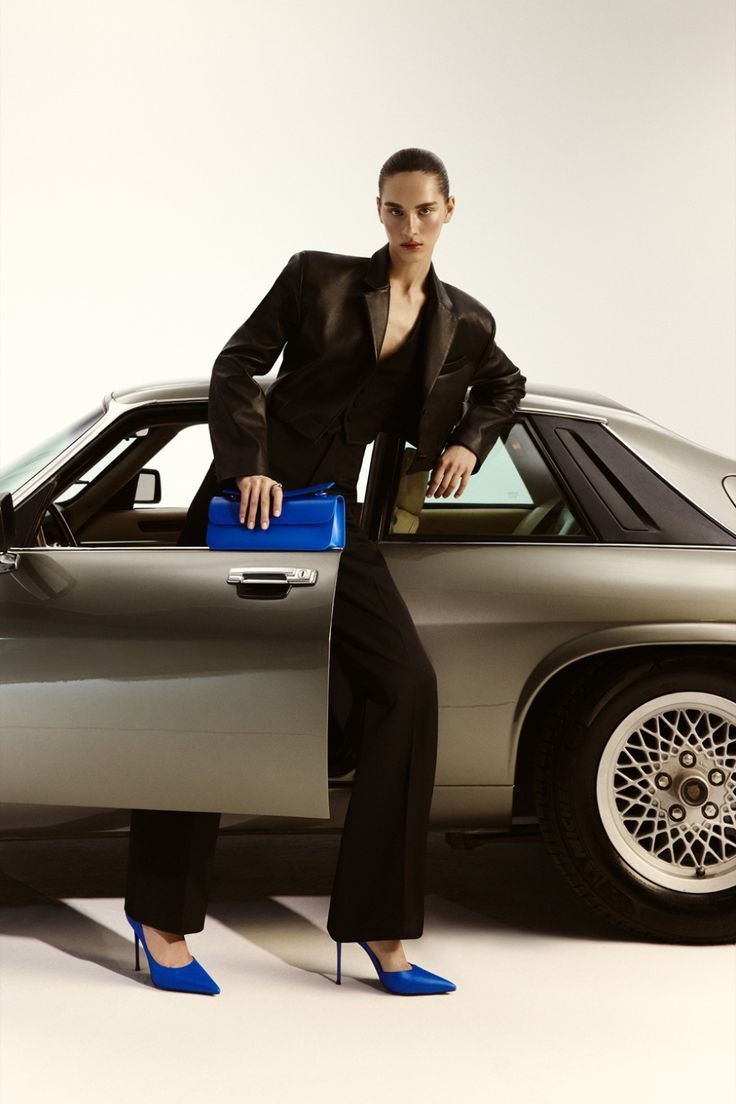
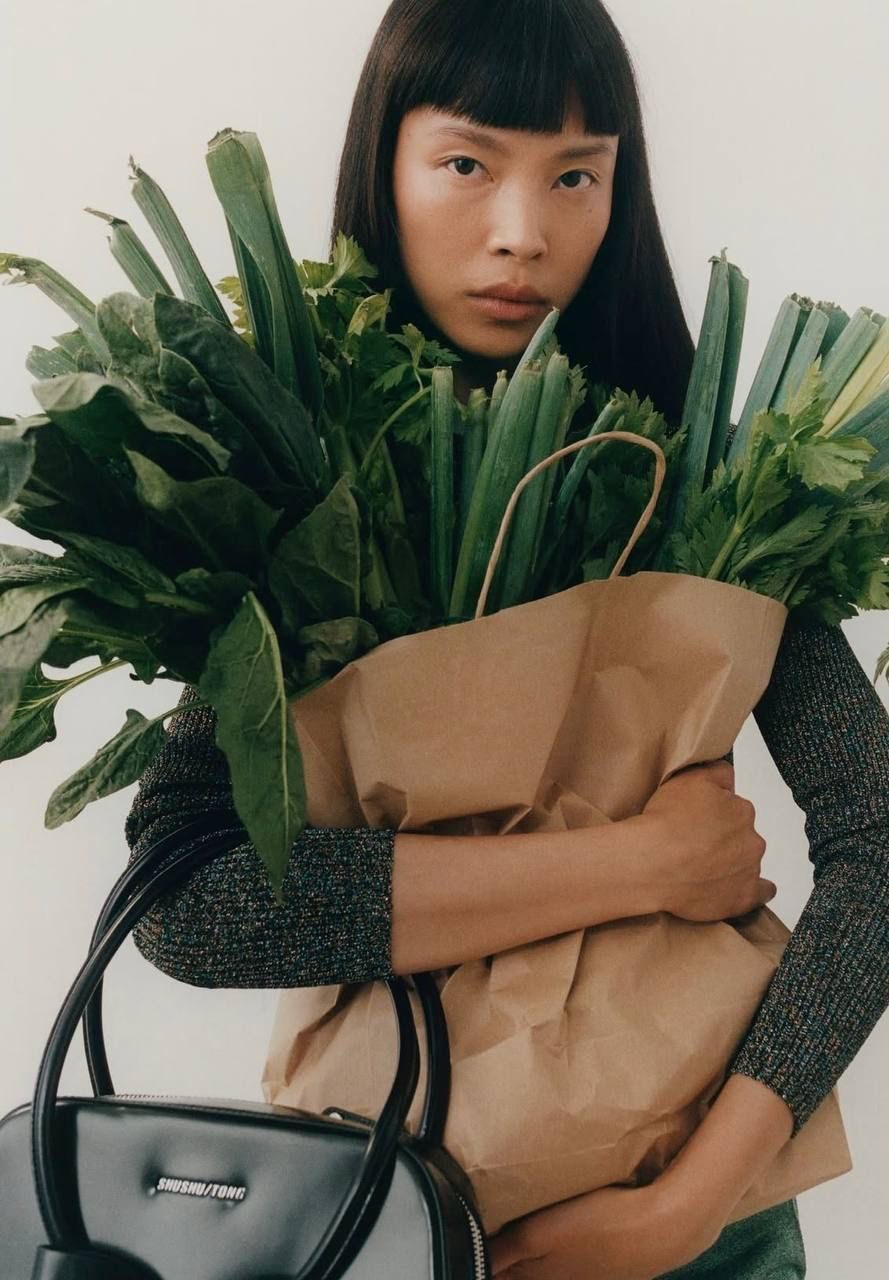
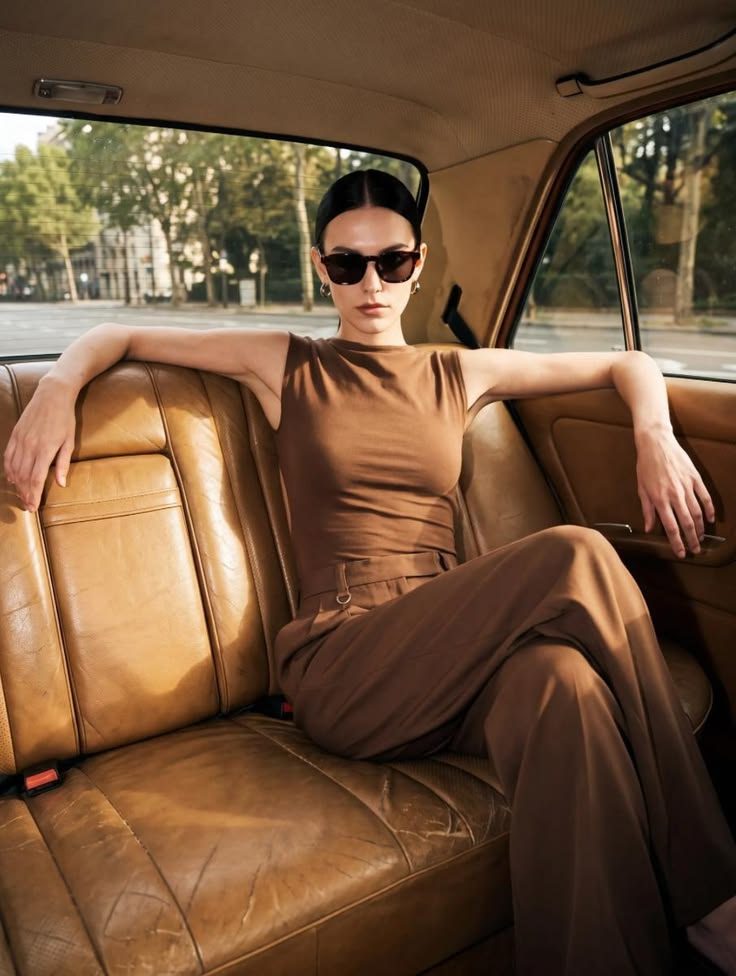
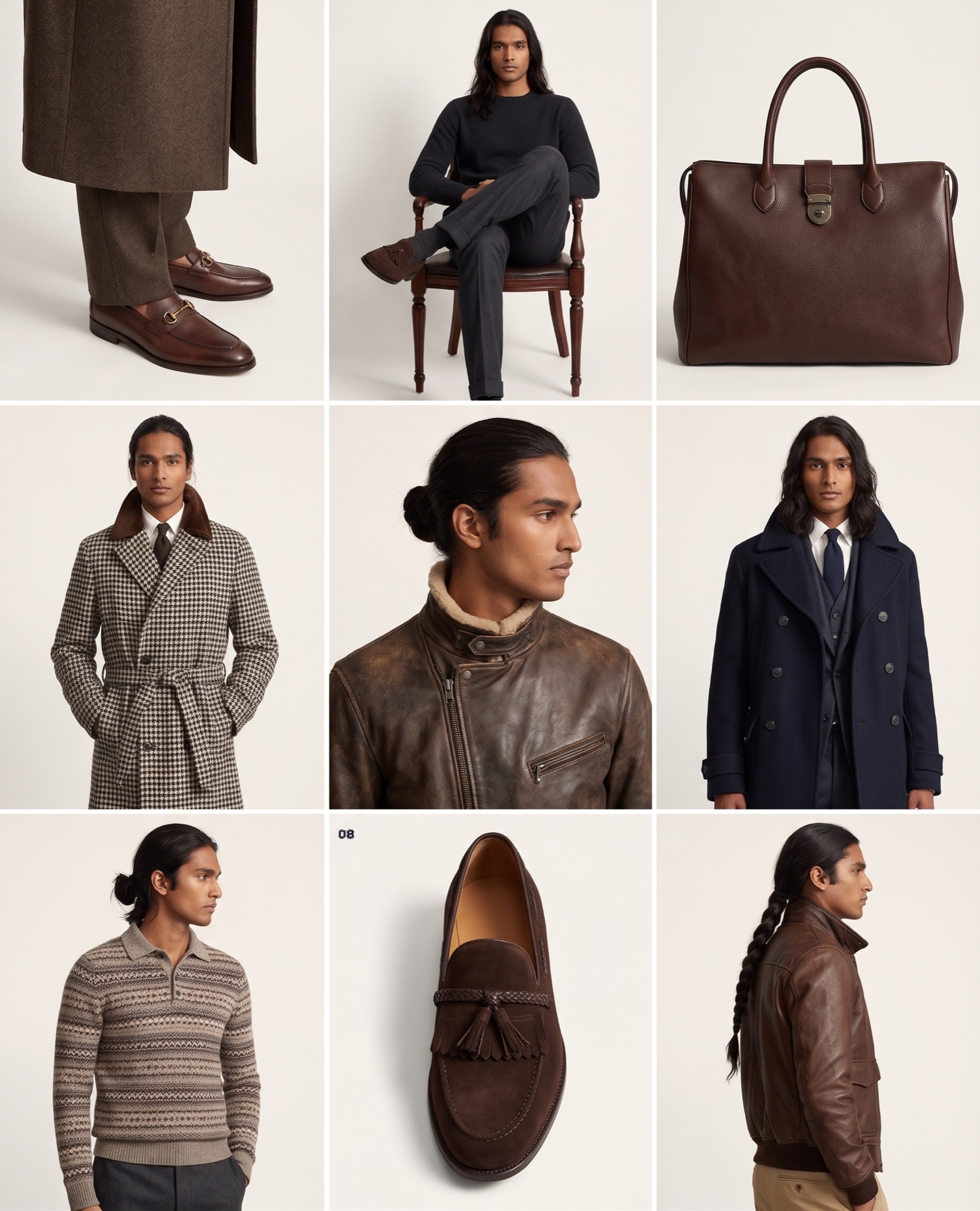
The same model and look carry into product photography for every listing, into campaign and social content, and into the catalogue pages buyers see. Because every image is tied to the style and colourway, nothing gets mixed up between drops.
A worked example: a knitwear label photographs each new style once on a ghost mannequin. In CotonAI it puts every piece on the same three trained character models, against a studio backdrop for the product pages and an olive set for the campaign. The whole drop is approved in one review, and the cast stays consistent from the first style to the last.
Every image is reviewed and approved before it is published, and your designs and outputs are never used to train AI models.
The fastest way to judge AI fashion models is on your own product, not a demo file. Book a session and bring a few product photos and an example of the look you want for your cast. We will run it in CotonAI with you, show you where it fits in your workflow, and recommend where to start.
Teams that want help setting up can add the Growth Team, who set up workflows and train your people, or the Creative Team, designers who do the work in CotonAI for you. Larger teams can see Enterprise for single sign-on, integrations and custom deployment.
AI fashion models are generated models that wear your real products in on-model images. CotonAI keeps the garment accurate while you choose the model, camera and setting.
Yes. Put a garment on a model from a product photo, a ghost-mannequin shot or a flat lay, without booking a shoot. The garment stays true to the original.
Yes. Train a character on a specific face or look so the same model appears across every shoot and channel.
No. CotonAI keeps shape, texture, labels and colour true to the original product. Review and approve every image before it is used.
Yes. Bring several products into one scene for outfits, bundles, sets and collections.
We'll show you the workflow end to end and recommend where to start.