01
Upload the sketch
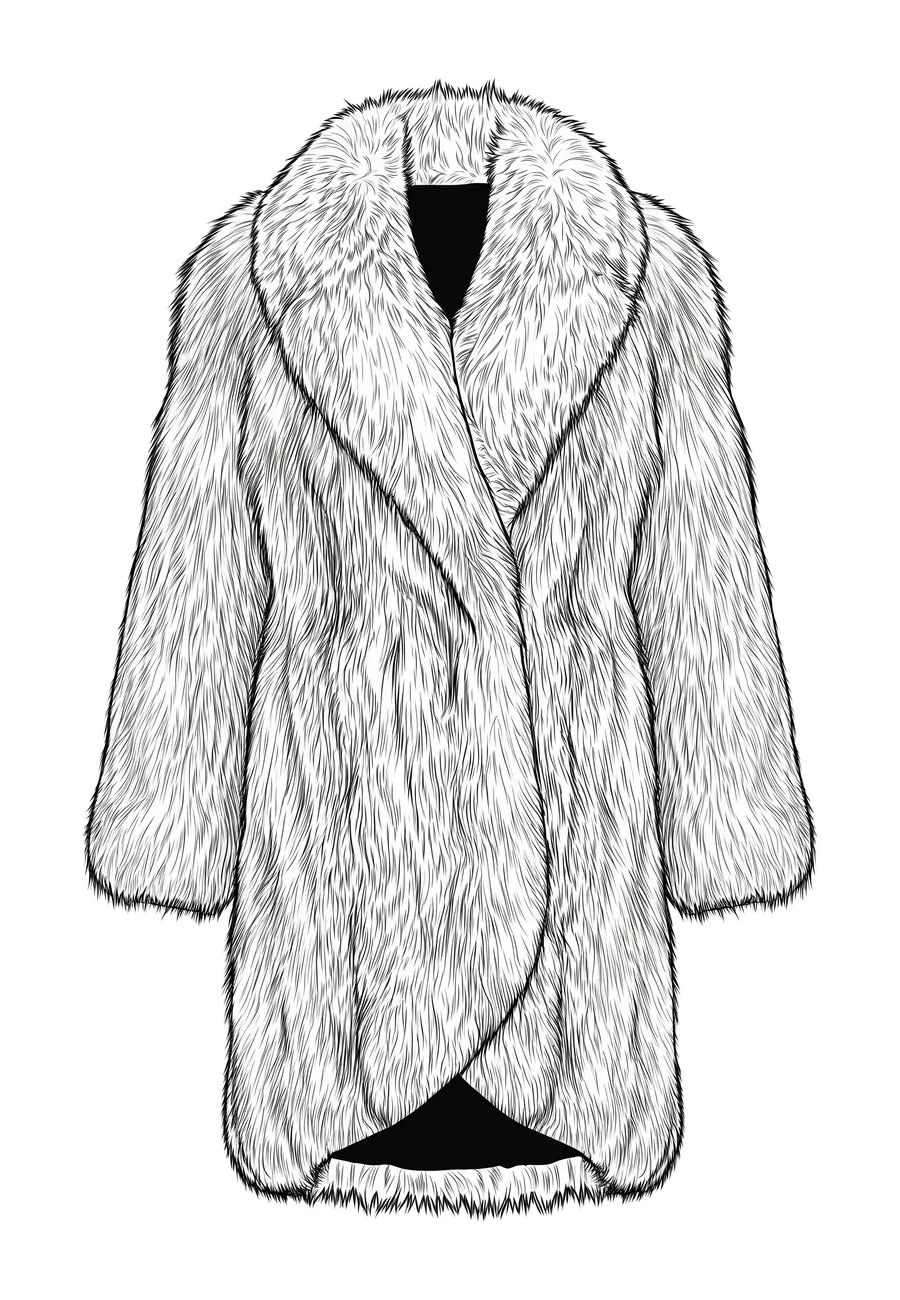
Upload a hand sketch, CAD flat or technical drawing. Front and back views both work.
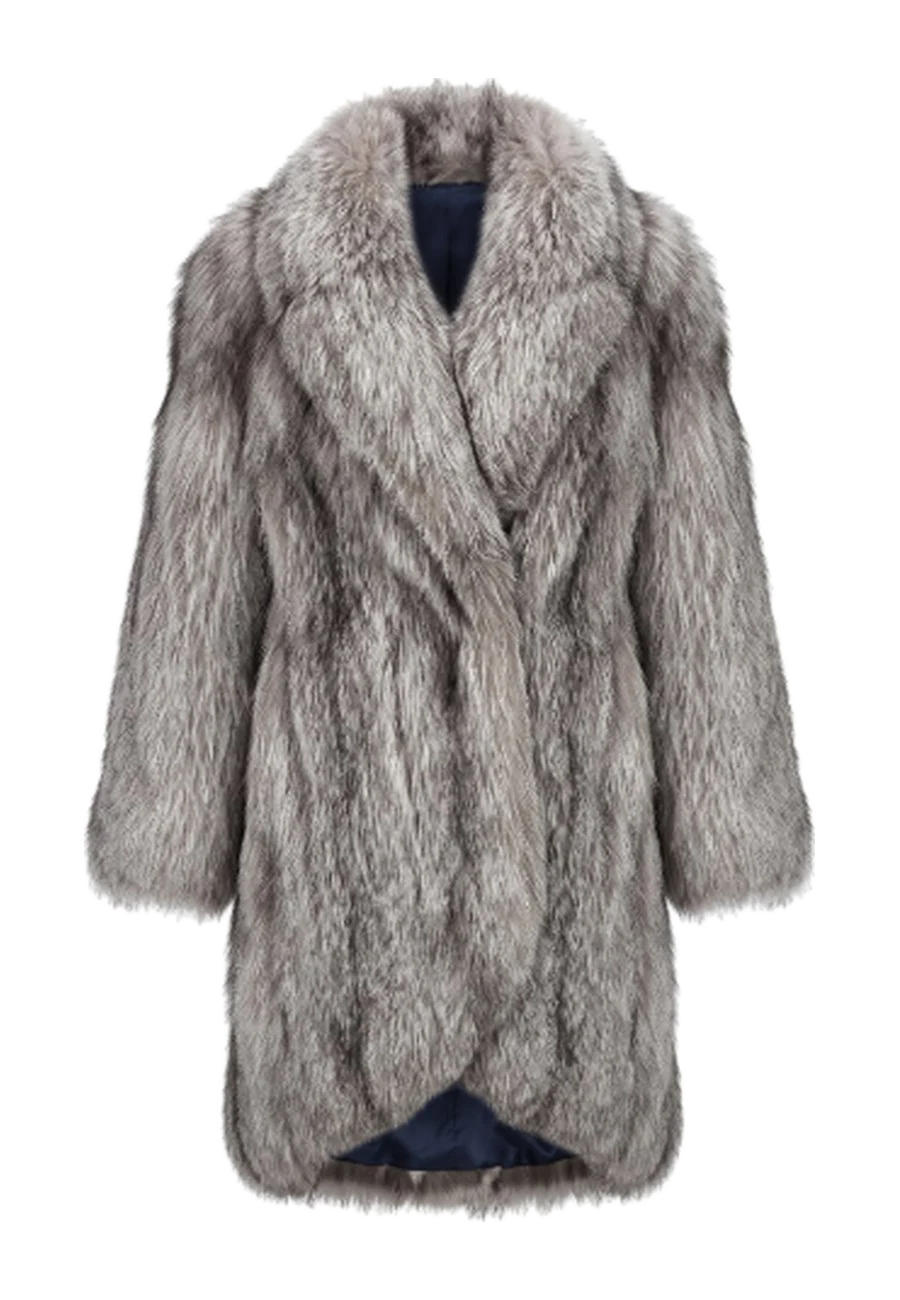
Turn a sketch or technical flat into a photoreal product with AI sketch to render, using your materials, silhouette and construction. A sketch to image AI built for fashion, where every seam stays where you drew it.
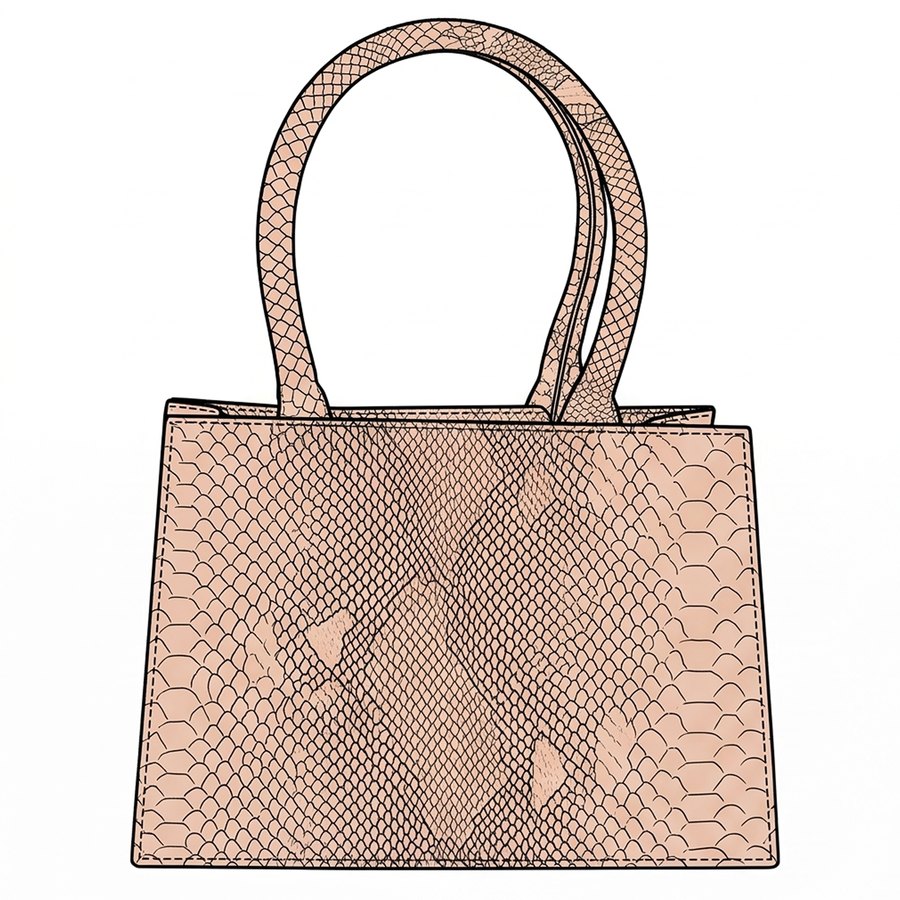
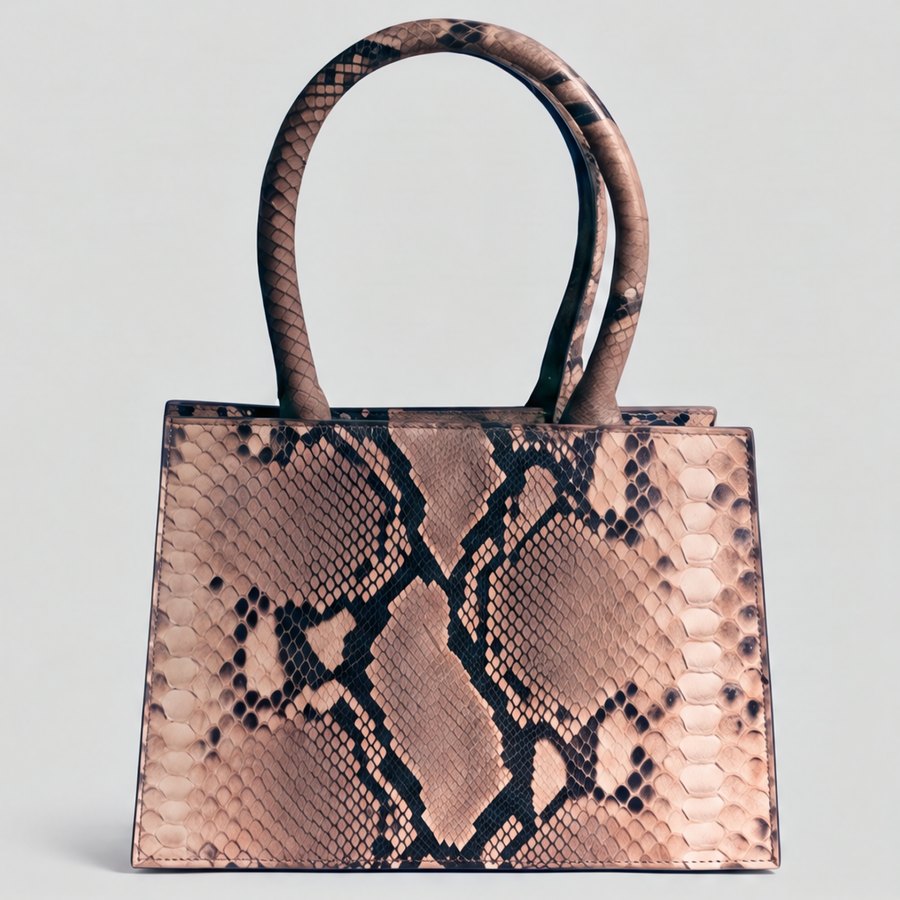
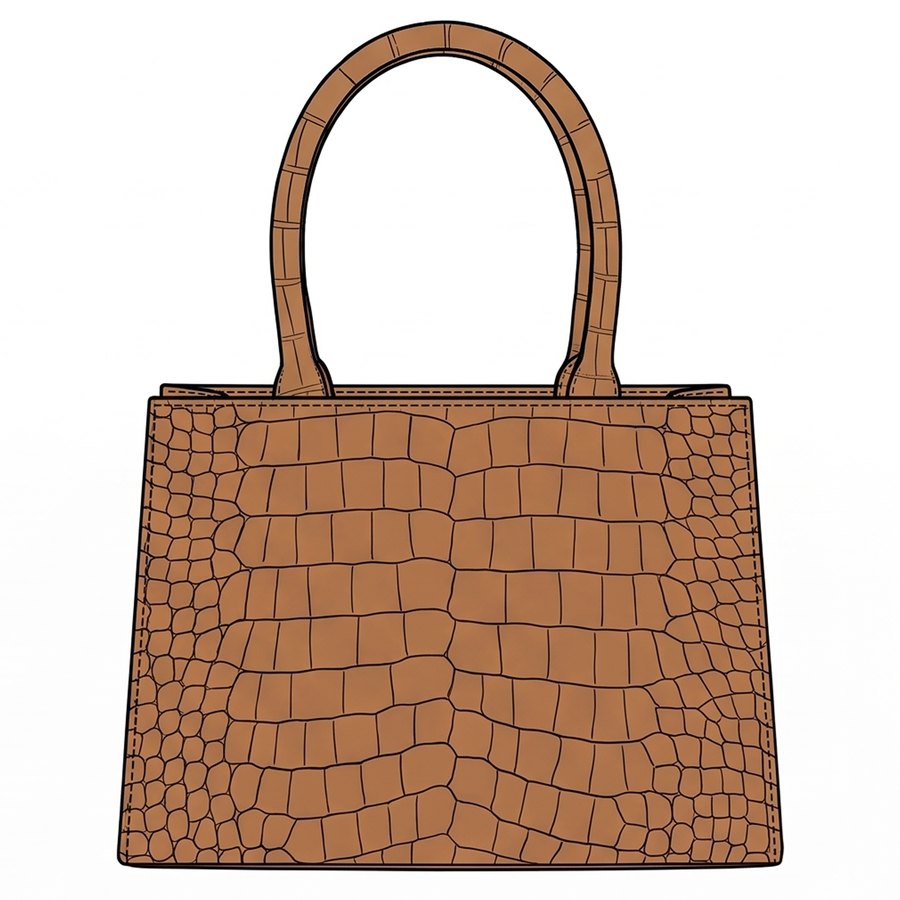
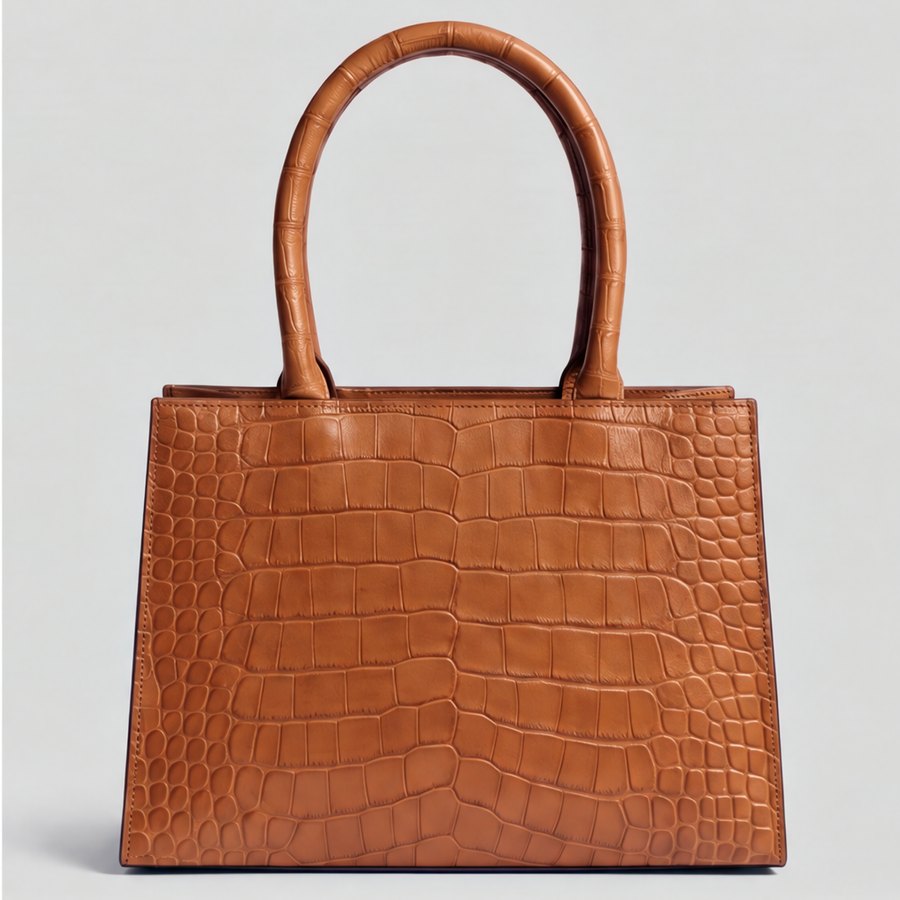
Sketches explain an idea quickly, but teams approve products. CotonAI turns the drawing into a realistic product before the first sample, while keeping its proportions, seams, trims and closures.
From a drawing to a render your team can approve.
01
Upload a hand sketch, CAD flat or technical drawing. Front and back views both work.
02
Choose the fabric, leather, colour and finish, or use the materials already on the BOM.
03
Compare a product-faithful render, colourways and edits before anyone cuts a sample.
Time, cost and content results with CotonAI.
45%
saved on sample cost
7.5–10hours
saved per SKU
2–4months
saved per year in production time

The approved design continues into prints and colourways, product imagery, line sheets and tech-pack drafts. One style record carries the decisions forward.
Bring two or three sketches and the intended materials to a working session. We will render them with you and show where the workflow fits. Teams can also add the Growth Team or Creative Team for setup and ongoing support.
Sketch to render turns a fashion sketch or flat drawing into a realistic product image. CotonAI keeps the silhouette and construction from the drawing and renders it in the materials you choose.
Hand sketches, CAD flats, technical drawings and photos of sketchbook pages. Cleaner line work gives more precise renders, but rough sketches work too.
Yes. Apparel, bags, footwear and accessories all render from flats, including material changes such as python, croc or smooth leather on the same design.
Yes. Render a design and then generate colourways in bulk, for example 6, 12 or 20 at once, and compare them on the same garment.
No 3D model is needed. CotonAI renders directly from the 2D drawing, so you can see a design before anyone builds a 3D file or a sample.
We'll show you the workflow end to end and recommend where to start.