01
Start from your product
A packshot, a ghost-mannequin shot, a flat lay or a render from CotonAI.
Keep your storefront, email and social supplied with lifestyle visuals, without booking a shoot for every drop. Your product stays accurate; the scene, cast and camera are yours to direct.
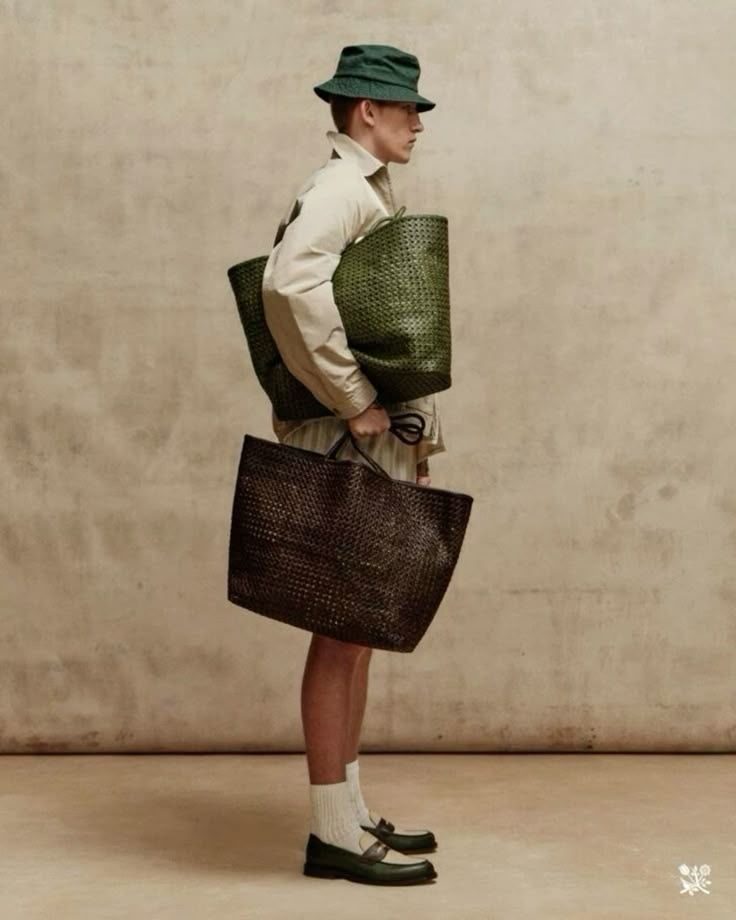
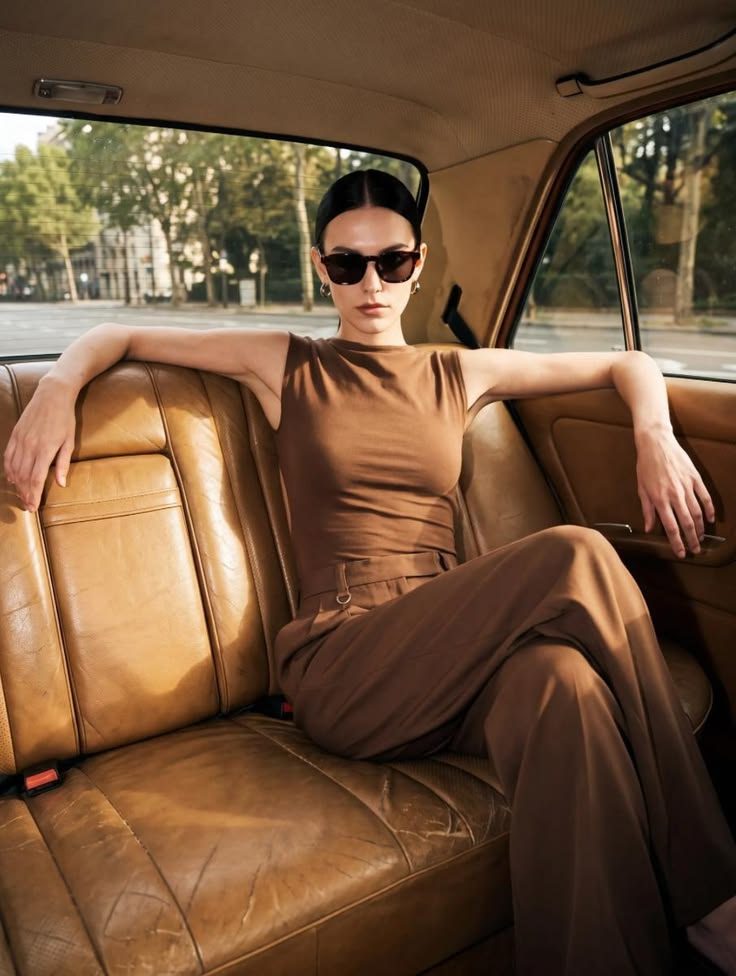
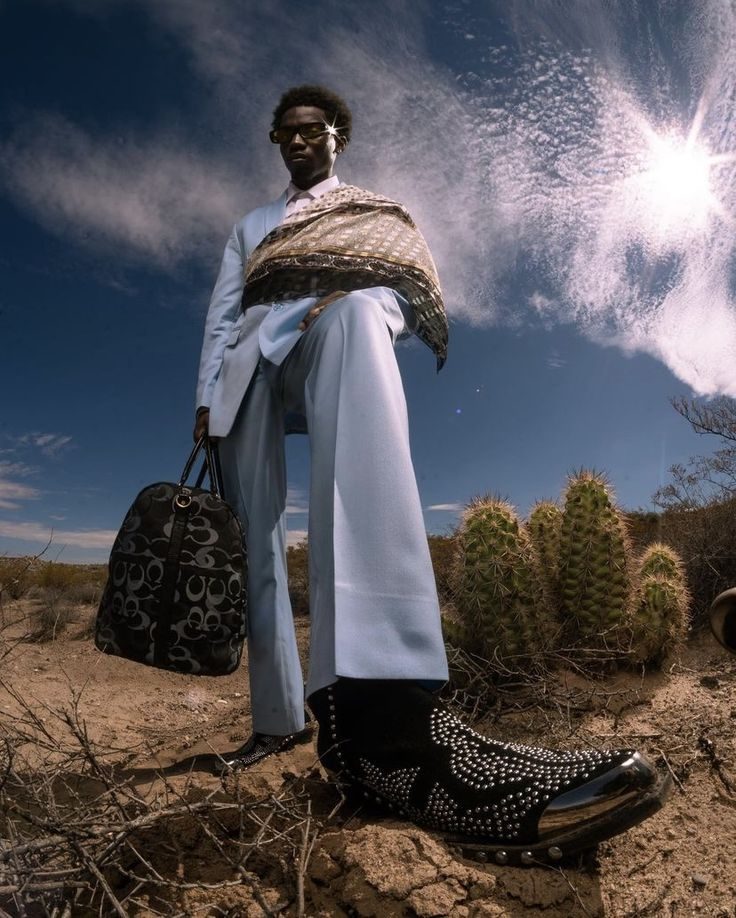
Product shots get a listing live. Lifestyle images get people to care about it: the coat in the city, the bag in a market, the dress in the evening light. They also need locations, models, stylists and light, which is why most brands shoot them once a season and run out of fresh content by the second week.
AI lifestyle photography in CotonAI starts from your real product and puts it in the scene you brief. Shape, texture, labels and colour stay true to the original, so the image is credible and the customer receives the thing they saw.
From a product photo to a lifestyle set.
01
A packshot, a ghost-mannequin shot, a flat lay or a render from CotonAI.
02
Choose the setting, light and mood, pick a camera, and cast a model, including a trained character so the same faces carry across the season.
03
Get a set of images, approve the ones you want, and send them to your storefront, email and social.
Time, cost and content results with CotonAI.
3×
content output, no added headcount
95%
faster campaign turnaround
95%
fewer photoshoot resources
Lifestyle is one of the three ways Studio is used, alongside campaign work and product photography for listings. It pairs with AI fashion models for a consistent cast and AI fashion video for motion.
A worked example: a footwear label has studio shots of a new loafer. The team briefs a lifestyle set: an old city street, morning light, a cast they have used before. CotonAI generates a scene for each colourway with the loafer kept accurate in shape, stitching and sole, the team approves six images, and they go to the homepage, the email and the social calendar the same week.
The fastest way to judge AI lifestyle photography is on your own product, not a demo file. Book a session and bring product photos from a coming drop and a reference for the scenes you want. We will run it in CotonAI with you, show you where it fits in your workflow, and recommend where to start.
Teams that want help setting up can add the Growth Team, who set up workflows and train your people, or the Creative Team, designers who do the work in CotonAI for you. Larger teams can see Enterprise for single sign-on, integrations and custom deployment.
AI lifestyle photography places your real products in lifestyle scenes using AI, such as a city street, a market or a landscape. CotonAI keeps the product accurate in shape, texture, labels and colour.
No. Product photography produces the angles and clean backgrounds a listing needs. Lifestyle photography puts the product in a scene with a model, setting and mood, for stores, email, social and campaigns.
Yes. Train a character on a specific face or look so the same model appears across every shoot.
Yes. Save your settings once and apply them across the catalogue in a single batch run.
Yes. Every image can be reviewed and approved before it is published.
We'll show you the workflow end to end and recommend where to start.