01
Start from the approved line
Styles, colourways and imagery already approved in CotonAI, or imported from your product data.
Build fashion catalogs (or catalogues) from the approved collection, with the right SKU, price, MOQ, colours and delivery window on every page, ready for buyers to order from.

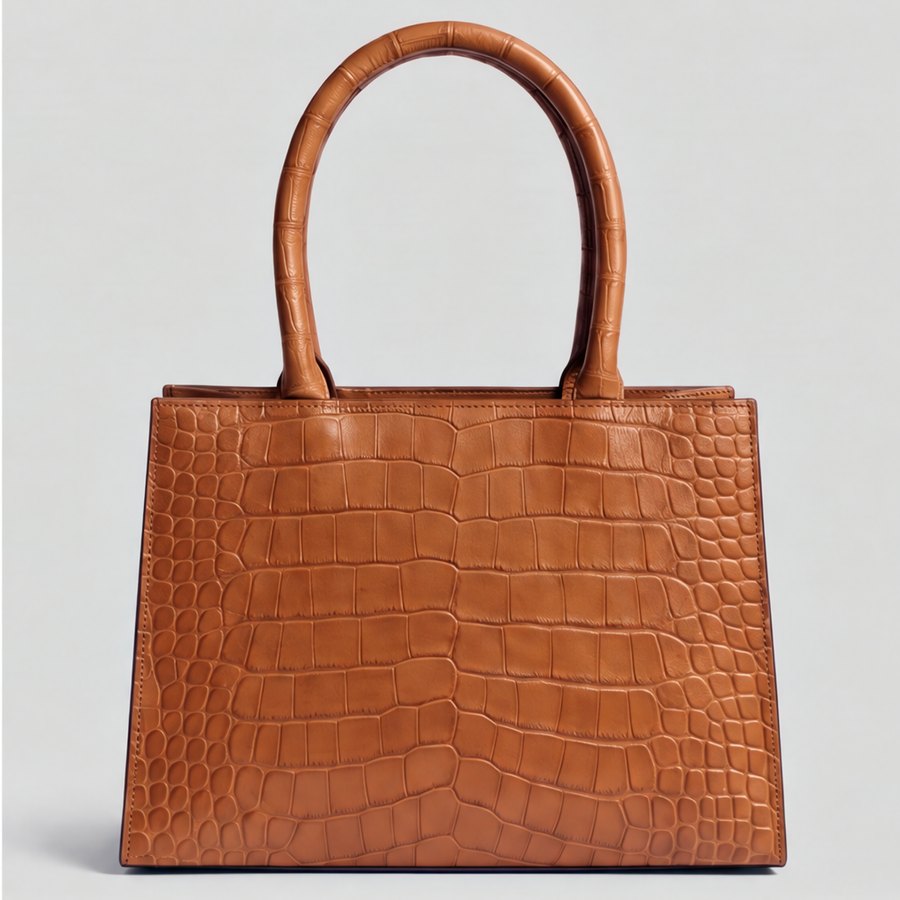
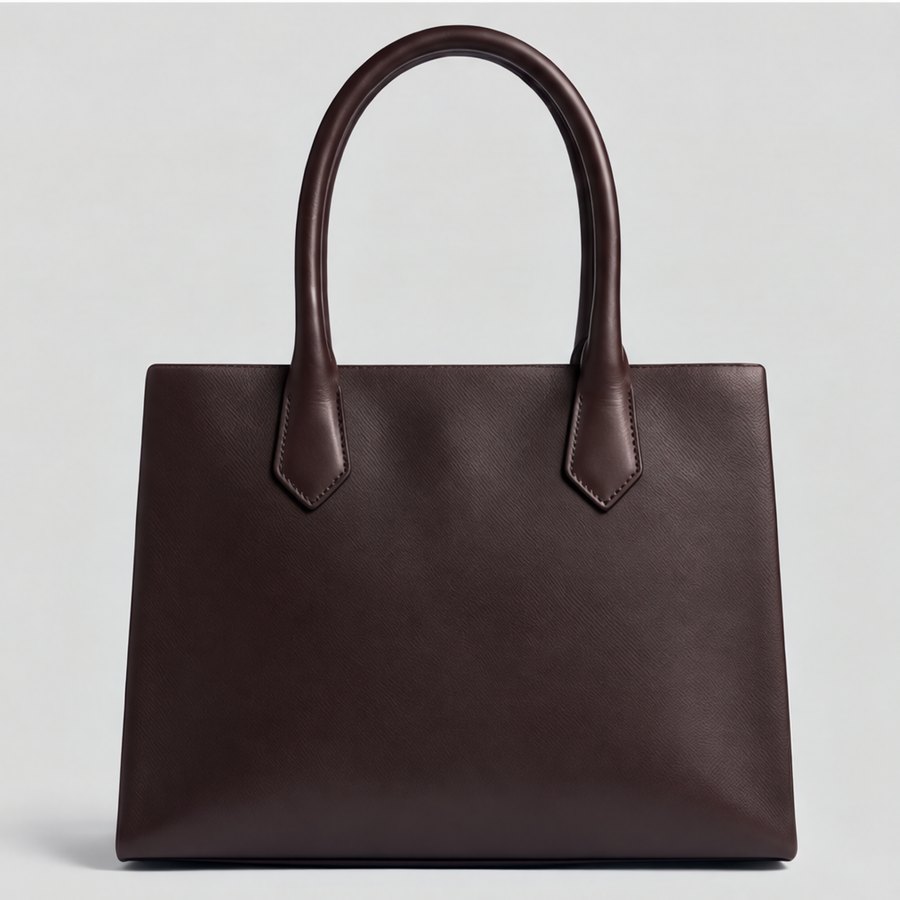
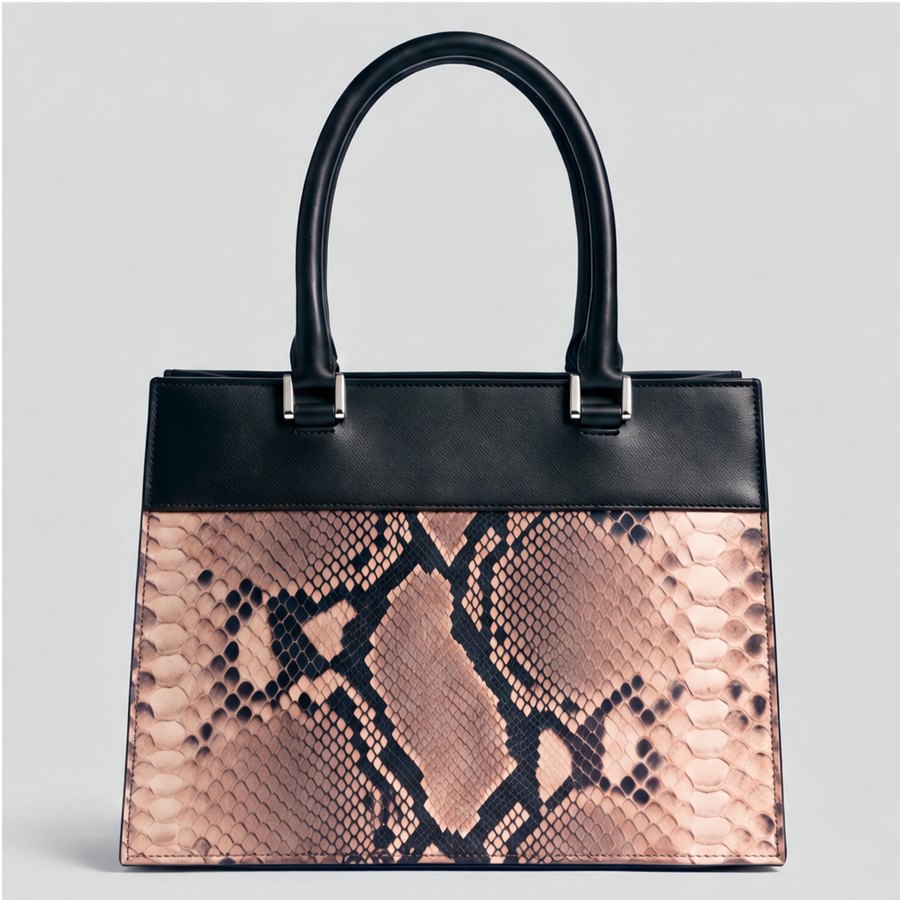
Most AI catalog tools make good-looking pages of product images. A fashion buyer needs more than images: the style number, the wholesale price, the minimum order, the colours available and when it ships. Without those, a catalogue is a lookbook, and the order still happens in a spreadsheet.
The AI fashion catalog generator in CotonAI builds catalogues from the approved line and its product data, so every page carries the image and the commercial facts together. If a price, MOQ or delivery date is missing, it is flagged, not guessed.
From approved styles to a catalogue buyers can order from.
01
Styles, colourways and imagery already approved in CotonAI, or imported from your product data.
02
SKU, wholesale and retail price, MOQ, sizes, colours and delivery windows, from your sheets or systems.
03
Lay out the catalogue, curate an edit for each buyer, and export a PDF or a link with order forms.
Whether your team says catalog or catalogue, it is the same document, and in CotonAI it comes from the same data as everything else you send buyers.
The catalog generator is part of CotonAI Fold, which turns an approved collection into wholesale-ready selling documents. Merchandisers use it to go from range to buyer deck; see AI for fashion merchandising.
A worked example: a bag brand approves its spring line of twelve totes. The merchandiser generates the catalogue from the line: each page shows the product image, the style number, the colours, the wholesale price, the MOQ and the delivery window. Two styles are missing a delivery date, so they are flagged before anything is sent. They make a smaller edit for a boutique account with its own terms, exports both as PDFs, and sends them the same day.
The fastest way to judge the catalog generator is on your own product, not a demo file. Book a session and bring a handful of approved styles with their prices, MOQs and delivery windows. We will run it in CotonAI with you, show you where it fits in your workflow, and recommend where to start.
Teams that want help setting up can add the Growth Team, who set up workflows and train your people, or the Creative Team, designers who do the work in CotonAI for you. Larger teams can see Enterprise for single sign-on, integrations and custom deployment.
It is software that builds fashion catalogs or catalogues from your product data and imagery using AI. CotonAI includes SKUs, prices, MOQs, colours and delivery windows, so buyers can order from it.
A line sheet is a compact list of styles with prices and terms; a catalogue is a fuller, more visual selling document. CotonAI builds both from the same approved collection.
It is flagged, not guessed. You see which styles are missing a price, MOQ or delivery date before the catalogue goes out.
Yes. Curate an edit and terms for each account without rebuilding the document.
We'll show you the workflow end to end and recommend where to start.