01
Approve the design
The render, colourway and materials the team signed off, with the comments and decisions that led there.
Draft tech packs from the technical drawings, specifications and BOM data you already have, tied to the design that was approved, so the factory builds what the team signed off. Tech pack software that brings the pack together for you to check.
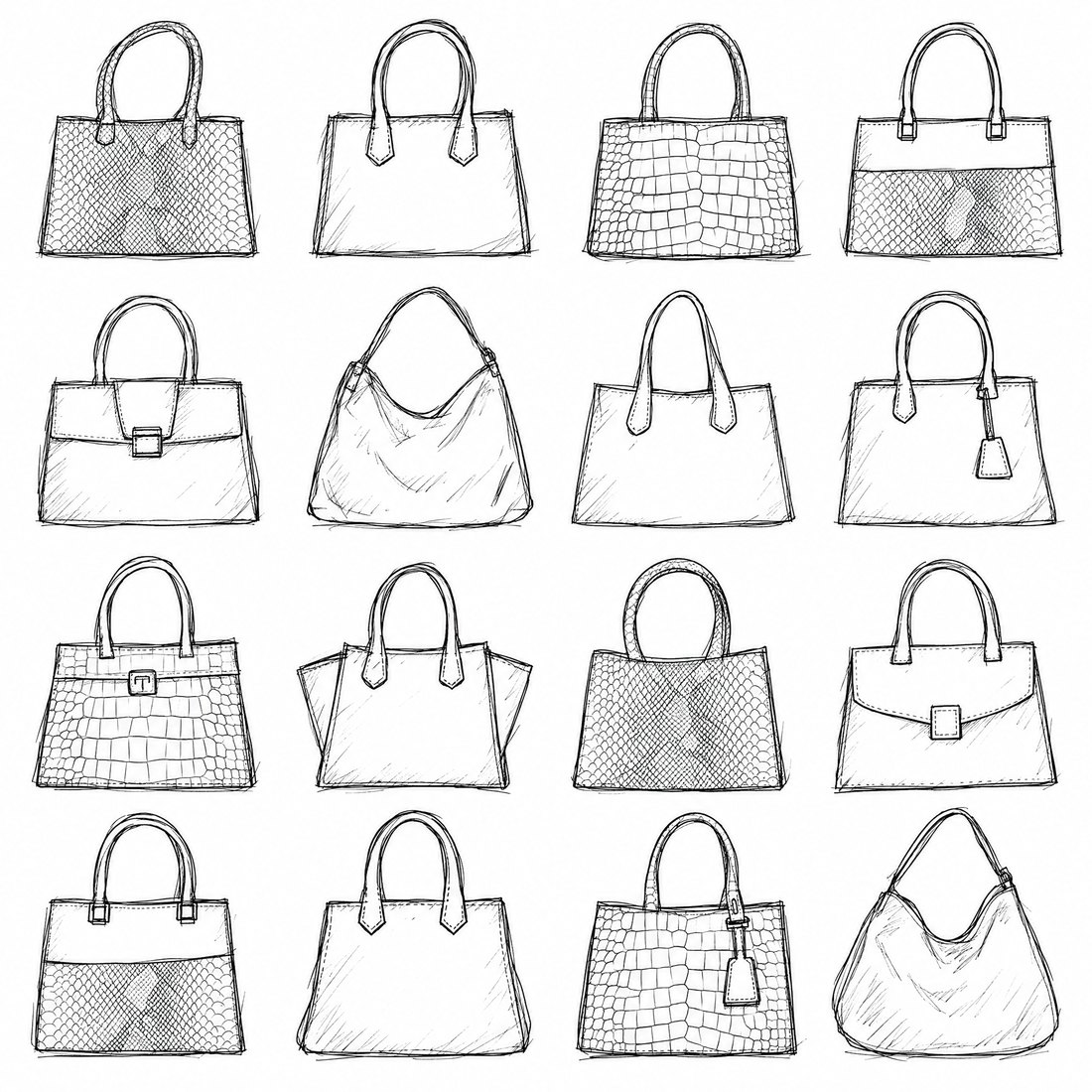

A design can be approved on Monday and built wrong on Friday. The details live in email threads, spreadsheets, old PDFs and somebody's memory, and the factory gets a package that is missing a measurement, a trim or a decision.
The AI tech pack generator in CotonAI brings the technical drawings, specifications, BOM data and product information together with the approved design, and drafts the tech pack from them. Open questions are marked, not guessed, so sourcing and the factory see exactly what is still to decide.
From approved design to a tech-pack draft.
01
The render, colourway and materials the team signed off, with the comments and decisions that led there.
02
Technical drawings, measurements, BOM data and product information from your files, sheets or PLM.
03
CotonAI drafts the tech pack and flags missing details. Review it, fill the gaps and send a clean package onward.
Available today: tech-pack drafts, BOMs and RFQ checklists for sourcing and technical teams. Coming next in technical development: fully editable tech packs and BOMs.
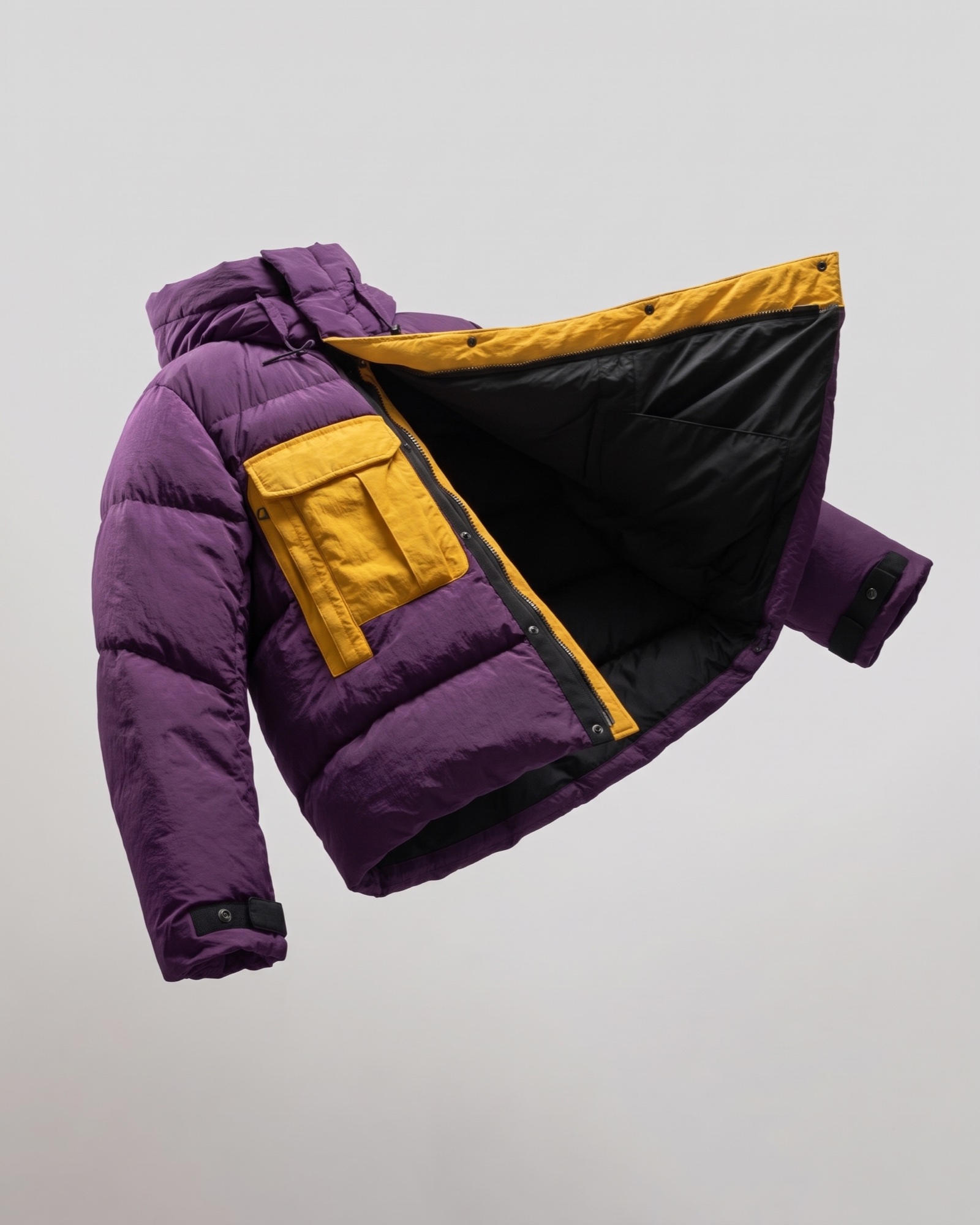
The tech pack sits on the same style record as the render, the colourways and the catalogue. Connections to PLM and ERP systems are available or on the way; the Integrations page shows the current status.
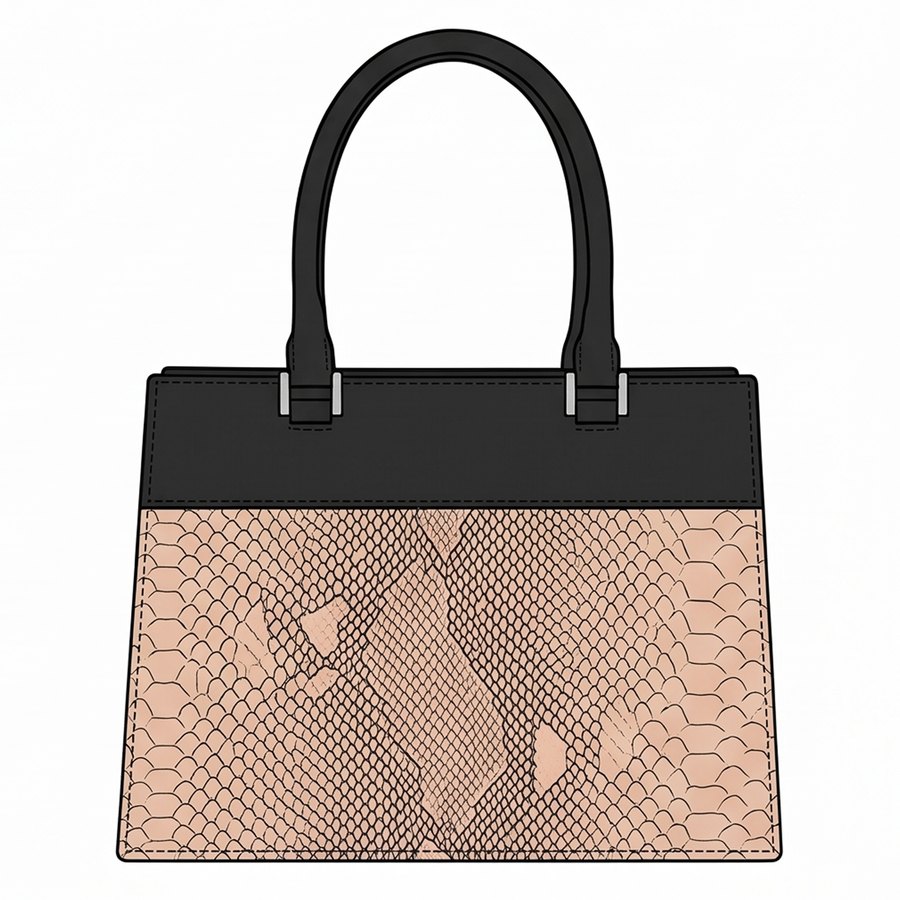
A worked example: a two-tone tote is approved with its python panel and black leather top. The sourcing lead opens the style, and the draft brings together the front and back flats, the materials from the render, the BOM lines for leather, lining and hardware, and the measurements from the spec sheet. The handle drop is missing, so it is flagged. They confirm it with the designer in a comment on the style, and send the package and an RFQ checklist to two factories.
The fastest way to judge the tech pack generator is on your own product, not a demo file. Book a session and bring an approved style with its flats, a spec sheet and a BOM. We will run it in CotonAI with you, show you where it fits in your workflow, and recommend where to start.
Teams that want help setting up can add the Growth Team, who set up workflows and train your people, or the Creative Team, designers who do the work in CotonAI for you. Larger teams can see Enterprise for single sign-on, integrations and custom deployment.
It is software that drafts a fashion tech pack, the technical document a factory builds from, using AI. CotonAI drafts it from your technical drawings, specs and BOM data, tied to the approved design.
CotonAI drafts tech packs, BOMs and RFQ checklists today. Fully editable tech packs and BOMs are coming next in technical development.
Yes. Technical drawings and flats export as vectors, ready to edit in your design tools or attach to the tech pack.
It is flagged, not guessed. The draft marks open questions so sourcing and the factory can see what still needs a decision.
Connections to PLM and ERP systems are available or on the way. The Integrations page shows the current status of each one.
We'll show you the workflow end to end and recommend where to start.