01
Start from anything
A rough sketch, a flat, a garment photo, a fabric swatch, a Pinterest reference or a short brief. No prompt writing needed: CotonAI picks the right workflow and model for each step.
Start from a sketch, a garment photo, a fabric or a few words. CotonAI generates design options in your silhouettes, renders the ones you pick, and carries them on to colourways, imagery and line sheets.
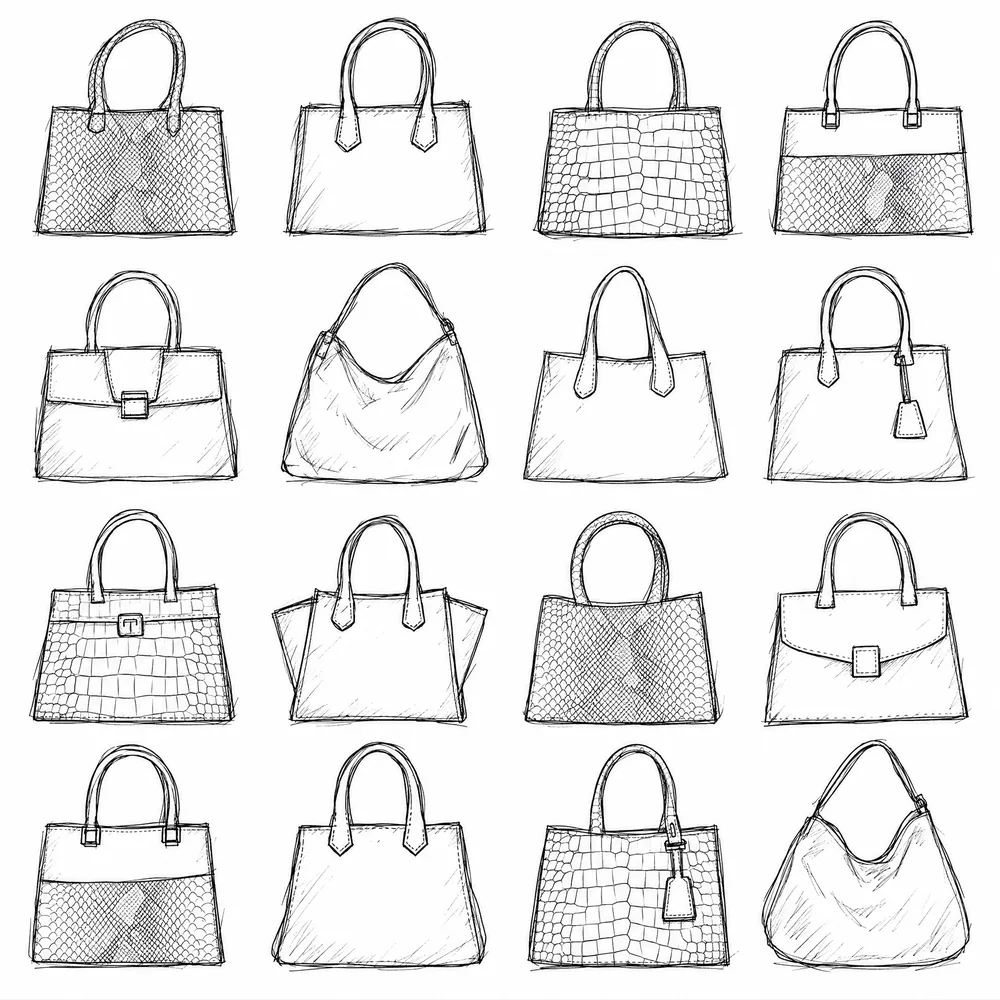
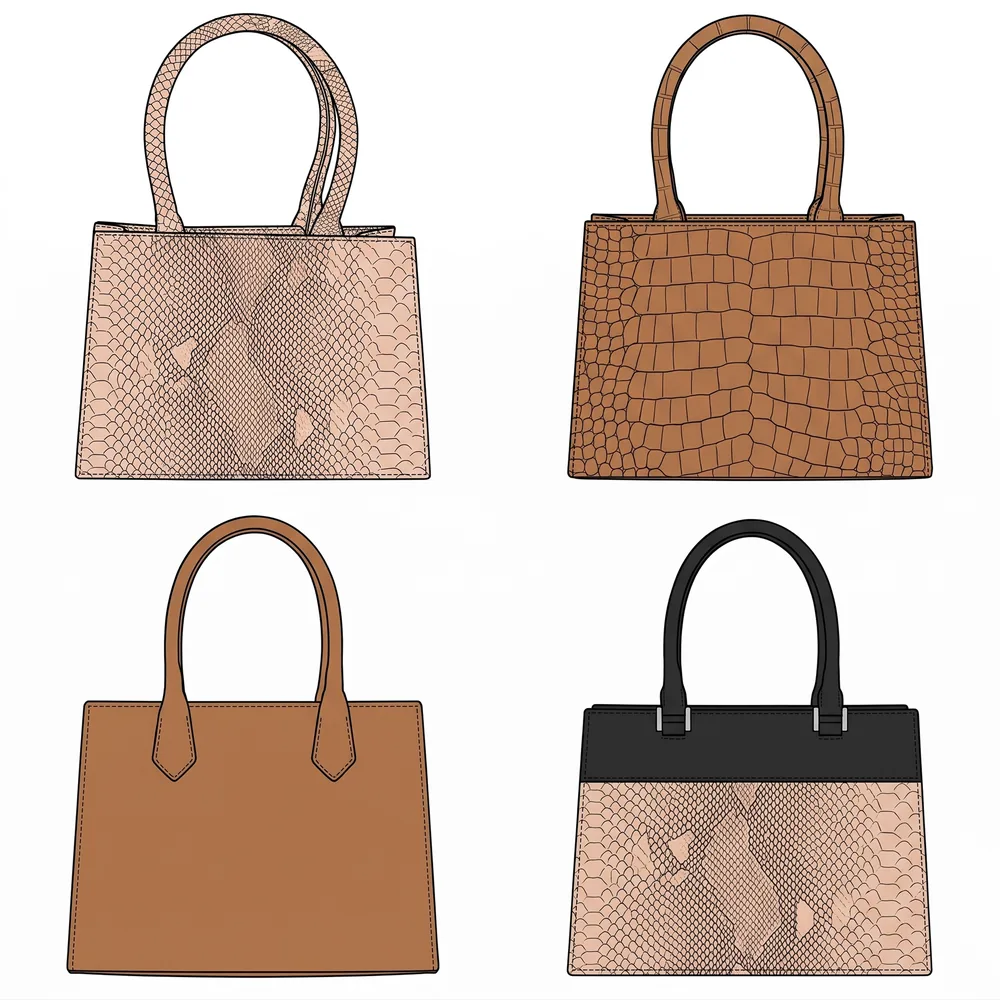
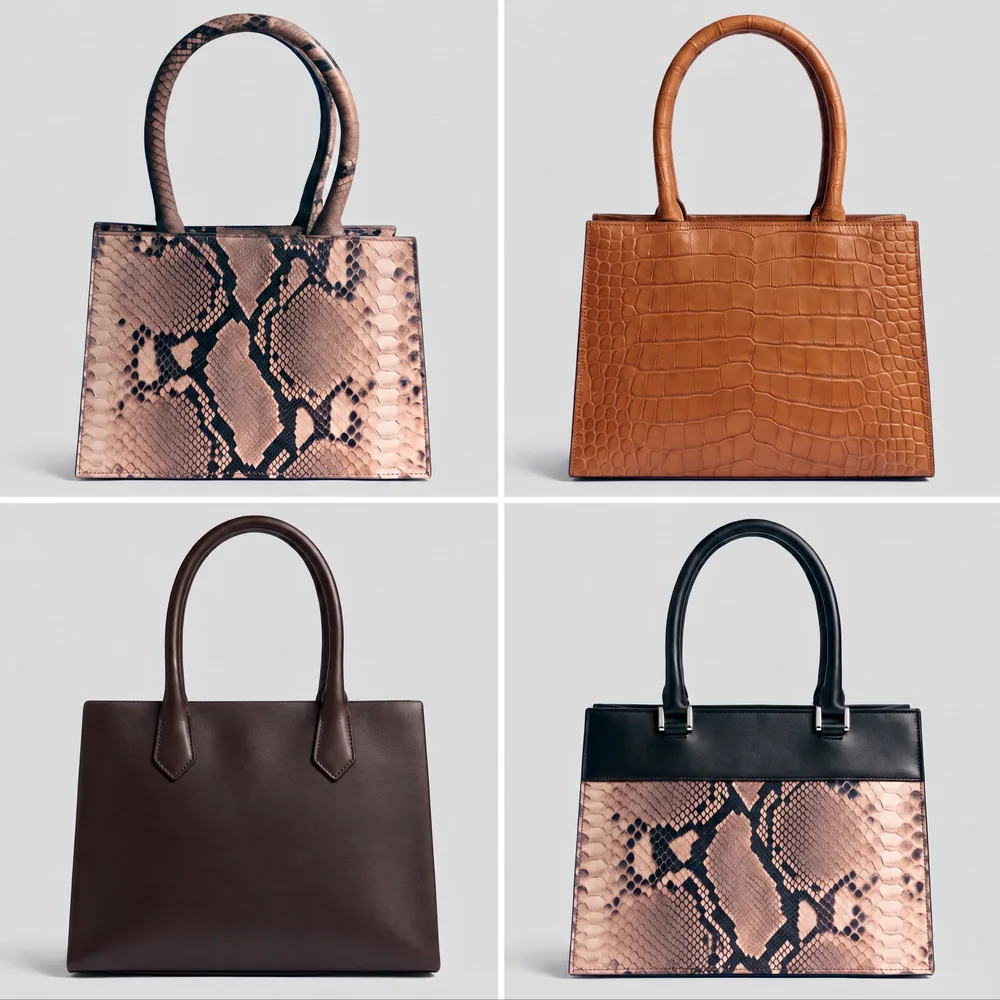
Most AI image tools can make a picture of a dress. A fashion team needs more than a picture. It needs options that look like its own brand, a way to pick the ones worth making, and a product that can still be developed after the image is approved: recoloured, edited, priced, sampled and sold.
CotonAI is an AI fashion design generator built around that work. It generates design options in the silhouettes and categories you already sell, helps you narrow them using your own trends, customers and brand language, and renders the chosen designs as realistic products. Every option stays tied to a style, so the design you approve is the one that moves on to colourways, campaign imagery, line sheets and tech-pack drafts.
Three steps from first idea to a design your team can approve.
01
A rough sketch, a flat, a garment photo, a fabric swatch, a Pinterest reference or a short brief. No prompt writing needed: CotonAI picks the right workflow and model for each step.
02
Get a sheet of options in your silhouettes. The agent reads your trends, customers and brand language and suggests which flats are worth making. You decide.
03
Turn the chosen flats into photoreal products in the materials on your bill of materials, then explore colourways, prints and garment edits on the same canvas.
Generators made for individual creators stop at the image. CotonAI keeps going, because the people who use it work together: designers, merchandisers, buyers and sourcing teams.
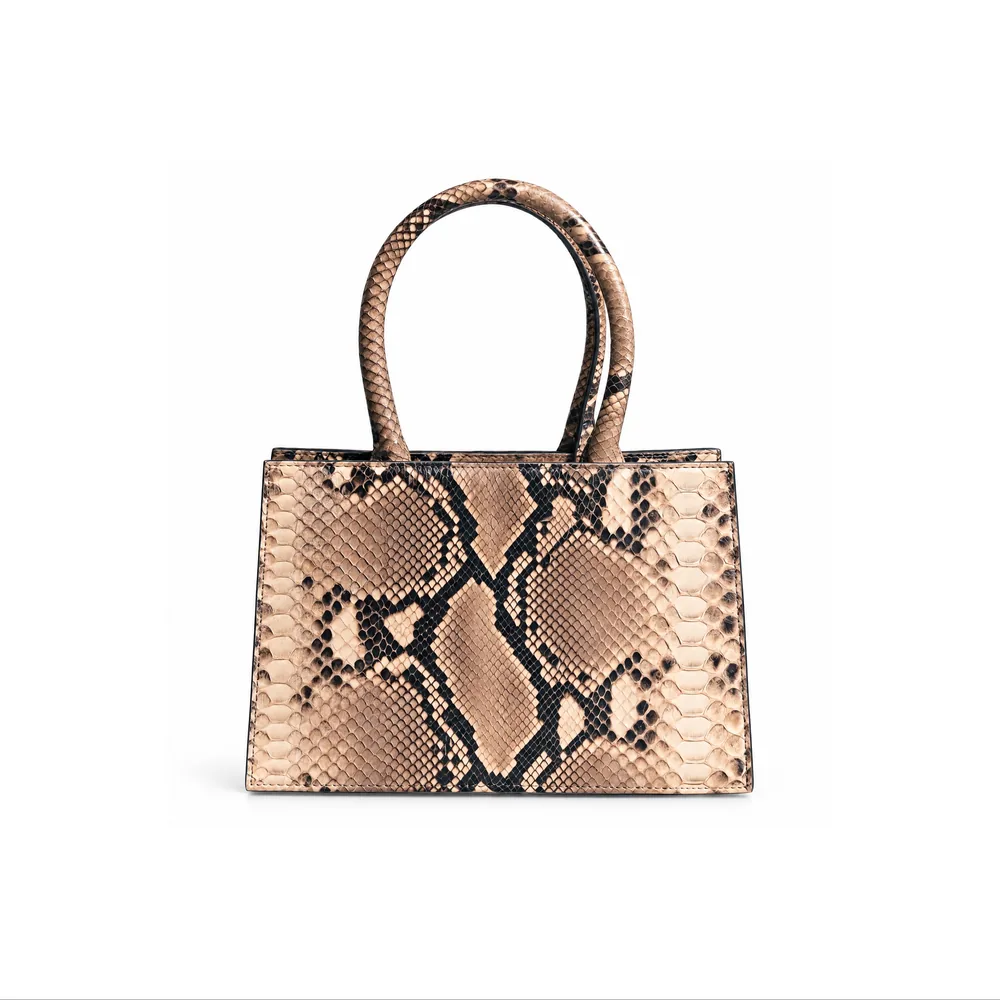
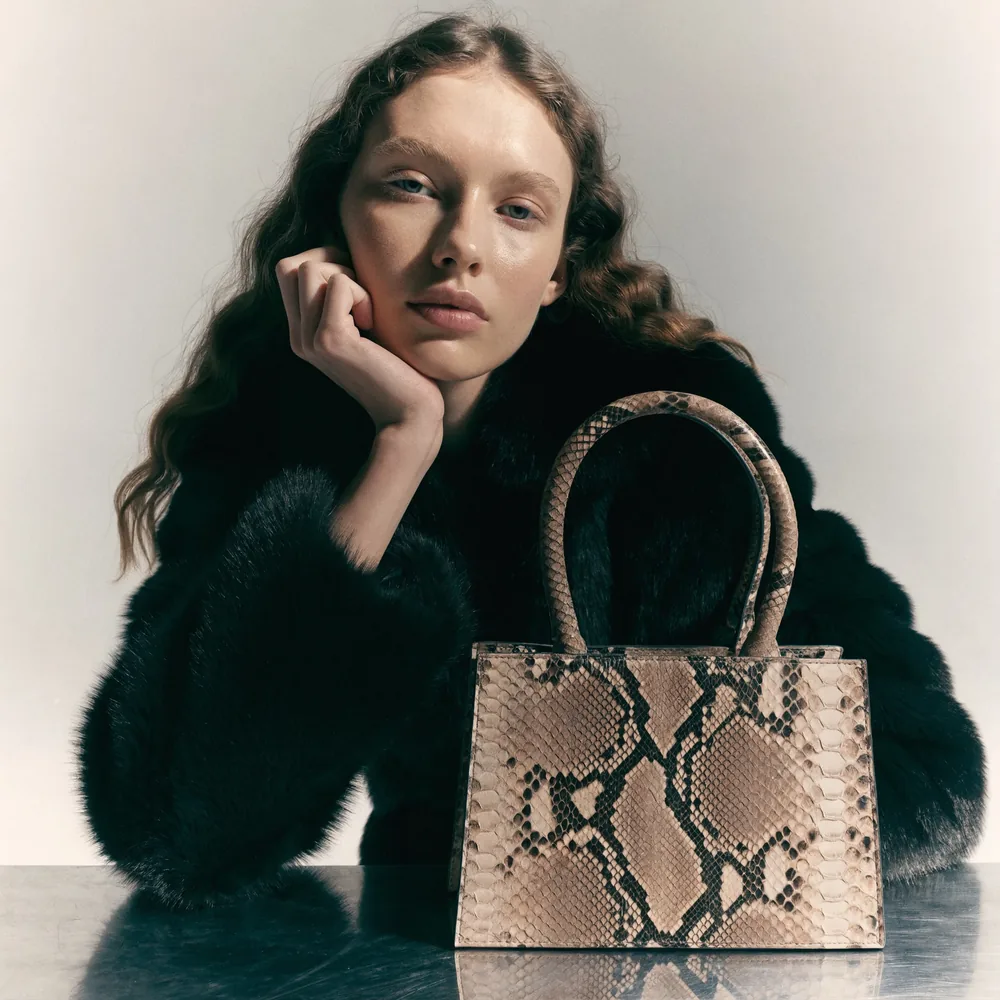
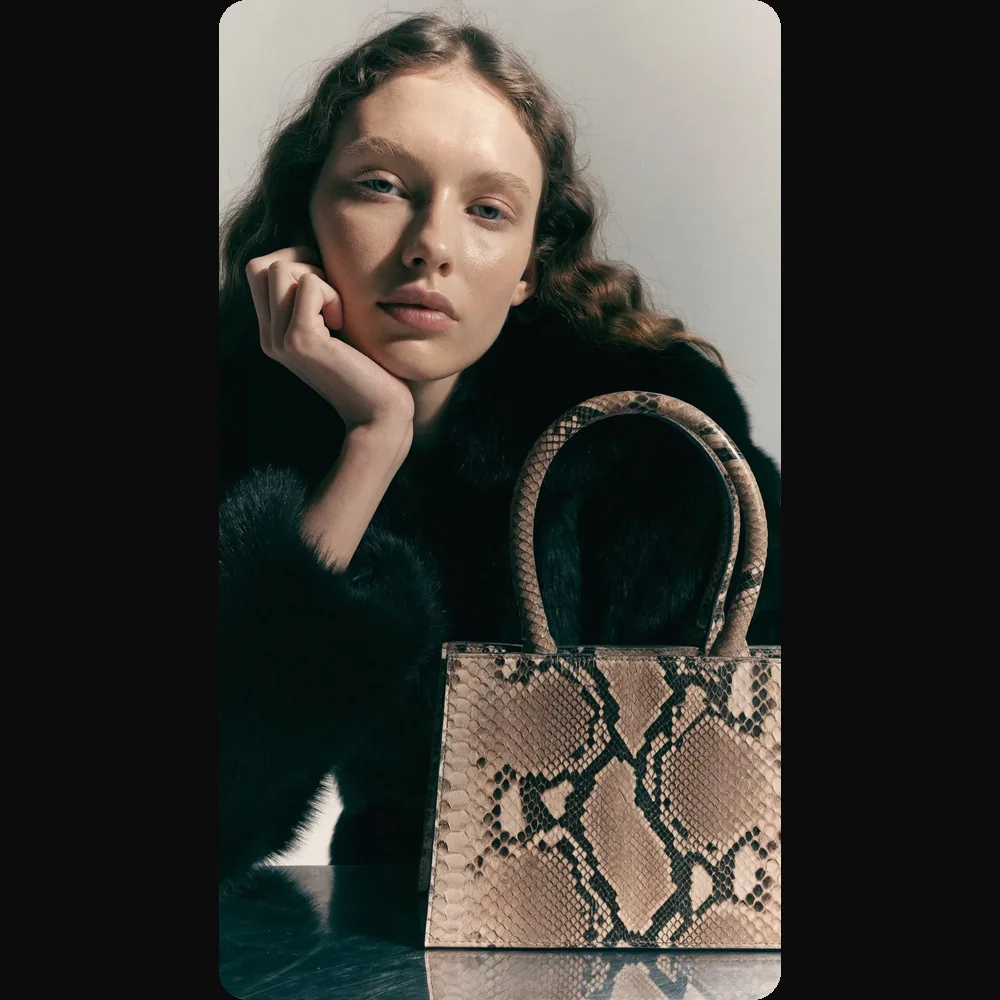
A design tool helps you draw. A generator helps you explore: it shows you twenty directions in the time it takes to sketch one, so the team can react, combine and choose. The risk is that generated options drift away from what your brand would make, or ignore how a garment is built. CotonAI keeps generation grounded in your silhouettes, your categories and your construction details, and puts a person in charge of every decision.
In practice, a designer might start a resort capsule with three sketches and a fabric photo, generate a sheet of options around them, mark the six worth keeping, and render those in the materials on the bill of materials. Merchandising sees the same six on the board the same afternoon, comments on price points and colour, and the approved styles move on to colourways and product imagery without anyone re-uploading a file.
It is software that uses generative AI to create fashion design options from a sketch, a photo, a fabric or a written brief. CotonAI also renders the chosen designs as realistic products and carries them into colourways, imagery, line sheets and tech-pack drafts.
No. You can work visually from a sketch, photo or fabric. CotonAI chooses the workflow and model for each step, and you can switch to manual control when you want it.
CotonAI learns from your existing collections, design language, customers and categories, so options follow your silhouettes and visual identity rather than a generic style.
Yes. Change colours, fabrics, trims, proportions and garment details without rebuilding the concept, and keep every version tied to the style.
Your designs, uploads and outputs belong to your team and are never used to train AI models, ours or anyone else's.
We'll show you the workflow end to end and recommend where to start.