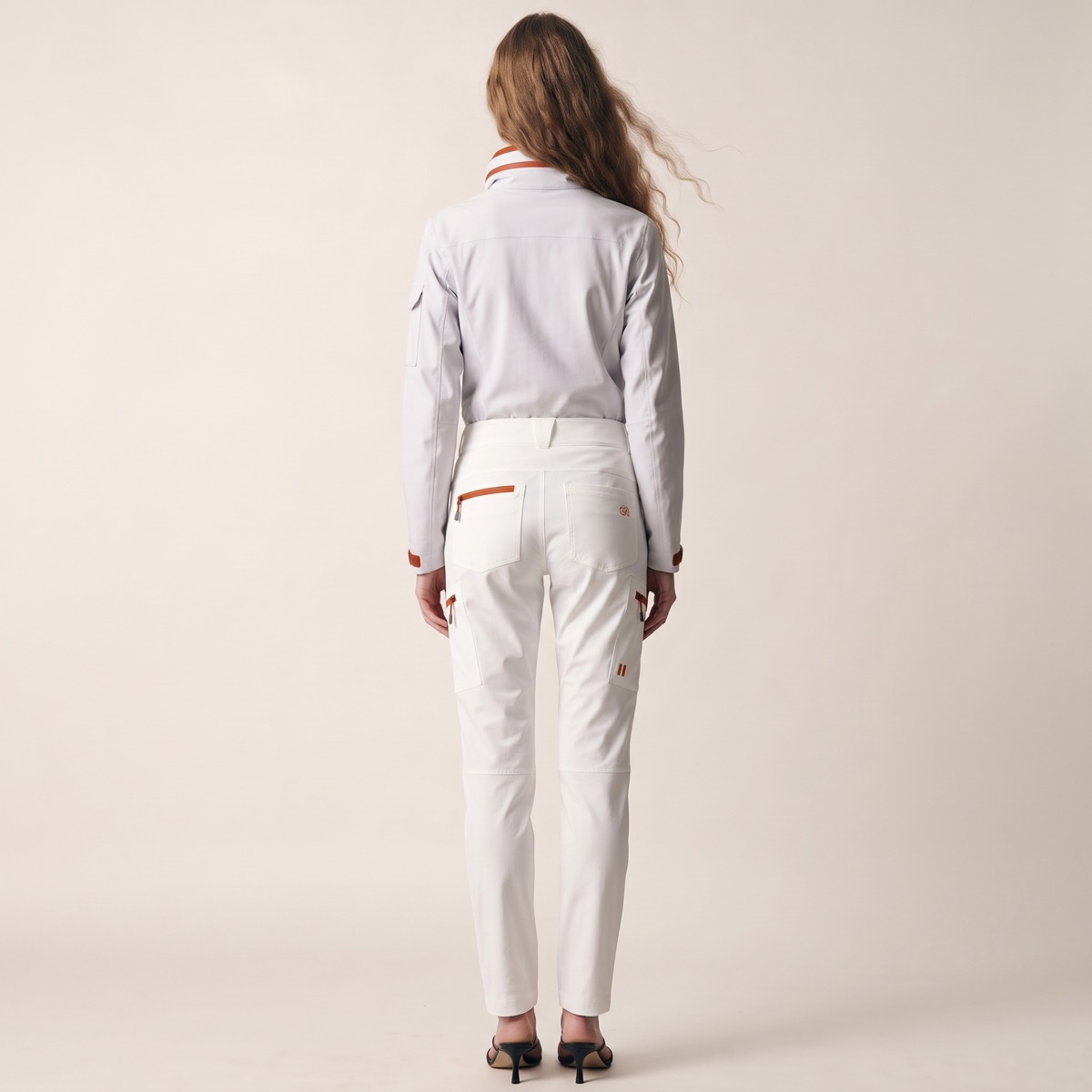
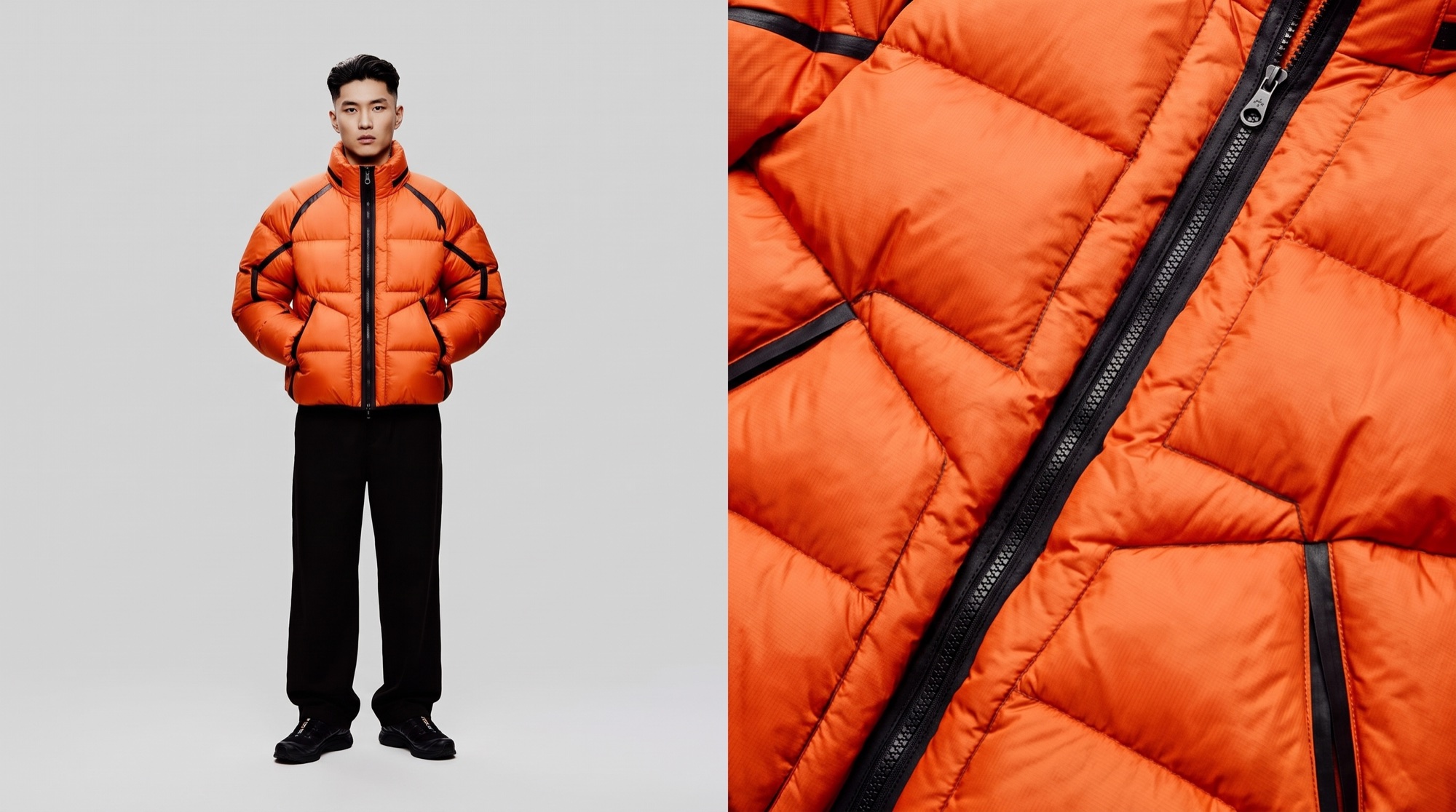
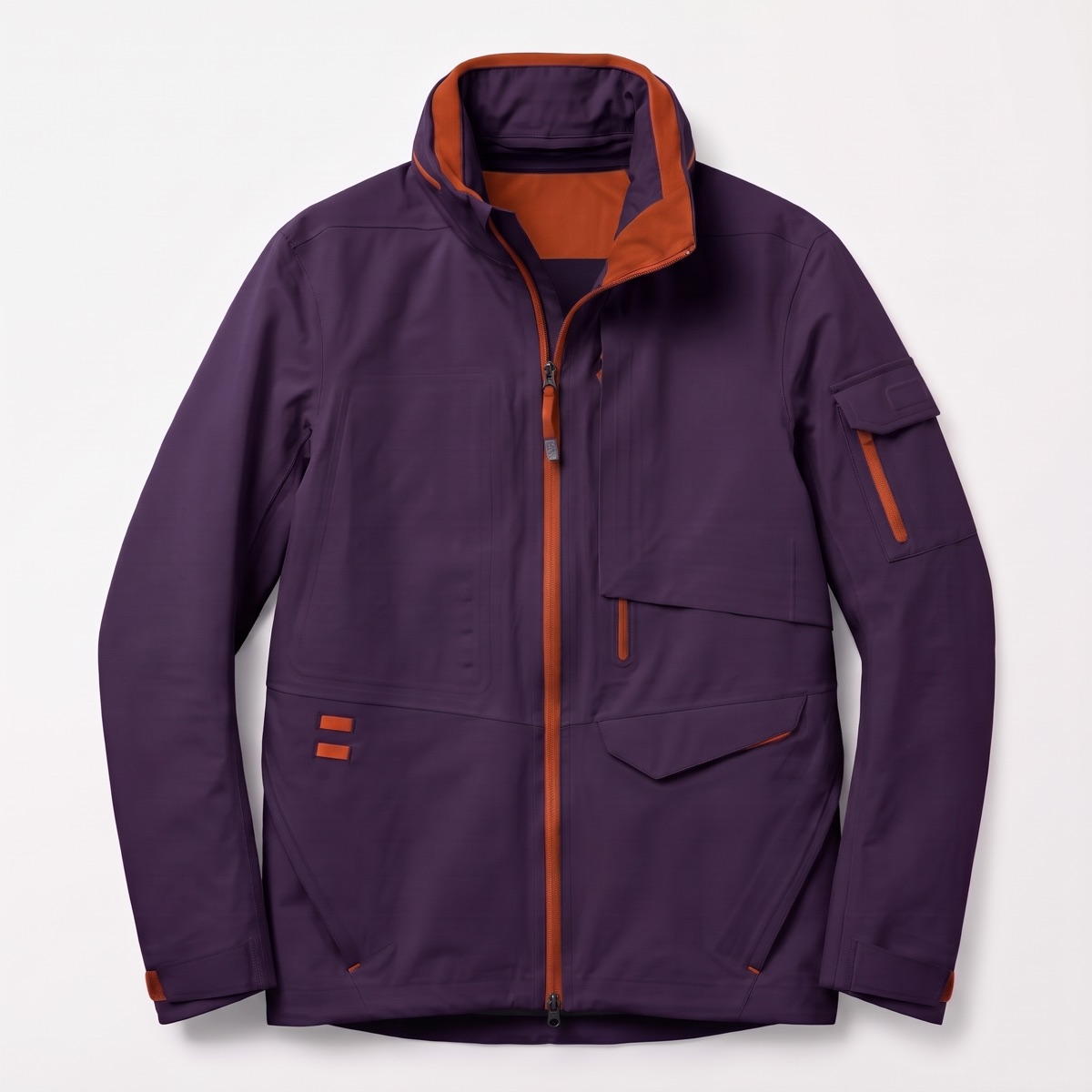
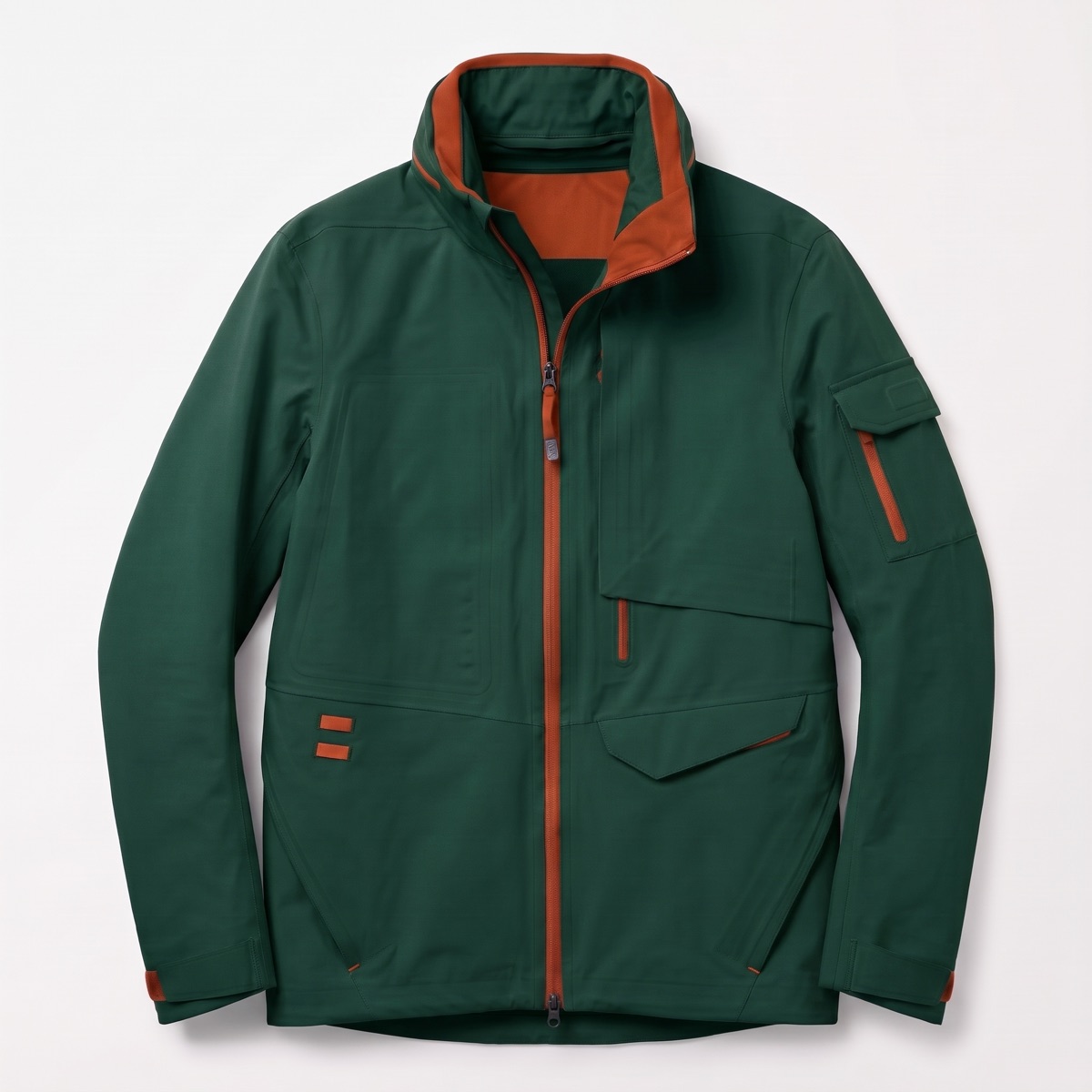
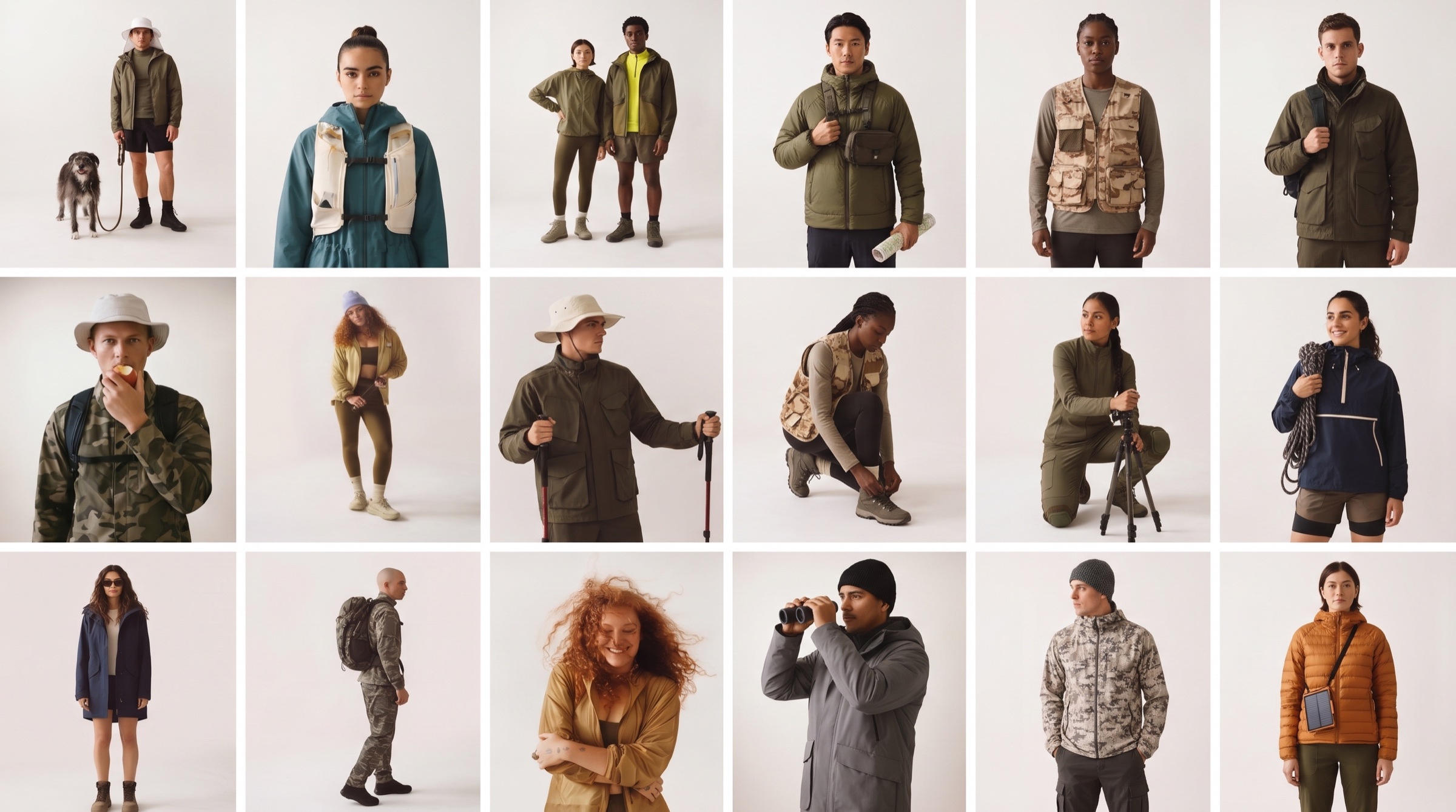
AI clothing design software for apparel brands: design, show and sell the collection from one workspace. See every colourway before the samples are made, and carry the approved styles through to imagery and line sheets.
01
The problem.
Apparel moves in seasons and drops, and each one multiplies the work: dozens of styles, each in several colourways, each needing imagery, a spec and a place in the line sheet. Every handoff between design, merchandising and marketing rebuilds context from scratch.
Late changes are the costly ones. A colour is dropped or a fabric swapped, and the renders, the shoot plan and the line sheet all need redoing by hand.
02
Your collection, ready before the samples are.
Apparel teams work in drops and seasons. CotonAI keeps every style, revision and image in one place, from the first sketch to the line sheet.
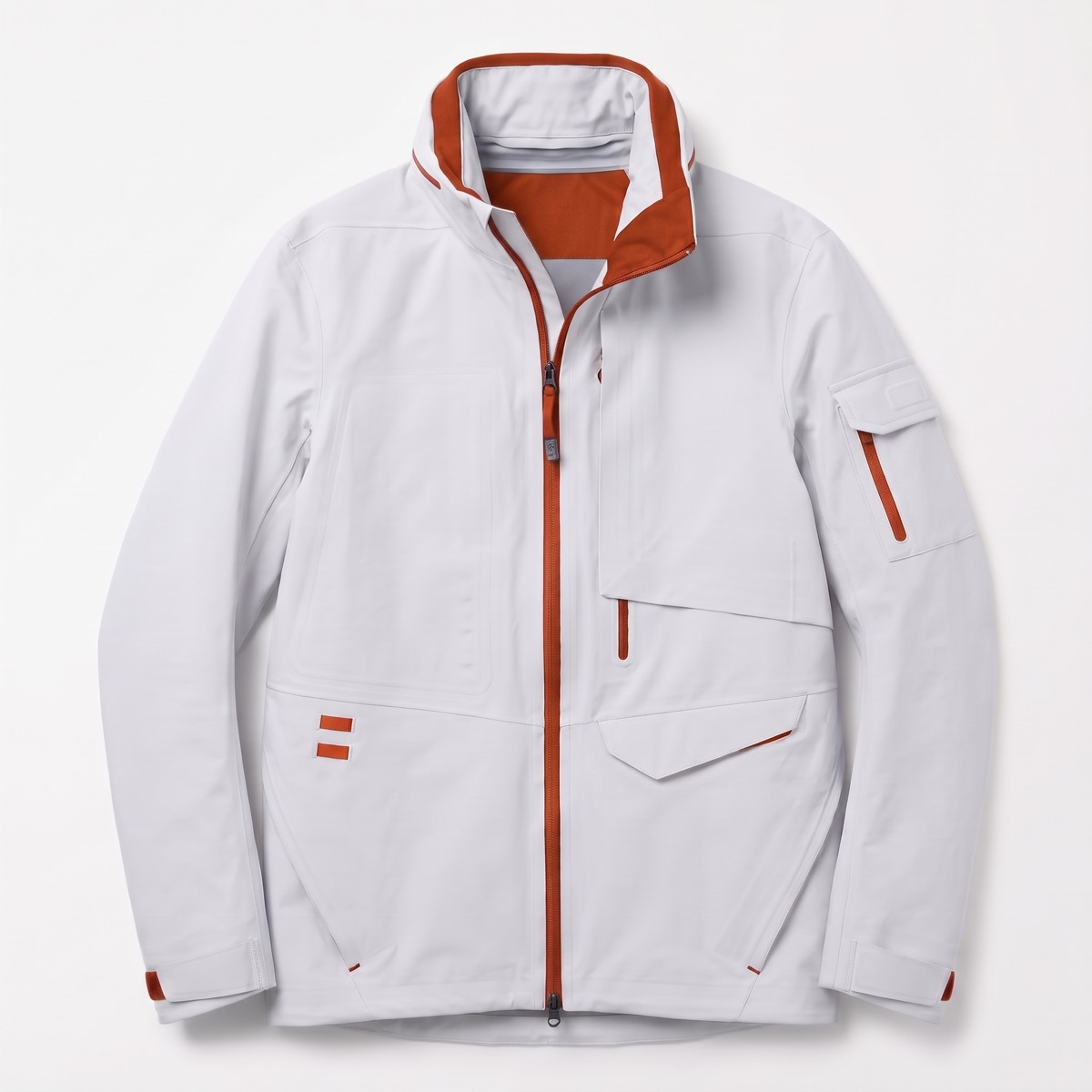
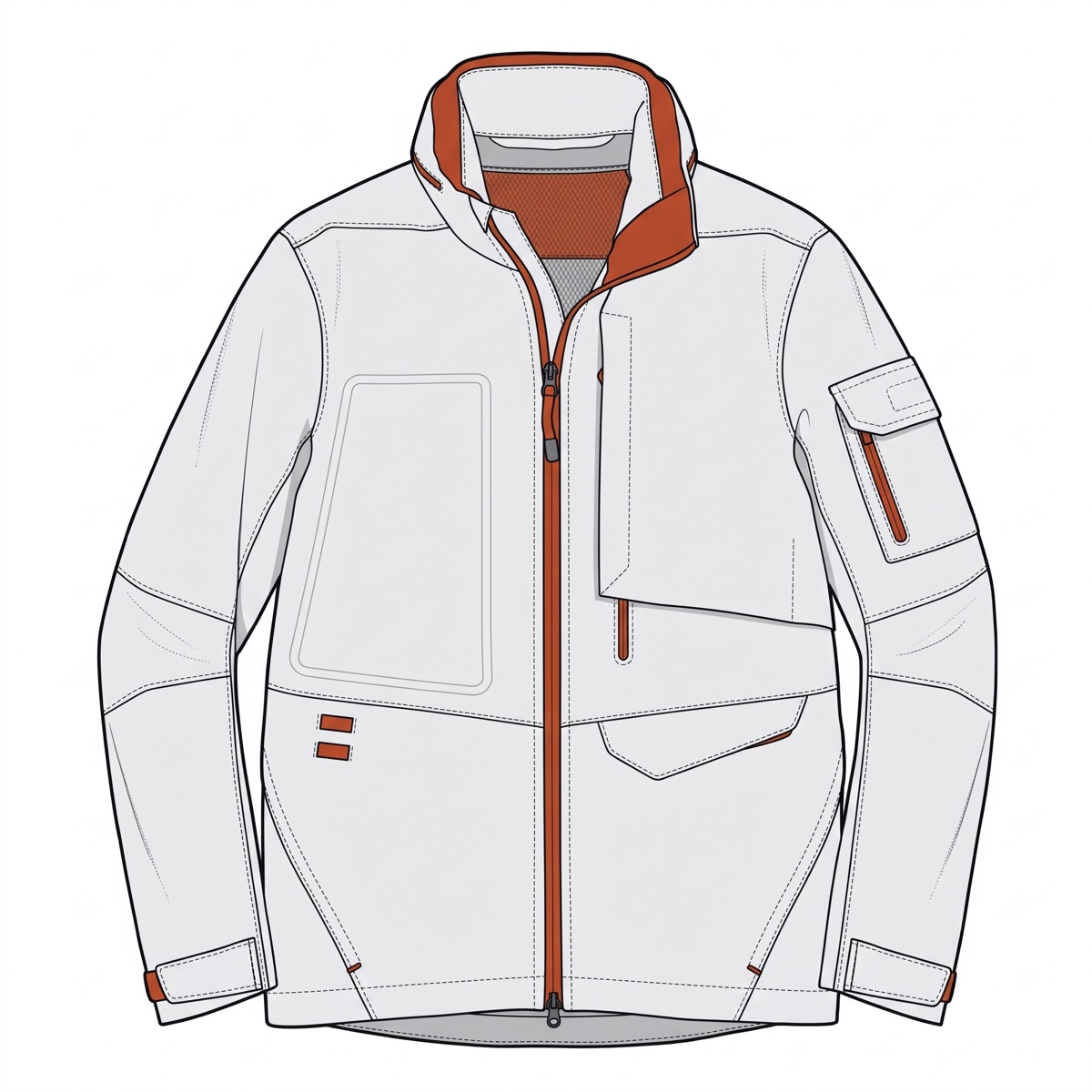
Sketch to photoreal garment that keeps the silhouette and construction.
Colourways and prints compared on the same garment, before anything is cut.
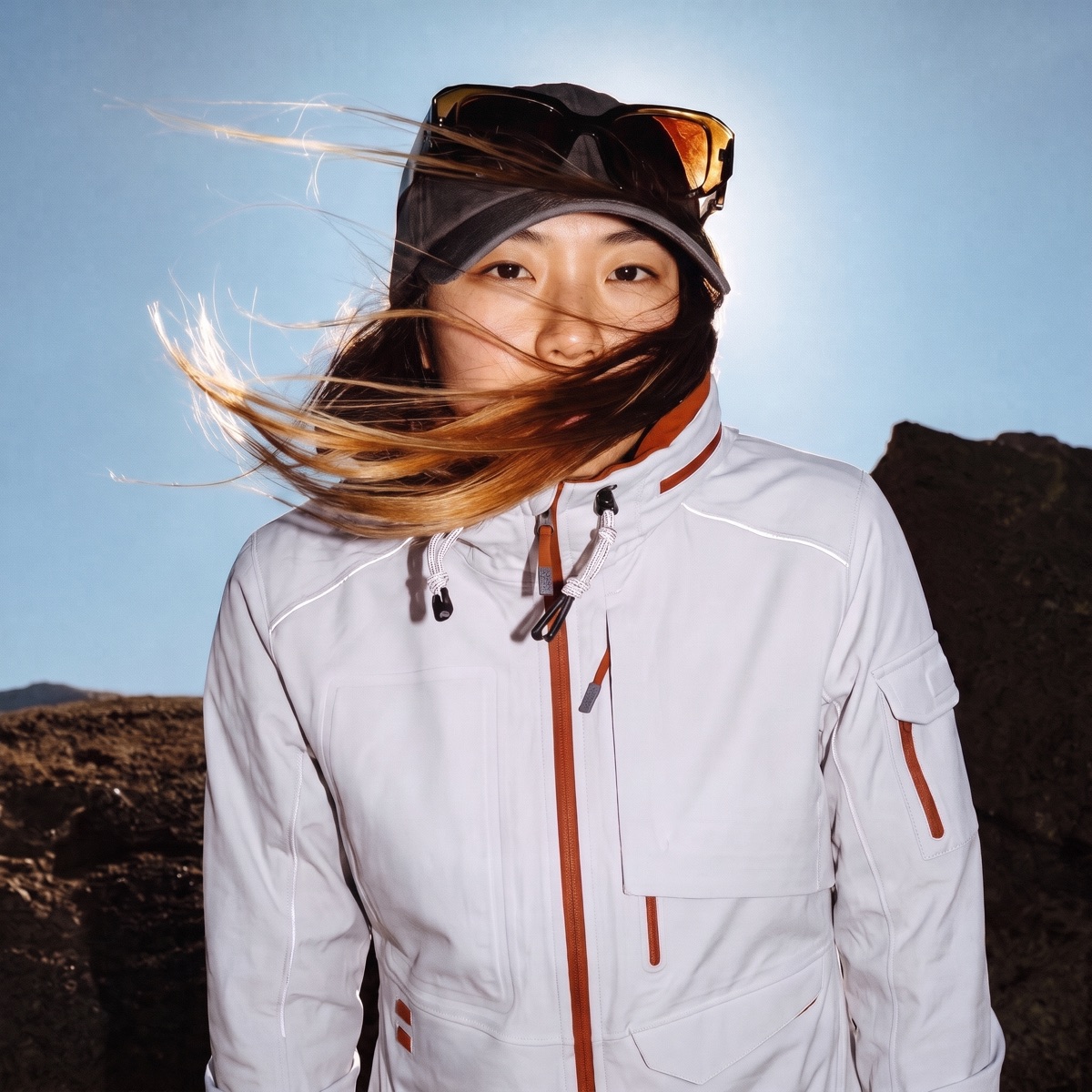
Campaign and product-page imagery from the approved style, without a shoot per drop.
Line sheets and buyer decks built from the same styles.
How it works.
Three steps with CotonAI.
01
Design and render
Start from a sketch, a flat or a photo, render it, and compare colourways and prints on the same garment.
02
Approve the line
Your team comments in place, and approved styles are marked, so everyone works from the same version.
03
Show and sell
Make product-page and campaign imagery and build the line sheet from the approved styles.
What teams get.
Time, cost and content results with CotonAI.
7.5–10hours
saved per SKU
45%
saved on sample cost
12%
higher sell-through and revenue
From idea to iteration in minutes.
Start from a rough sketch or a flat and see it as a finished garment: silhouette, fabric and styling, rendered while the idea is still fresh. Change a collar or a hem and render it again without redrawing.
Turn any print into a seamless repeat in one click, then try it in new colours or at a different scale. The same print can be applied across a range without rebuilding the tile each time.
One-way or two-way repeats, so the file matches how the fabric will be printed.
Variations from a reference: start from one image and stay close to it, or take it somewhere new.
Colourways without redoing the design: change the background, the motifs or all of it, and compare the results side by side.
A preview on the real product to check scale, drape and alignment before anything goes to print.
Logos, artwork and motifs are part of a brand’s identity, and where they sit on the garment matters as much as the artwork. Put a graphic on a tee, an outerwear panel or a bag and see it in context, instead of building a mockup by hand.
Placement you can judge on screen: position, scale and crop, on the actual product.
Styles and references: restyle a graphic as minimal, bold or illustrative, or start from a past bestseller or a brand asset.
Fewer sample rounds for embellishment: decide on the print, embroidery or patch in a review, instead of waiting on a physical sample.
A seamless print covers the whole fabric. A placement print is a single piece of artwork in a chosen spot. Most collections use both.
See every design on a body before sampling.
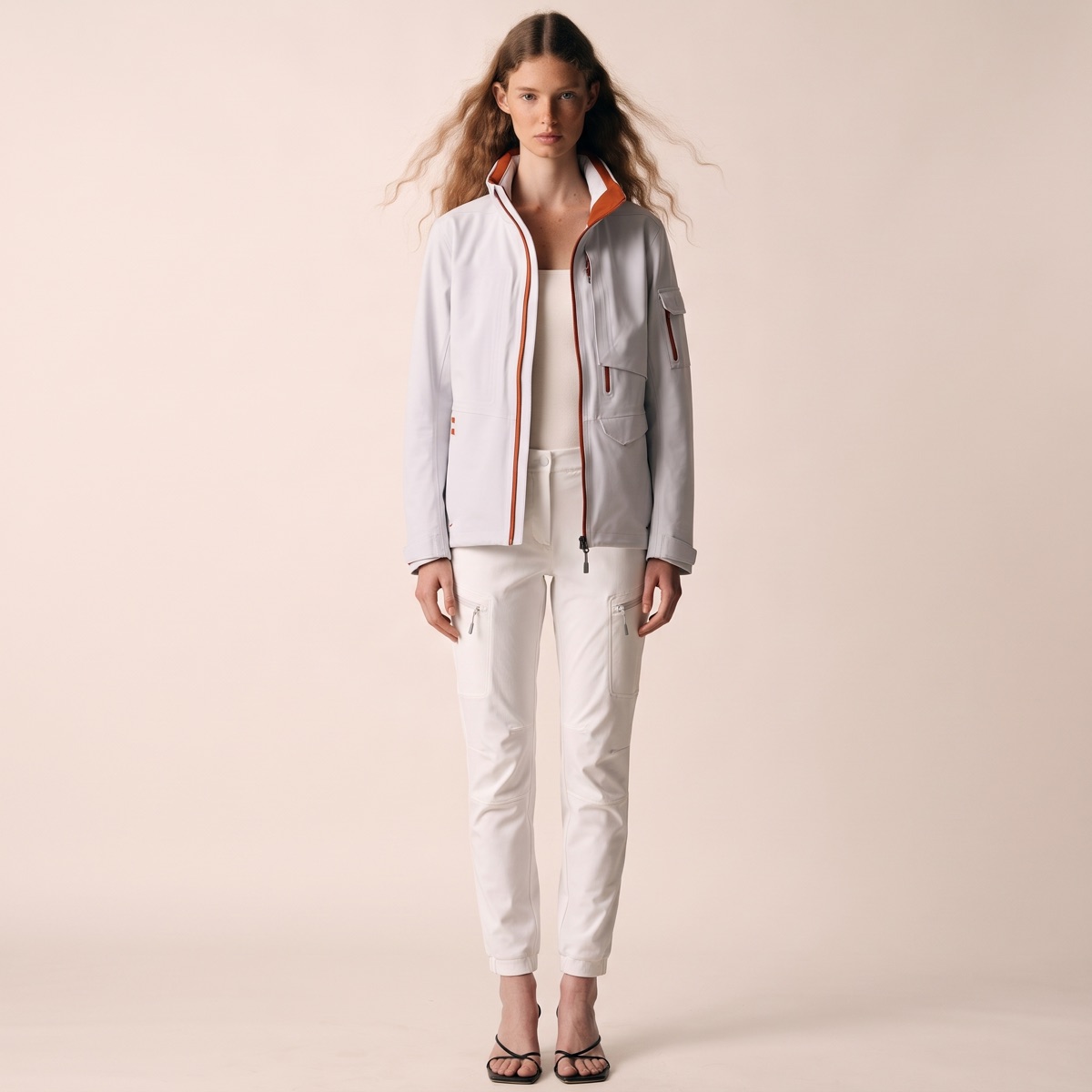
Put the design on a model to judge fit, proportion and styling early. Show buyers and teammates the garment worn, not only a flat, before a sample is cut.
Lay colourways, trims and fabric options side by side on the same garment, and mark the one your team picks. Everything you tried stays on the style for later.
A label starts a resort capsule from eight sketches. The team renders five, generates colourways for three, and approves a final line in one review. Product and campaign imagery come from the approved styles, and the line sheet is generated from the same collection.
When a colour is dropped late, it is dropped once, on the style, and everything downstream follows.
02
Getting started.
The fastest way to judge CotonAI for apparel teams is on your own product, not a demo file. Book a session and bring a collection you are working on, from sketch to whatever stage it has reached. We will run it in CotonAI with you, show you where it fits in your workflow, and recommend where to start.
Teams that want help setting up can add the Growth Team, who set up workflows and train your people, or the Creative Team, designers who do the work in CotonAI for you. Larger teams can see Enterprise for single sign-on, integrations and custom deployment.
Common questions.
How can apparel brands use AI?
Apparel brands use AI to render sketches into photoreal garments, compare colourways and prints, make product and campaign imagery, and build line sheets and buyer decks from the approved line.
Does the garment keep its construction?
CotonAI is built to keep the silhouette and construction of the sketch or flat when it renders, and every result can be reviewed and edited before it is approved.
Can I use my own sketches and photos?
Yes. Start from rough sketches, flats, garment photos, fabrics or references.
What is the difference between seamless prints and graphics?
A seamless print is a repeat that tiles across a fabric or a whole garment. A graphic, or placement print, is standalone artwork such as a logo, a motif or an illustration, positioned in a chosen spot on the product.
Can I try an existing print in new colours?
Yes. Take an existing print and try it in new colours or at a different scale, then compare the colourways side by side on the same garment.
Where do my designs go?
They stay in your workspace, and are never used to train AI models.