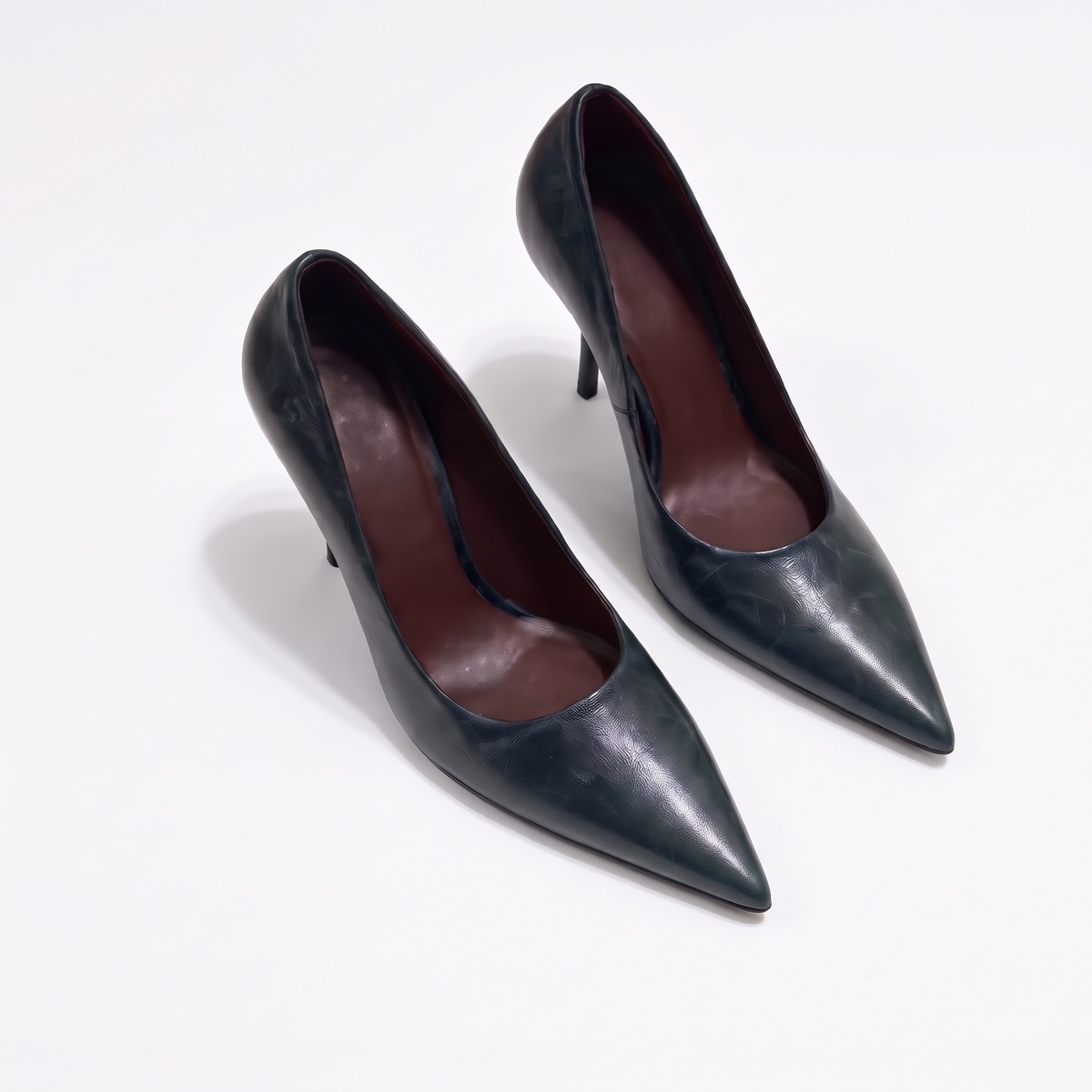
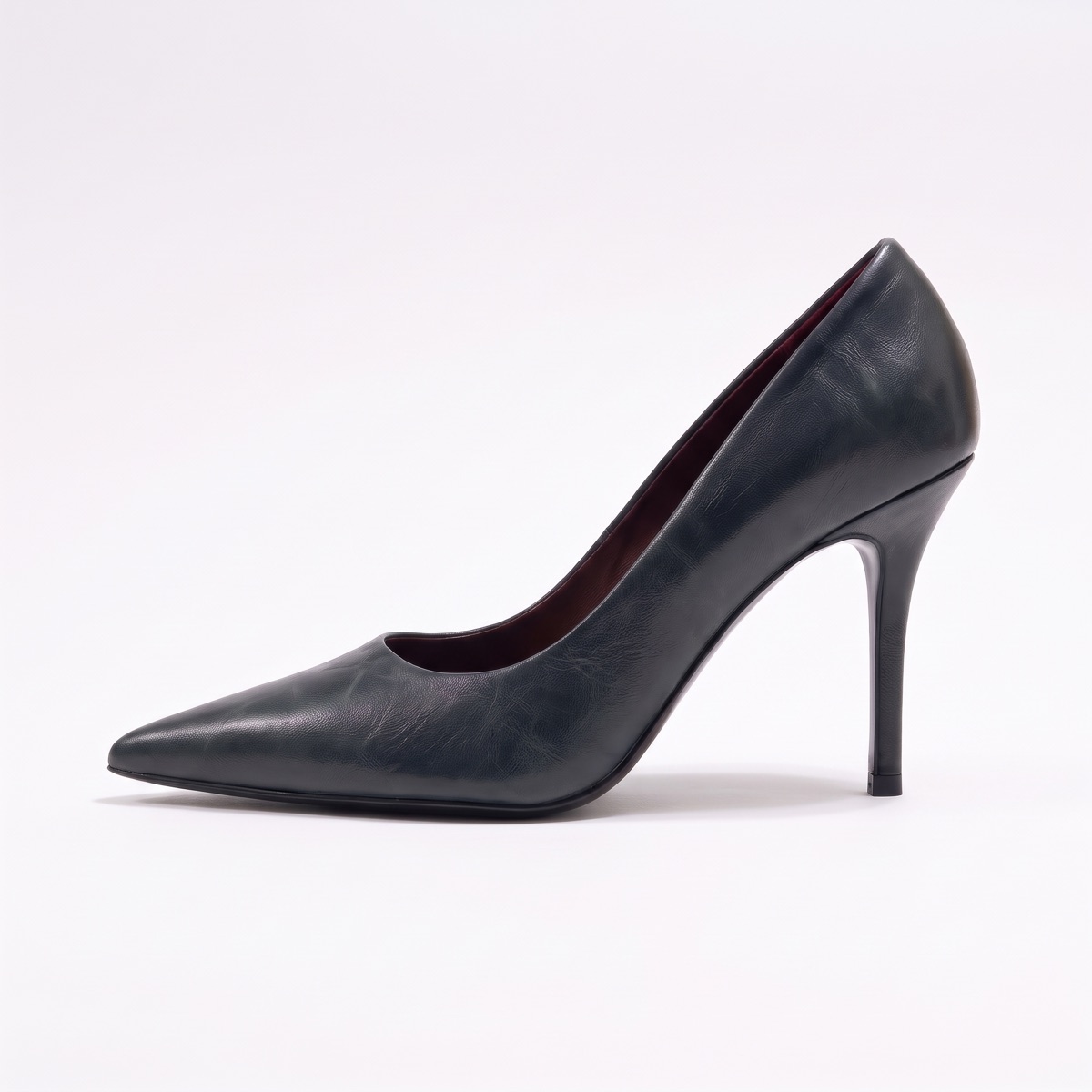
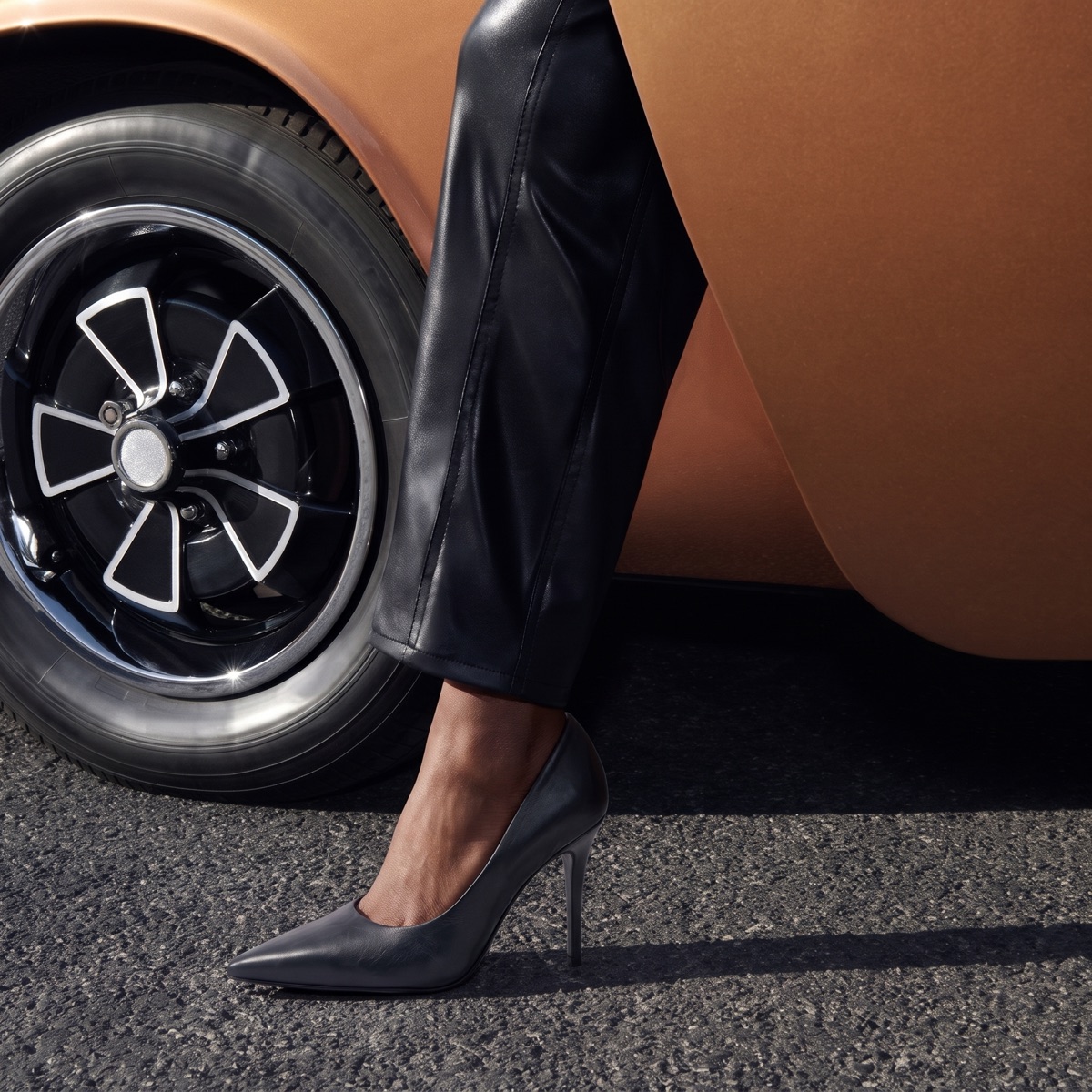
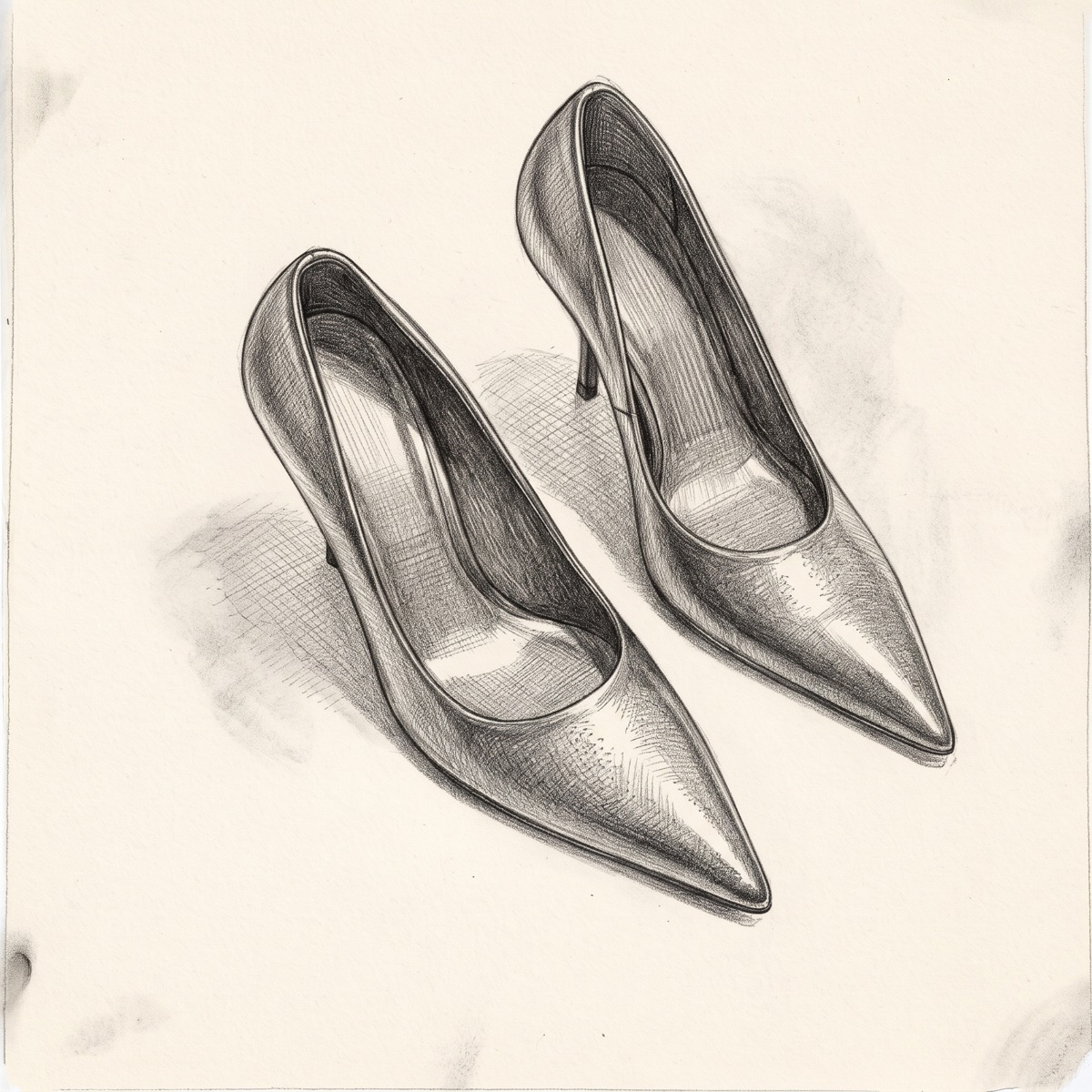
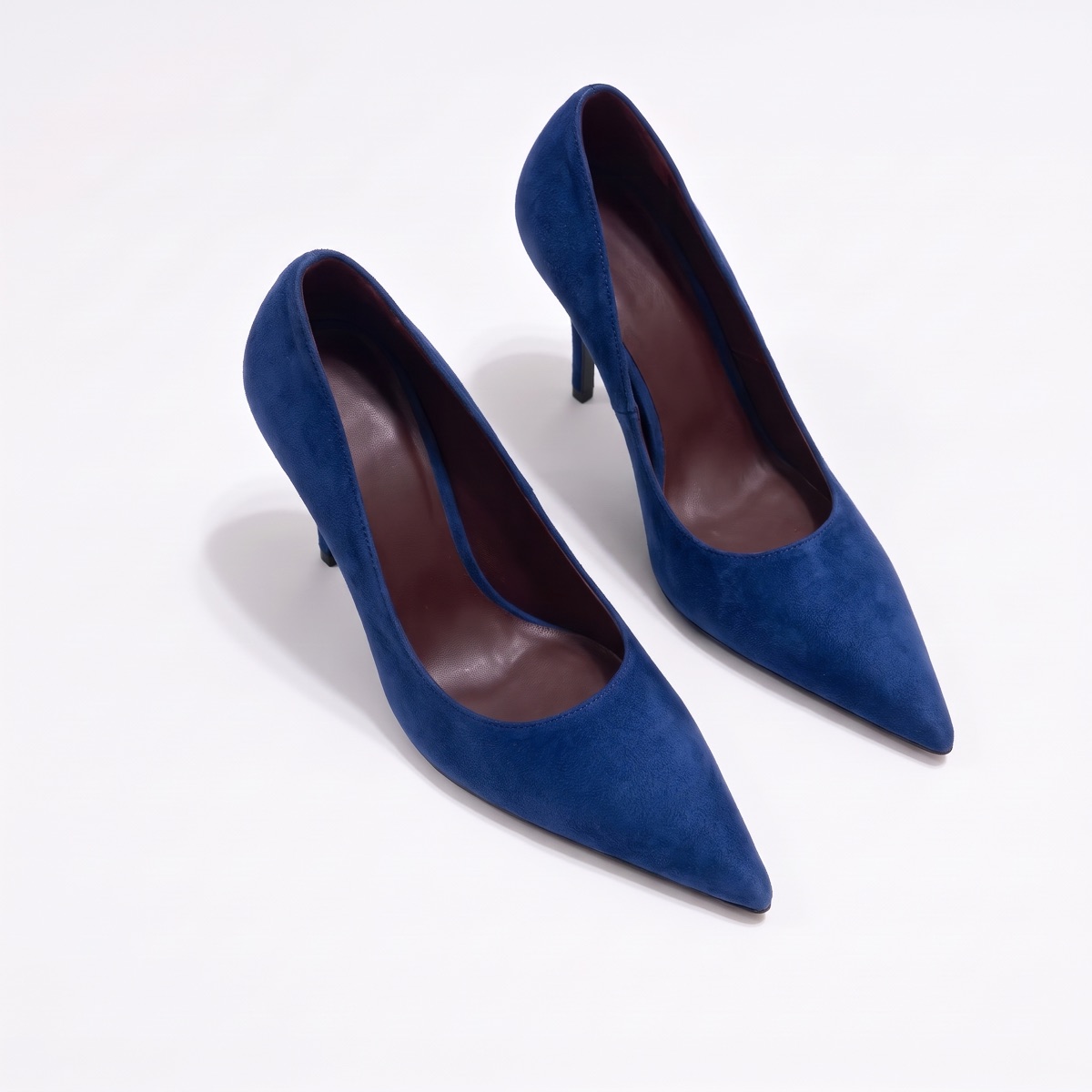
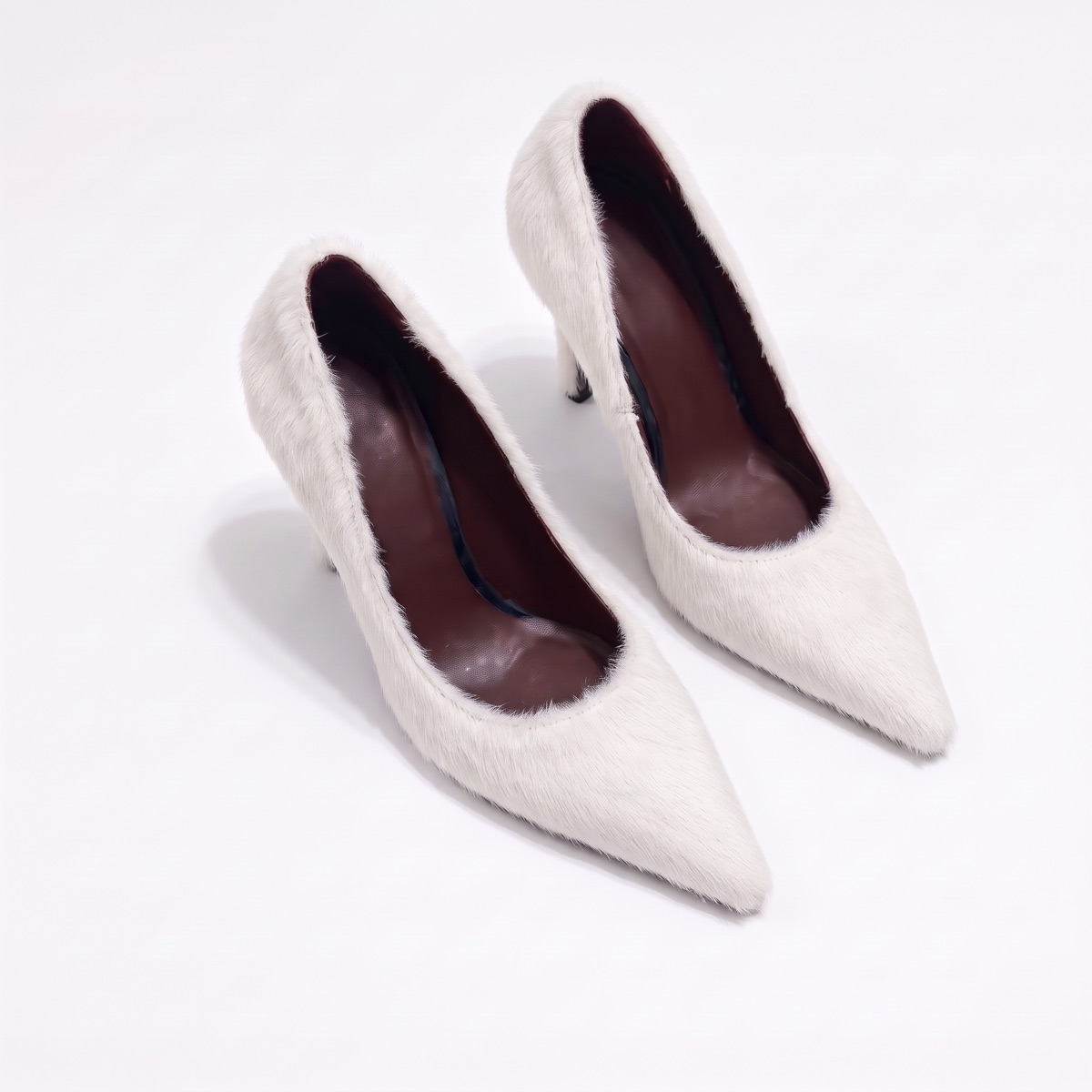
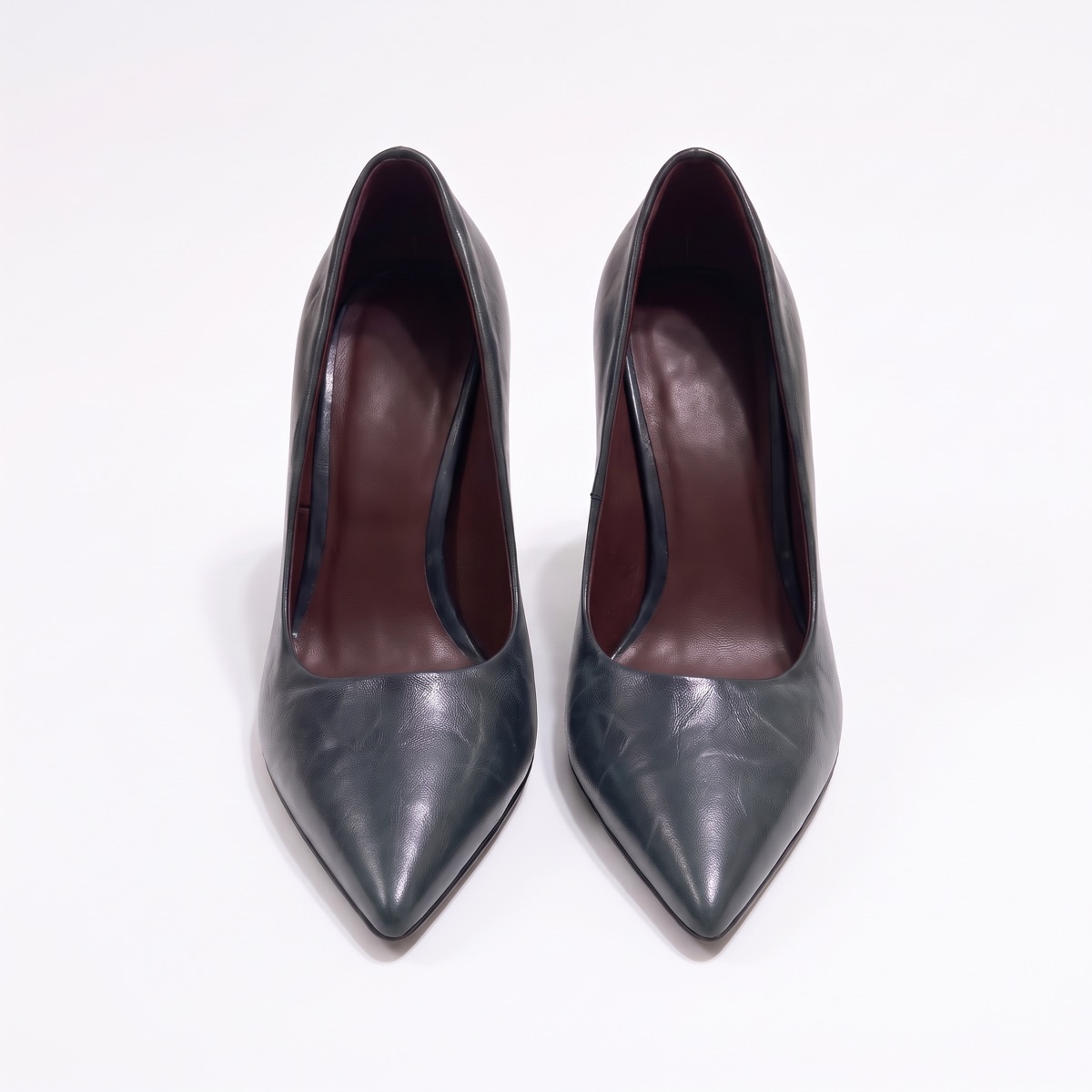
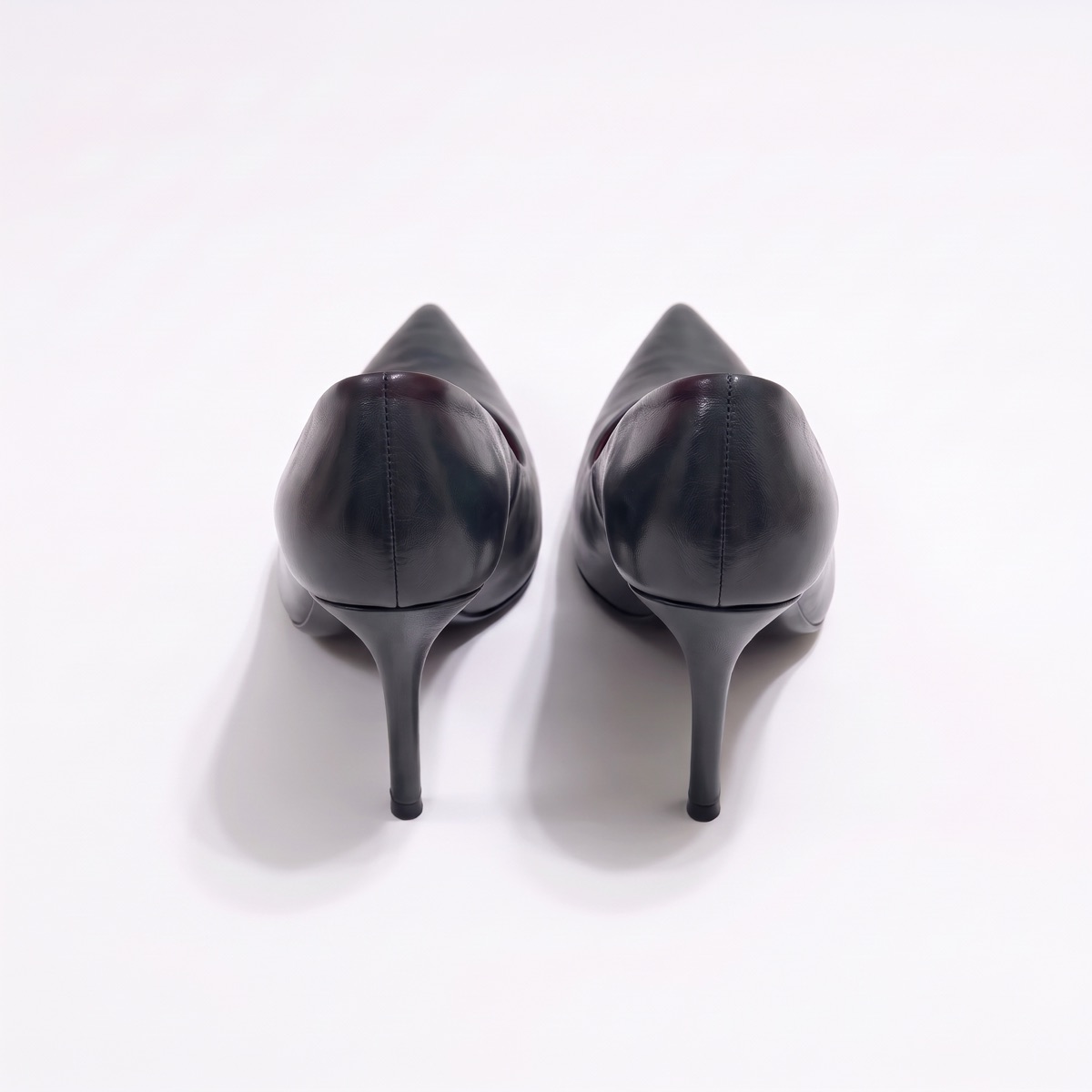
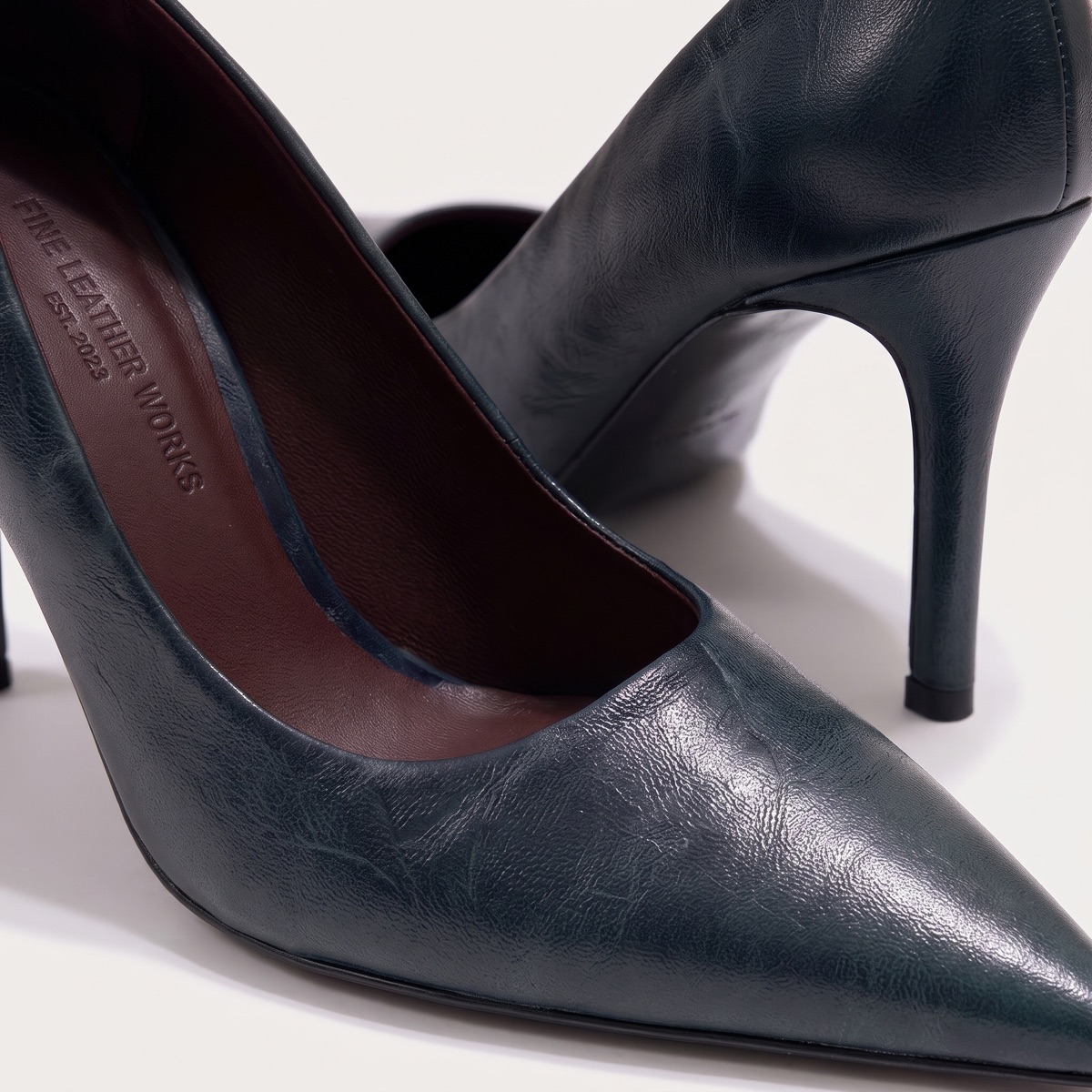
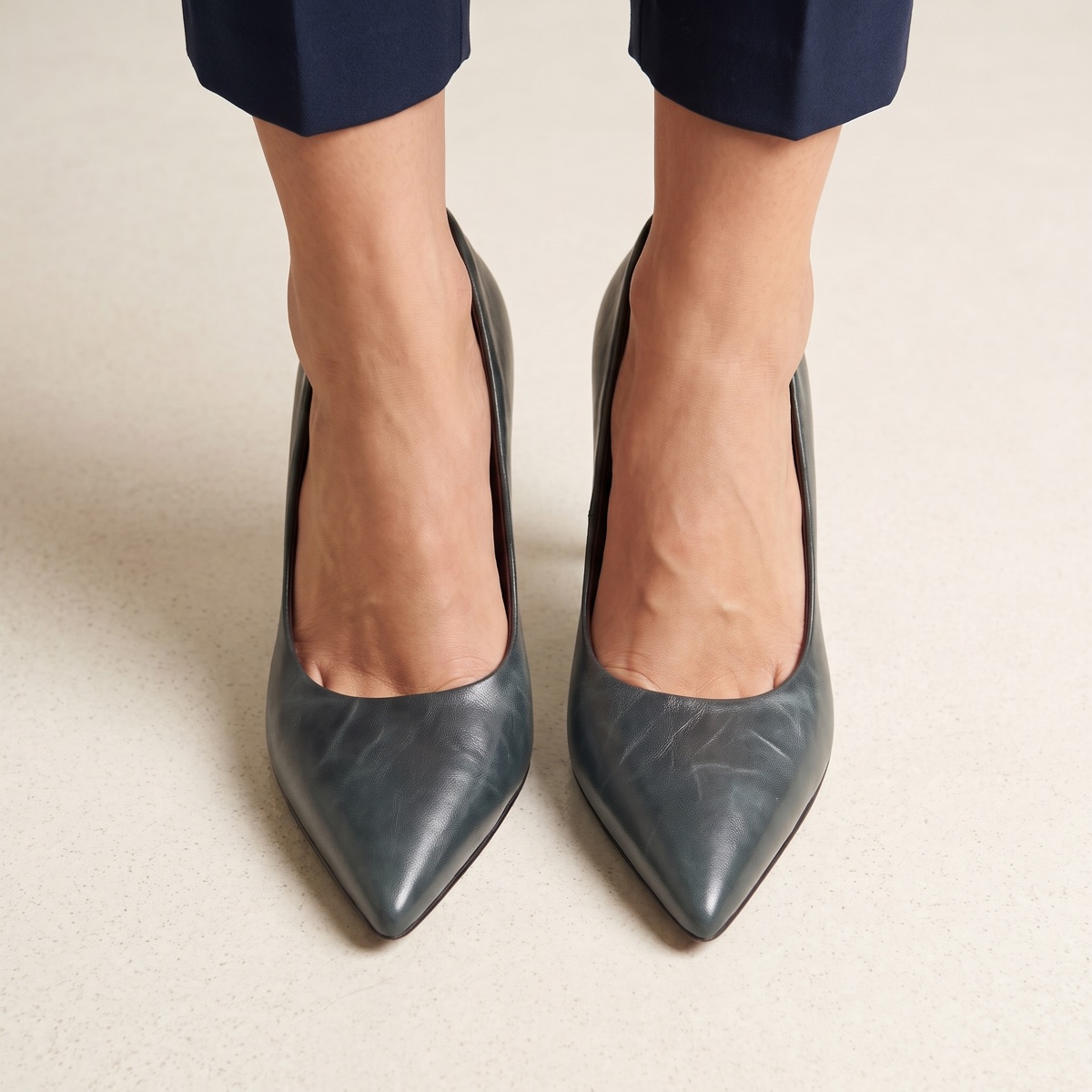
Render a shoe in every material and colourway before the first sample, then carry the approved style through to imagery, tech pack and line sheet.
01
The problem.
Footwear is expensive to sample. Each shoe needs a last, a pattern and several materials, and every extra round adds a fee, freight and weeks. Colourways and material changes multiply the options fast.
The size run, the colours and the imagery all have to line up in the line sheet, and they rarely come from the same file.
02
Fewer sample rounds, clearer decisions.
Footwear teams pay for every sample round. CotonAI helps you compare options on screen first and keeps the approved style tied to its specs.
Design directions from a sketch or a technical drawing, rendered photoreal before sampling.
Colourways and materials compared on the same silhouette.
Product imagery from the approved style, in the angles your listings need.
Tech-pack drafts and line sheets from the same record.
How it works.
Three steps with CotonAI.
01
Render the design
Start from a sketch or a technical drawing and render the shoe in the materials and colours you want to compare.
02
Approve and spec
Review options with your team, approve one, and draft the tech pack and BOM from it.
03
Show and sell
Make product imagery from the approved style and build the line sheet from the same record.
What teams get.
Time, cost and content results with CotonAI.
45%
saved on sample cost
2–4months
saved per year in production time
7.5–10hours
saved per SKU
Behind the scenes.
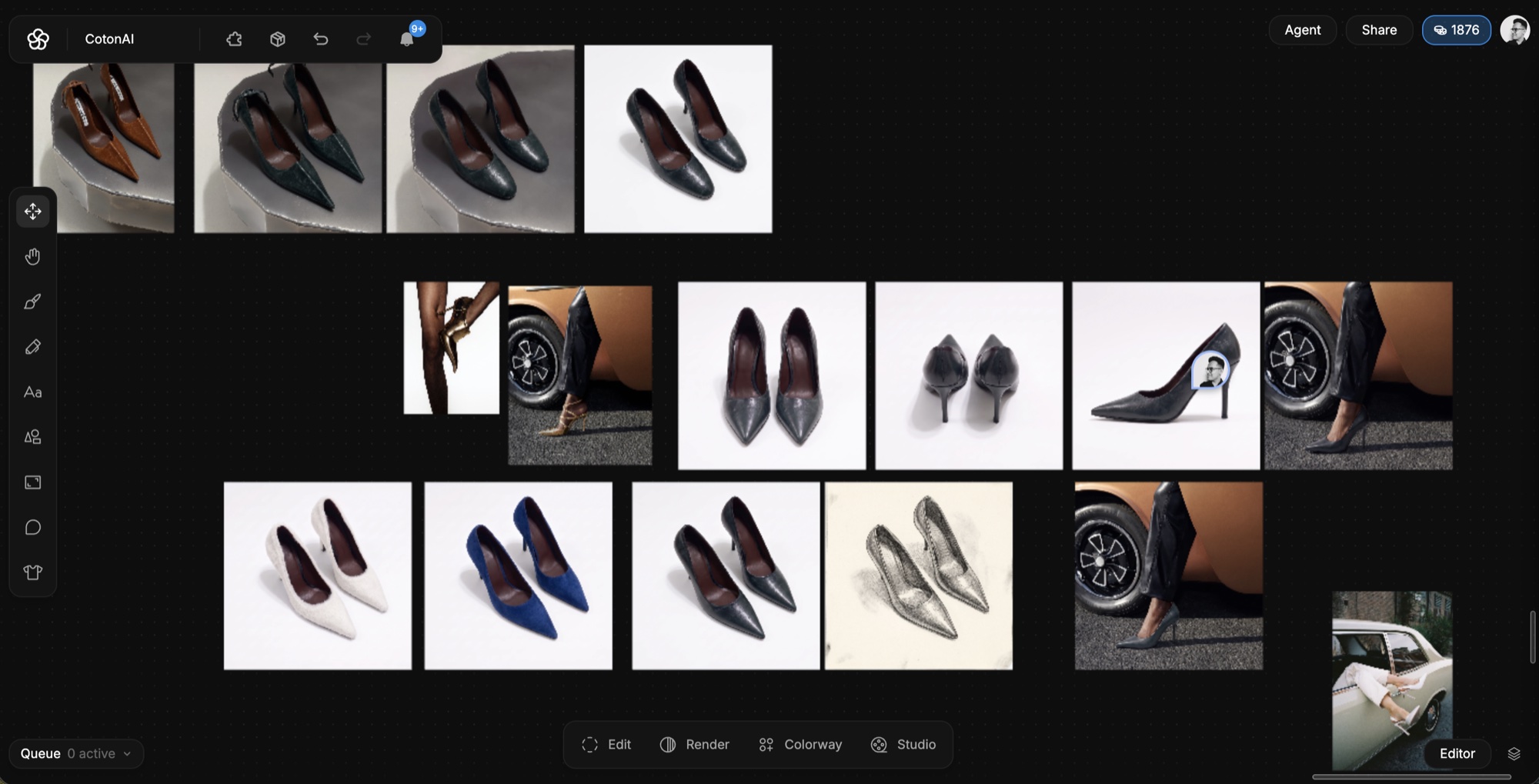
One pump, from first render to street scene, on a single canvas.
Get the shape and structure right.
Render a sketch or technical drawing to see toe shape, sole profile and panelling together. Check the proportions on screen before a last or a pattern is made.
Compare leather, suede, mesh and knit options, with different soles and trims, side by side. Decide on the colourway before you order a sample of each.
A footwear brand starts a sneaker from a sketch. It renders the shoe in three material sets and five colourways, compares them with the team, and approves two. The tech-pack draft lists the upper, the sole and the trims, and the line sheet is built from the same styles.
Fewer rounds are spent on options that would not have been chosen.
02
Getting started.
The fastest way to judge CotonAI for footwear teams is on your own product, not a demo file. Book a session and bring a shoe design you are developing and the materials you are considering. We will run it in CotonAI with you, show you where it fits in your workflow, and recommend where to start.
Teams that want help setting up can add the Growth Team, who set up workflows and train your people, or the Creative Team, designers who do the work in CotonAI for you. Larger teams can see Enterprise for single sign-on, integrations and custom deployment.
Common questions.
How can footwear brands use AI?
Footwear brands use AI to render shoe designs in different materials and colourways, make product imagery, and draft tech packs and line sheets from the approved style.
Can it handle a technical drawing?
Yes. Start from a sketch, a flat or a technical drawing. Because shoe construction matters, review every render against the design before you approve it.
Does it replace sampling?
No. It helps you decide earlier and with more information, so fewer samples are made for options that would not have been chosen.
Where do my designs go?
They stay in your workspace, and are never used to train AI models.