Explore designs, make product imagery and build catalogues from one workspace, with every result reviewed against the real piece.
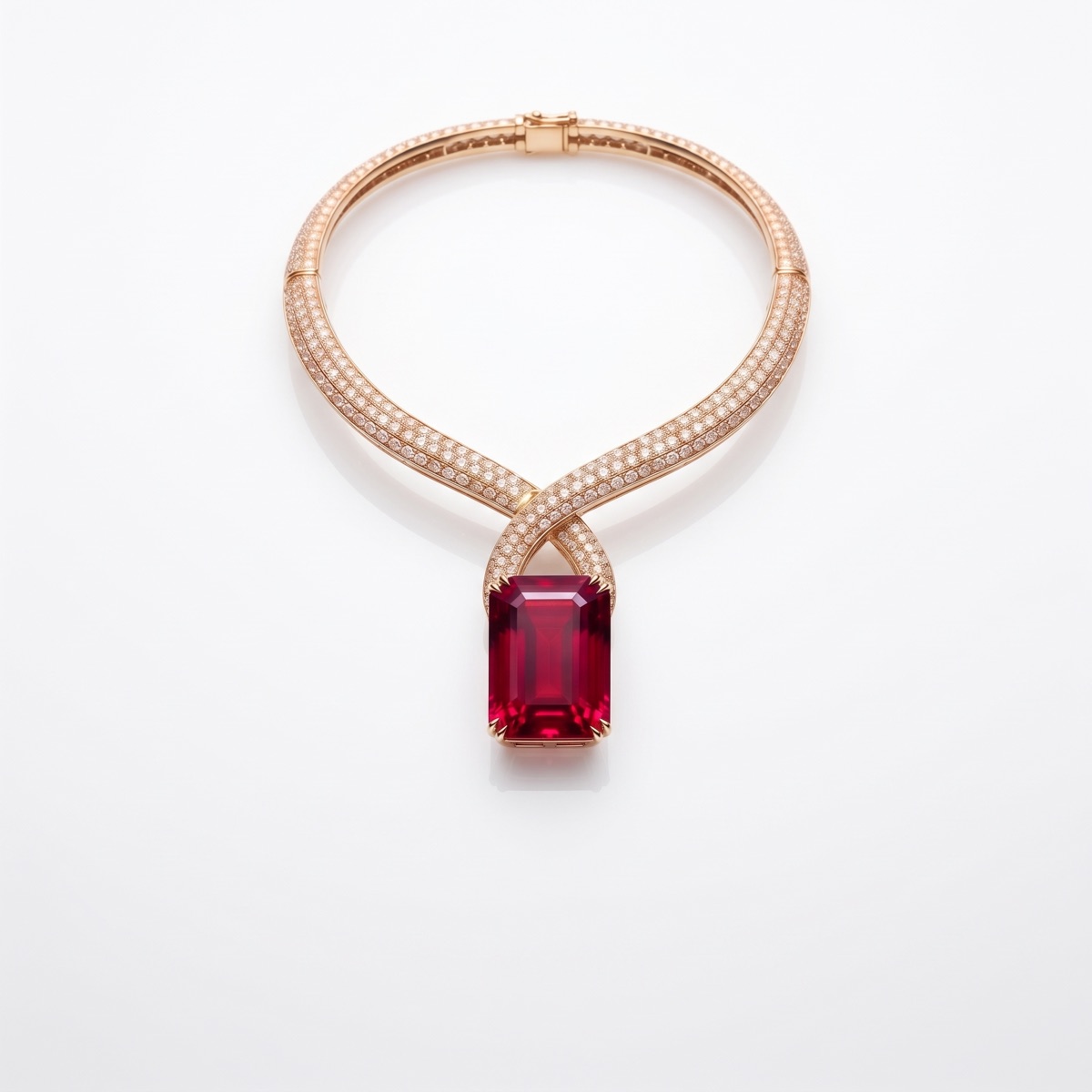
Rendered
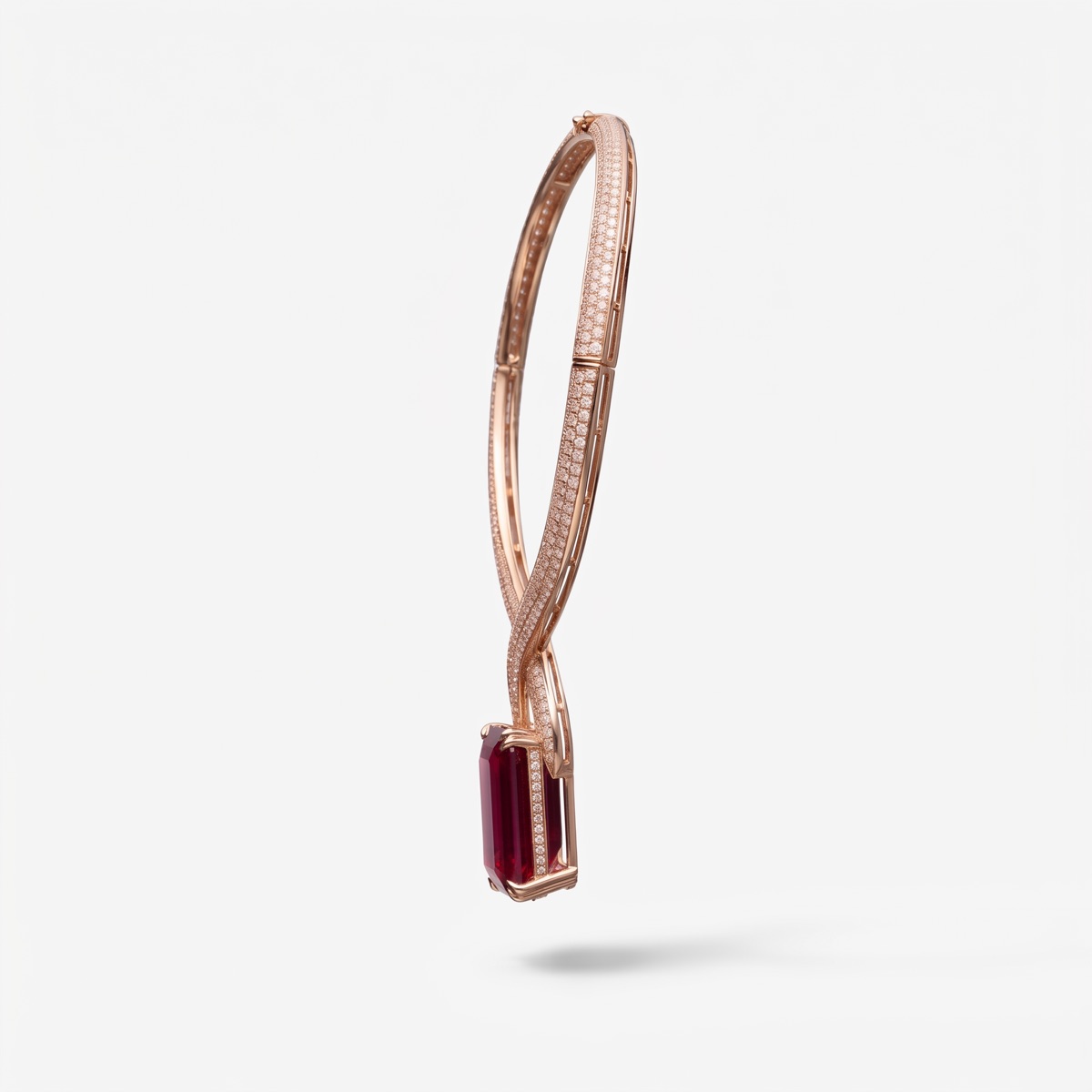
Side
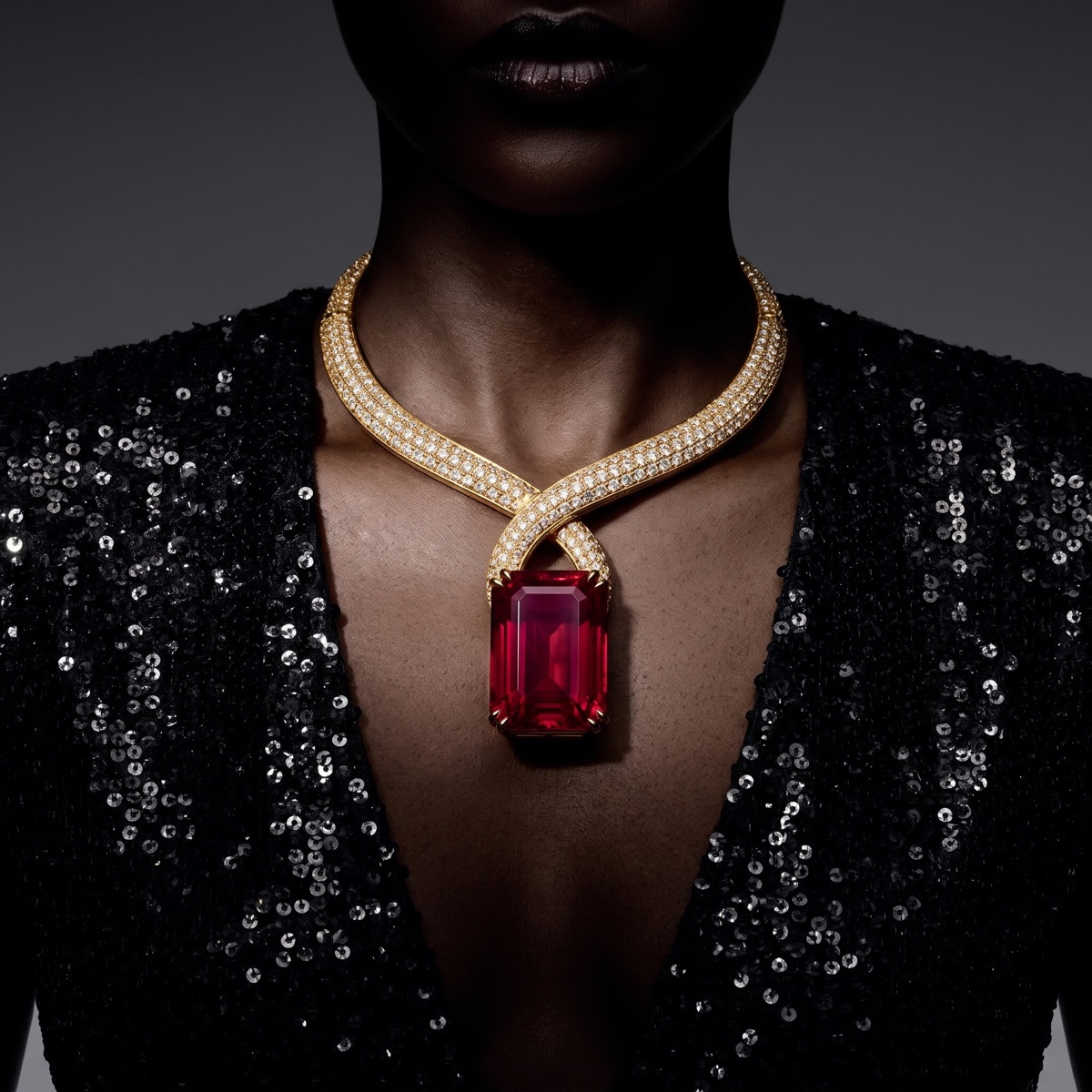
Worn
01
The problem.
Jewelry is judged up close. A listing needs several angles, a scale reference and a worn shot, and each piece in each metal or stone variant needs the same set. Photographing a full collection is slow, and small pieces are hard to shoot consistently.
Design reviews have the same problem: a sketch says little about how a piece will catch the light until a sample exists.
02
From the first sketch to the listing.
Jewelry brands need close, consistent imagery for every piece and variant. CotonAI keeps the designs, the images and the catalogue on one record.
Design directions from a sketch, a photo or a brief, reviewed before anything is cast.
Product imagery in the angles and settings your listings need, true to the piece.
Lifestyle and on-model scenes for store, email and social.
Catalogues with prices and details built from the approved line.
How it works.
Three steps with CotonAI.
01
Start from the piece
Bring a sketch, a reference or a product photo of the piece.
02
Explore and decide
Generate design directions, compare variants side by side, and mark the ones to take forward.
03
Show and sell
Make product and lifestyle imagery from the approved pieces and build a catalogue from the same record.
What teams get.
Time, cost and content results with CotonAI.
95%
fewer photoshoot resources
3×
content output, no added headcount
7.5–10hours
saved per SKU
Behind the scenes.
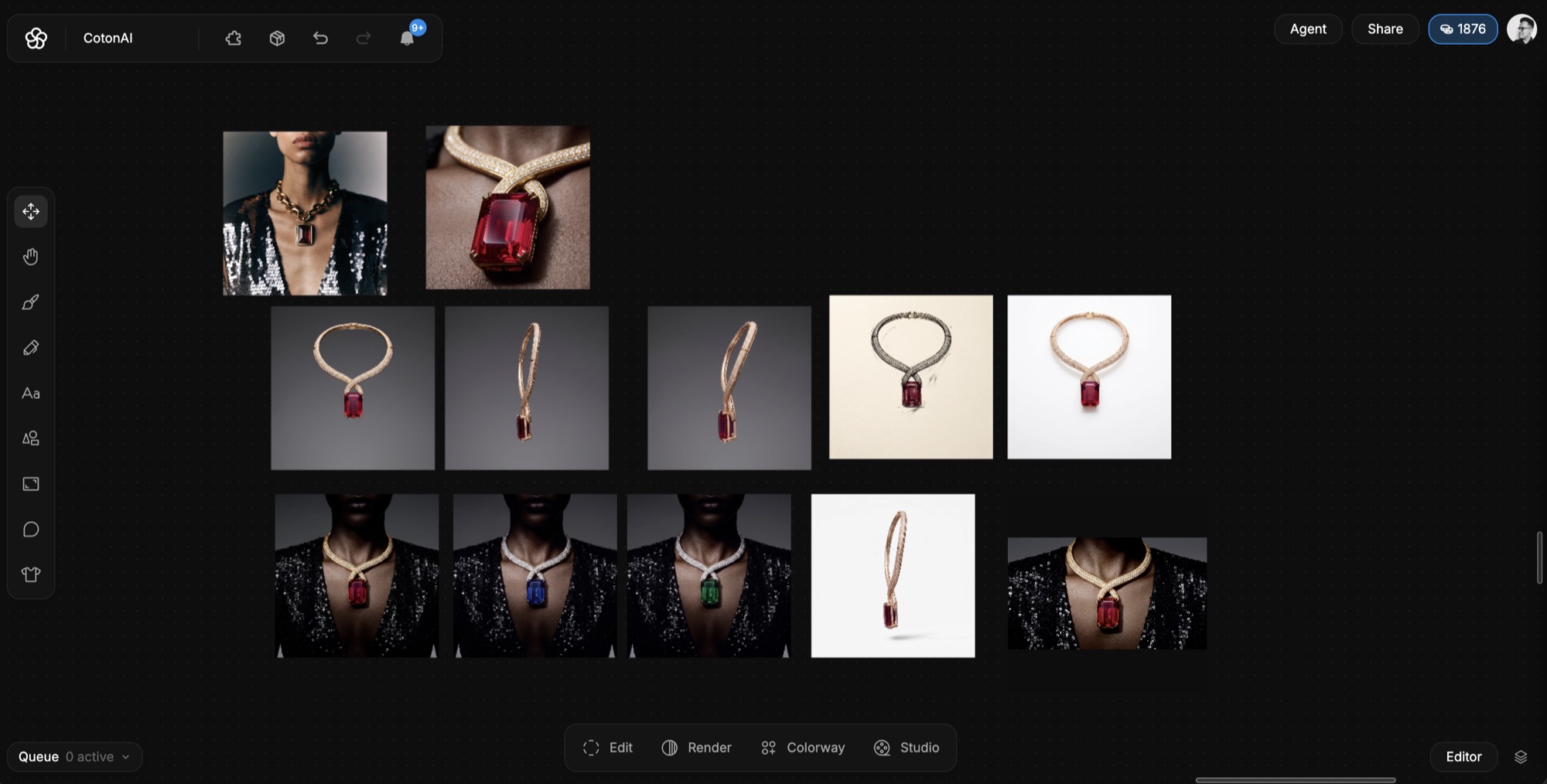
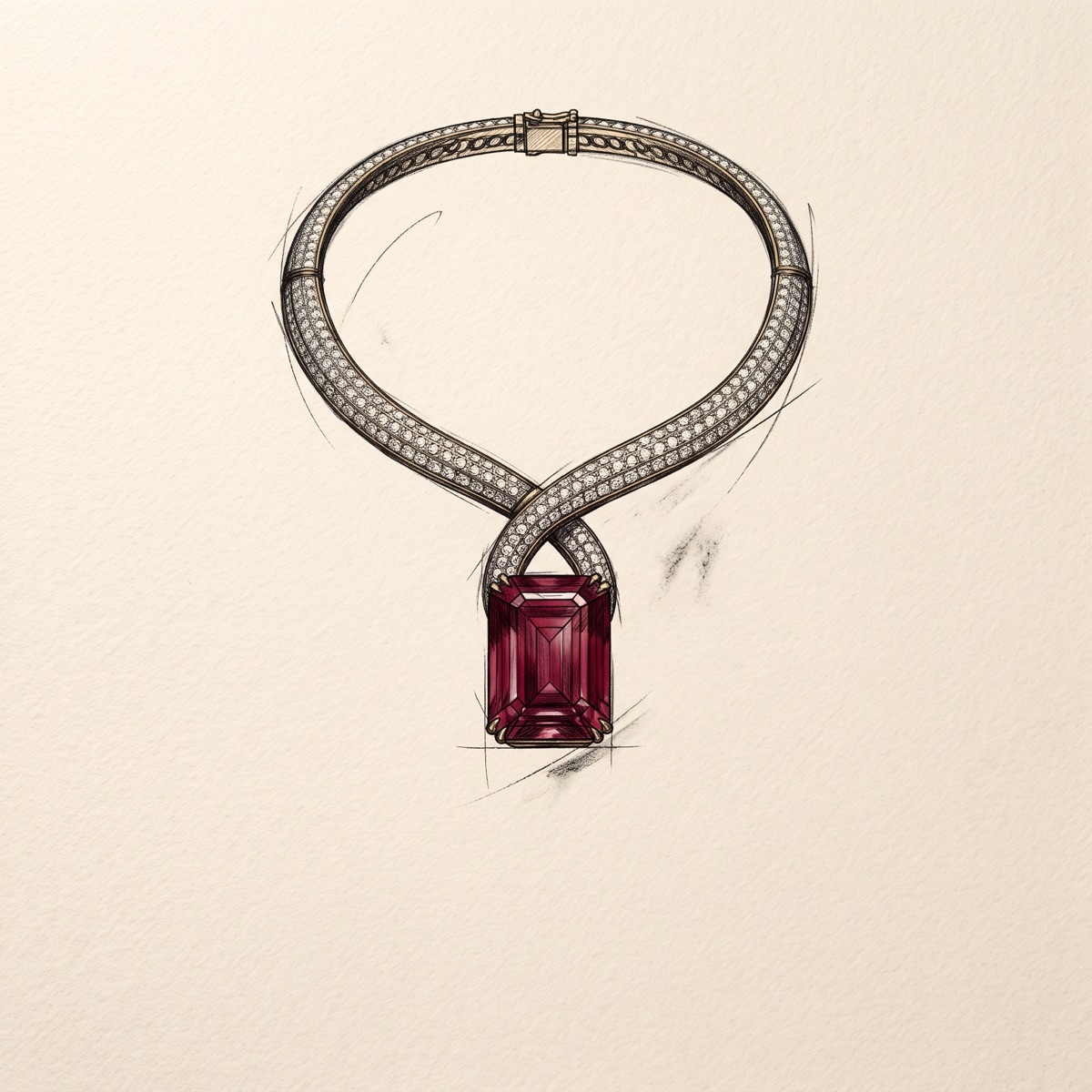
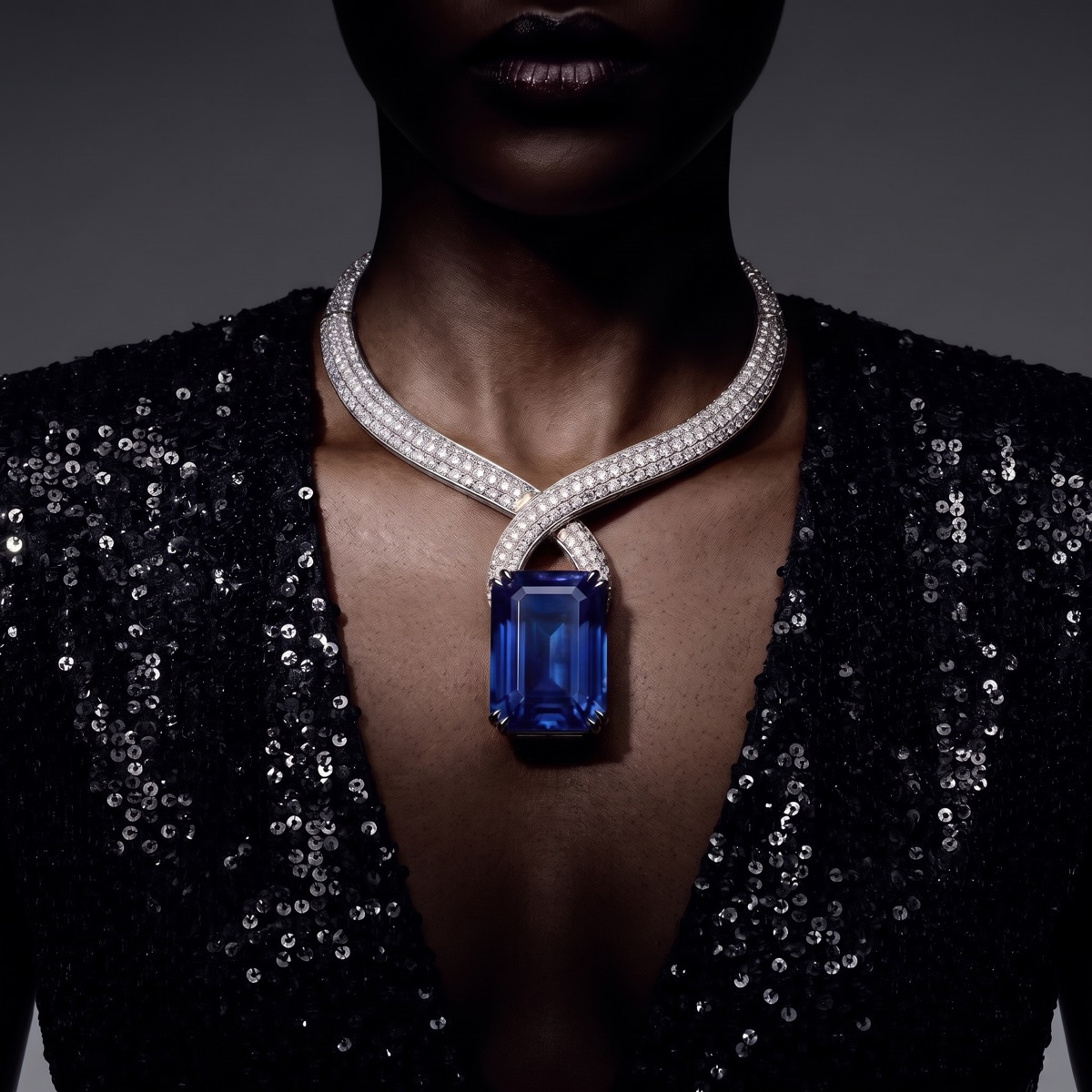
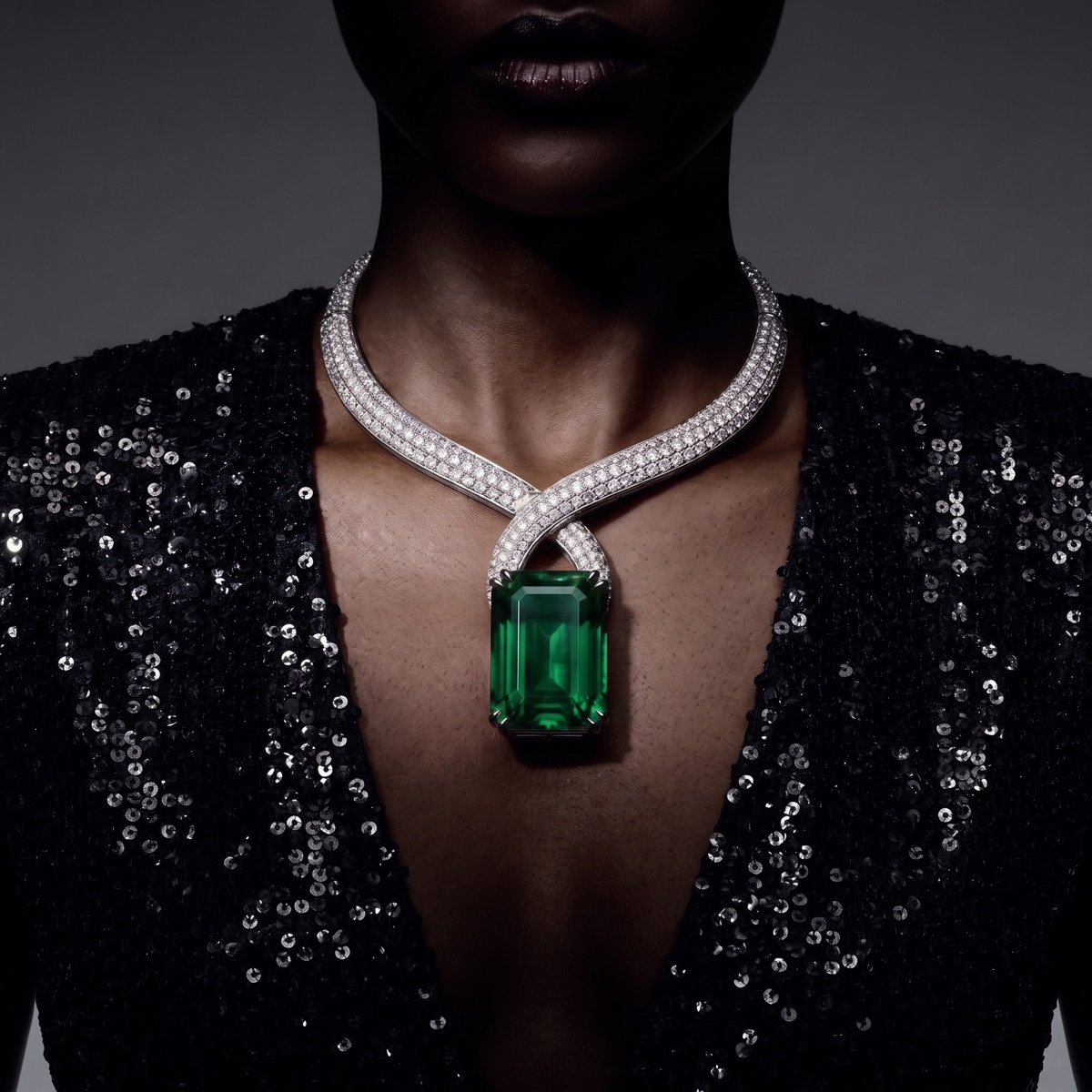
One necklace, from first sketch to campaign, on a single canvas.
Settle the form before anything is cast.
Turn a sketch into a render that shows balance, symmetry and proportion from more than one angle. See how a ring sits or a pendant hangs while changes are still cheap.
Try metals, stones and finishes on the same piece.
Compare yellow, white and rose metal, different stones and settings, polished and brushed finishes, side by side. Keep the version your team picks and the ones you set aside. Check fine detail against a sample before you commit.
A jewelry label launching a new collection brings in its sketches and photos of the first samples. It reviews directions, picks the ones to develop, and later makes product and lifestyle imagery for the approved pieces. Every image is checked against the real piece before it is published.
The catalogue is built from the same approved pieces, so the images and the details match.
02
Getting started.
The fastest way to judge CotonAI for jewelry teams is on your own product, not a demo file. Book a session and bring two or three pieces and the product photos you use today. We will run it in CotonAI with you, show you where it fits in your workflow, and recommend where to start.
Teams that want help setting up can add the Growth Team, who set up workflows and train your people, or the Creative Team, designers who do the work in CotonAI for you. Larger teams can see Enterprise for single sign-on, integrations and custom deployment.
Common questions.
How can jewelry brands use AI?
Jewelry brands use AI to explore design directions, make product and lifestyle imagery, and build catalogues from approved pieces, with every result reviewed before it is used.
Will the piece look the same as the real one?
CotonAI is built to keep the product true to the original, but fine details matter in jewelry, so review every image against the real piece before you publish. The fastest way to judge is on your own pieces in a demo.
Can I start from a photo of a sample?
Yes. Start from a sketch, a reference or a product photo.
Where do my designs go?
They stay in your workspace, and are never used to train AI models.